Salesforge logo

Salesforge is a sales outreach platform for email and LinkedIn campaigns, with reply management, warm-up, integrations, and an AI SDR option.

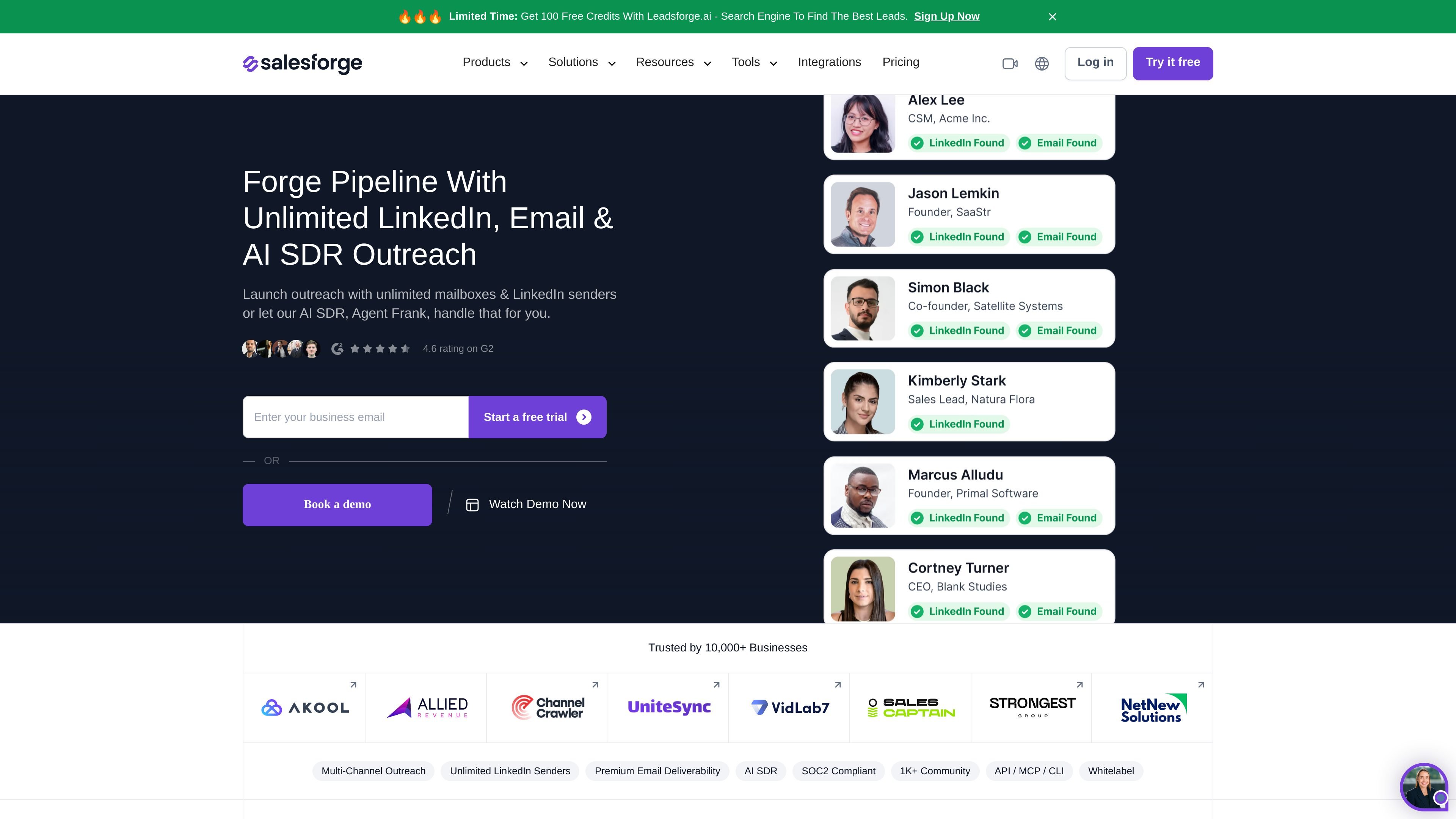
Salesforge preview

Overview

Salesforge is a sales outreach platform for running email and LinkedIn campaigns from one system. It combines multi-channel sending, reply handling, warm-up, and automation tools so teams can manage outbound work in a single workflow.

The product page highlights unlimited mailboxes and LinkedIn senders, while the pricing page adds sequence controls, mailbox rotation, IP rotation, email validation, and AI-generated replies. Salesforge also offers Agent Frank, an AI SDR that can handle outreach tasks from prospecting through booking meetings.

Core features

Unlimited sending setup

Launch outreach with unlimited LinkedIn senders and unlimited mailboxes, so teams are not forced into seat-based sending limits. The pricing page also shows support for separate workspaces, which helps keep projects organized.

Unified reply management

Primebox collects replies from email and LinkedIn in a single view and uses AI to analyze message content and assign tags. That makes it easier to keep conversations organized without switching tools.

Deliverability and warm up

Warmforge provides free, unlimited warm up with a premium warm-up pool, while Salesforge also rotates mailboxes and IPs automatically. These capabilities are aimed at maintaining sender reputation before and during sending.

AI SDR outreach

Agent Frank can run outreach from prospecting through meeting booking, giving users an AI SDR option alongside manual campaign setup. The product positions this agent as a way to expand pipeline coverage without adding headcount.

Credit-based campaign actions

The pricing page describes credits for active contacts, emails, validation, personalization, and social actions, including LinkedIn profile views, connection requests, and messages. This suggests the system is designed for structured multi-step campaigns with measurable usage.

Integrations and automation access

The integrations page says Salesforge connects with 1,000+ apps and includes native options such as GoHighLevel and Clay, plus custom workflows through Make and access via MCP, CLI, and API.

Common use cases

  • Multi-channel outbound campaigns

    Set up outbound sequences across email and LinkedIn, then manage replies in a single inbox while the system tags messages and rotates sending resources automatically.

  • Deliverability-focused sending

    Use Warmforge and the mailbox/IP rotation features to prepare sender infrastructure before launching campaigns and monitor mailbox health over time.

  • AI-assisted prospecting and follow-up

    Let Agent Frank handle prospecting and outreach tasks when a team wants to extend pipeline coverage without hiring additional SDR capacity.

  • Stack integration and automation

    Connect Salesforge with CRMs, Clay, GoHighLevel, Make, or API-based workflows to move leads into sequences and keep data flowing between tools.

  • Agency or multi-project operations

    Run campaigns for multiple clients or projects in separate workspaces and organize access around different teams or users.

Pros and Cons

Pros

  • Combines email, LinkedIn, warm-up, reply management, and automation in one platform.
  • Supports unlimited mailboxes and, on the pricing page, unlimited LinkedIn profiles for outreach.
  • Includes Primebox for centralized reply handling across email and LinkedIn.
  • Offers Agent Frank as an AI SDR for teams that want assistance beyond manual sequencing.
  • Provides integration access through native apps, Make, and MCP / CLI / API options.

Cons

  • The pricing page shows credit-based usage for several actions, so activity is not entirely flat-rate in practice.
  • The source does not give a full public plan breakdown, so some limits and differences between tiers remain unclear.
  • Several capabilities are described at a high level on the source pages, so implementation details may need closer evaluation before purchase.

FAQ

What does Salesforge do?

Salesforge is used to launch outreach across email and LinkedIn, with the option to hand outreach to Agent Frank, the company’s AI SDR. The product also includes Primebox for managing replies in one place.

Can teams use Salesforge together?

The source shows one plan can connect as many mailboxes as needed and, on the pricing page, unlimited LinkedIn profiles for outreach. It is positioned for individuals, teams, and larger organizations.

How does Salesforge fit into an outreach workflow?

The pricing page says Salesforge supports warming up mailboxes before launching sequences, rotating mailboxes and IPs automatically, and validating contacts with credits. The integrations page also shows Salesforge can connect with tools such as GoHighLevel, Clay, Make, and its MCP / CLI / API.

Does Salesforge support different languages or AI-assisted workflows?

The pricing page mentions running sequences in any language and using A/B tests to improve campaigns. The integrations page also notes that Salesforge can be used from chat with Claude and other AI assistants through MCP / CLI / API.

Is there a trial or published pricing?

The source shows a free trial on the pricing page and references a starting price of $48 per month, but it does not provide enough detail here to summarize full plan differences beyond those facts.

Quick Facts

Category
Sales engagement platform
Primary channels
Email and LinkedIn
AI feature
Agent Frank AI SDR
Reply inbox
Primebox
Pricing signal
Starting at $48/month with a free trial
Website
salesforge.ai