
AI Script Generation
Generate or write a script automatically, then turn it into a short video without starting from a blank timeline.

Revid AI is an AI video generator for short-form videos on TikTok, Instagram, and YouTube. Turn ideas, links, and recordings into videos with scripting, editing, and publishing in one workflow.
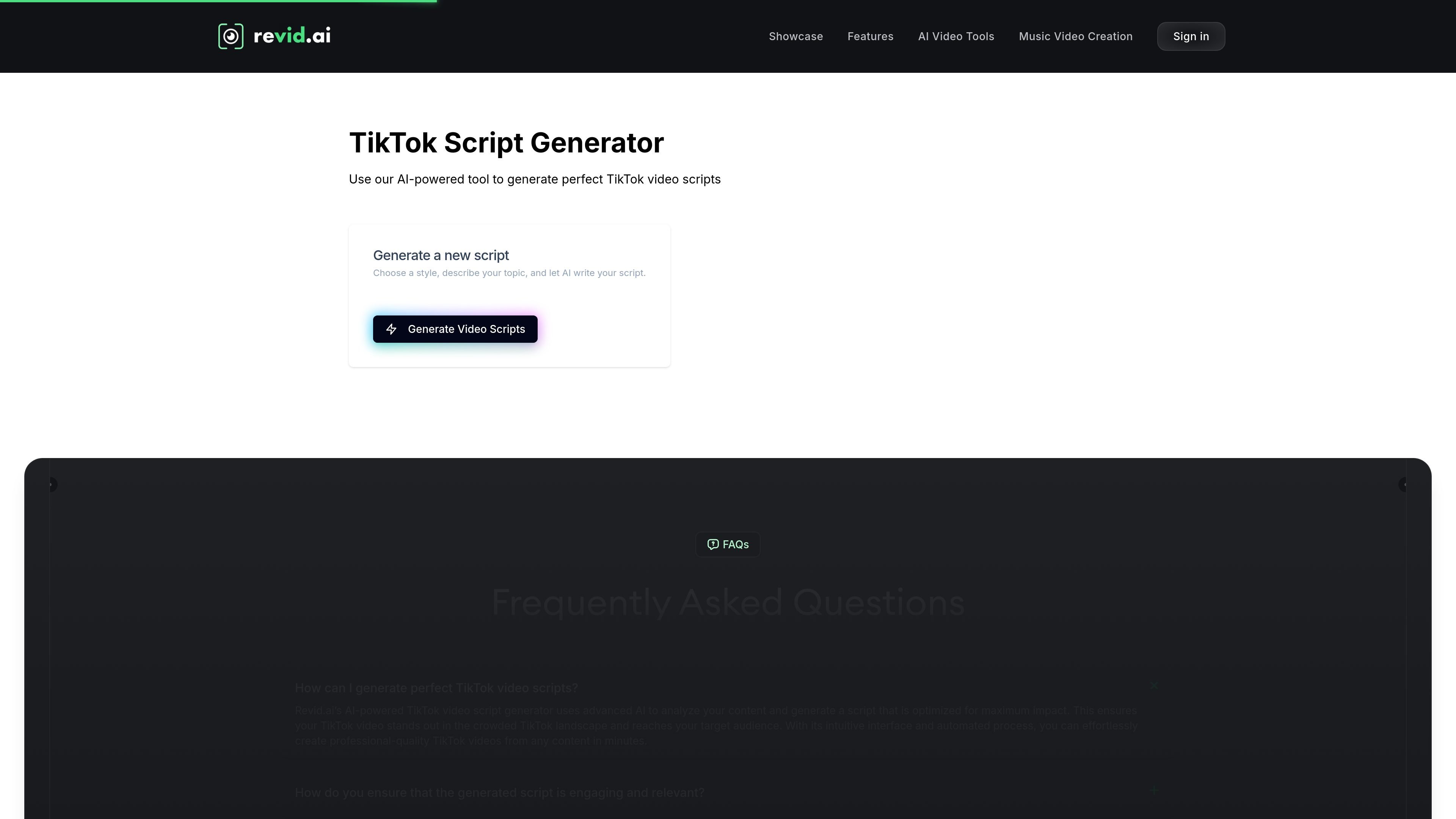
Revid AI is an AI video generator focused on short-form content creation for platforms such as TikTok, Instagram, and YouTube. The site presents it as an all-in-one workflow for ideating, creating, editing, and publishing videos from a single product.
The product is designed to turn ideas into videos quickly using AI-assisted scripting, automatic assembly, templates, voiceovers, and an editor. Across the site, Revid AI emphasizes creating viral-style short videos from text, links, recordings, and other inputs, with publishing tools aimed at creators who want to produce content without a traditional editing workflow.
Generate or write a script automatically, then turn it into a short video without starting from a blank timeline.
Create videos from text, website links, recordings, PDFs, images, and other source material mentioned on the site.
Choose formats such as TikTok, YouTube, or AI talking-avatar styles, with templates designed for short-form output.
Use editing tools built for quick adjustments, with the site emphasizing a simple workflow rather than a traditional editor.
Export high-resolution videos without watermarks, with the site stating that exported content remains owned by the user.
Access voiceovers and related automation features, including multilingual voice support and options called out on the pricing page.
Creators can turn a rough concept or trend idea into a short video using AI-assisted scripting and automatic assembly.
Users can adapt links, recordings, or other source material into social-ready videos for TikTok, Instagram, and YouTube.
Artists and content creators can produce music videos or other audio-led short videos using the music video workflow highlighted on the site.
Teams or brands can scale repetitive content production by using automation features, templates, and higher-usage plans.
Users who want a simpler publishing workflow can create, edit, and publish from one platform instead of stitching together multiple tools.
Yes. The pricing page shows monthly and annual plans, with options for different usage levels. The site also states that you can cancel anytime and that content ownership remains with the user.
Revid AI is built to turn ideas, text, links, recordings, and other source material into short-form videos. The homepage and features page position it for creating content for TikTok, Instagram, YouTube, and similar formats.
The site describes support for text, links, recordings, social posts, and tools like AI script generation, video styles and templates, voiceovers, and an editor. The pricing page also mentions API, MCP, and CLI access on the Growth plan.
The source shows social video publishing and creation in short-form formats, but it does not provide detailed documentation for every integration or advanced workflow. Pricing information is available, but the site text shown here does not provide a full public breakdown of every limit for every plan.