
Generate unit tests
Paste code and ask Refraction to generate unit tests for a chosen framework.

Refraction is an AI code generation tool for developers that helps with refactoring, documentation, unit tests, bug detection, and code conversion.
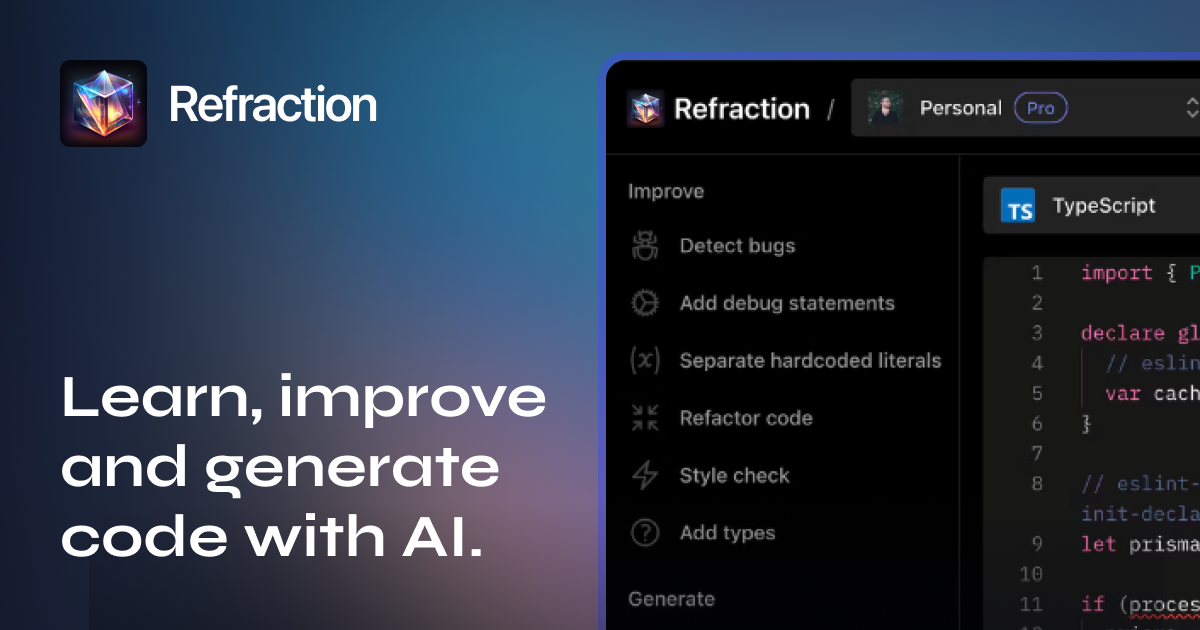
Refraction is an AI-powered code generation tool for developers. It is designed to help with routine software tasks such as refactoring, documentation, unit tests, bug detection, code explanation, and code conversion.
The product works by letting you paste a block of code, choose a language or framework, and generate an output. The site also shows a broad set of supported workflows, including regex generation, SQL generation, diagram creation, CSP generation, and CI/CD pipeline creation.
Paste code and ask Refraction to generate unit tests for a chosen framework.
Refactor code, improve code, and detect bugs to modernize or clean up existing source.
Create inline documentation, explain code, and add debug statements to make code easier to understand.
Generate SQL queries, regexes, diagrams, CSPs, functions, and CI/CD pipelines from prompts.
Convert code or CSS styles between languages and frameworks when you need to move between stacks.
Use the editor extensions, terminal app, and GitHub Autoreview workflow for different development environments.
Generate unit tests, documentation, and refactors from existing code when you want to speed up routine implementation work.
Ask for explanations, type additions, bug detection, and style checks when you need help understanding or cleaning up unfamiliar code.
Use the SQL, regex, diagram, CSP, and CI/CD generators for structured outputs that are tedious to write by hand.
Work in the environment you prefer by using the web app, editor extensions, terminal CLI, or GitHub Autoreview for PR-related work.
Use team plans, shared code history, unified billing, and admin analytics when multiple people need to work from the same account structure.
Refraction offers a free 7-day trial. The pricing page also says you can use the service for free for 10 uses before subscribing.
The pricing page says Refraction accepts major credit cards, including Visa, Mastercard, American Express, and Discover.
No. The pricing page says refunds are not offered, but subscriptions can be canceled at any time.
Refraction stores the code you submit and the response it generates so you can browse previous generations in History. The page says the data is not analyzed, not shared with third parties, and is only available to the user who entered it.
The pricing page says student and non-profit discounts are not currently offered, though the team is open to discussing requests through contact.