
Built-in productivity tools
Raycast combines built-in tools such as Clipboard History, Calendar, Window Management, Quicklinks, Calculator, and Snippets in one launcher so common actions stay in a single command surface.
Raycast is a keyboard-first productivity launcher for macOS and Windows with built-in tools, AI features, and community extensions.
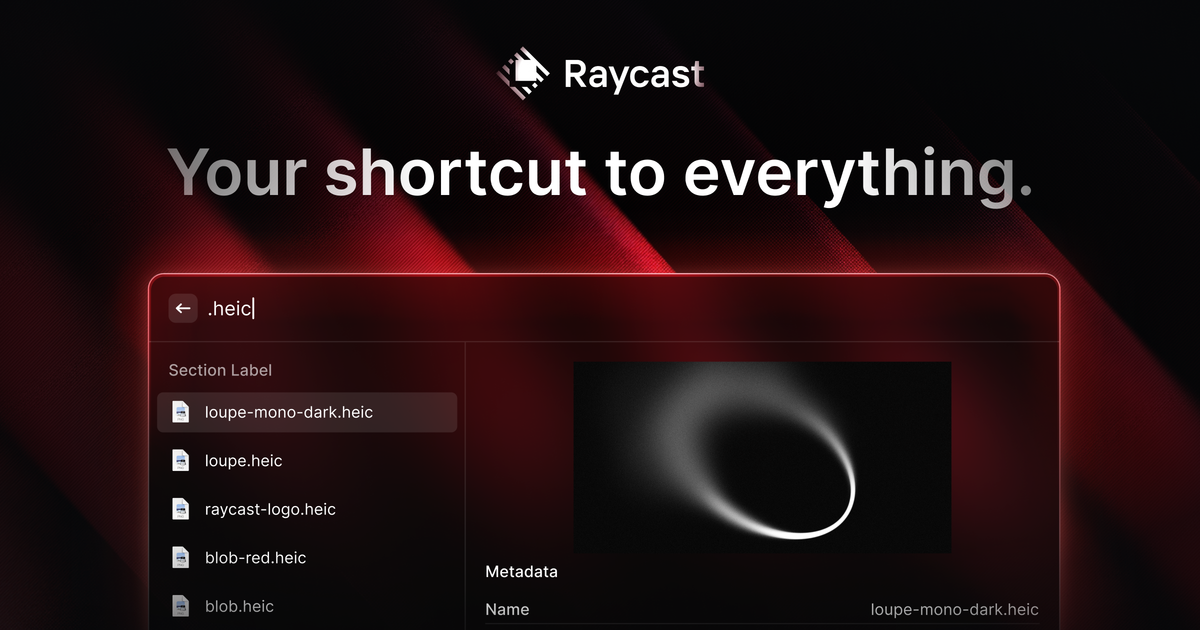
Raycast is an extendable launcher for macOS and Windows that brings together productivity tools, shortcuts, and community extensions in one keyboard-first interface. It is designed to let people open apps, search, manage clipboard items, trigger workflows, and access information without leaving the launcher.
The product positions itself as a productivity layer for both individual and organizational use. The site highlights built-in features such as Clipboard History and Window Management, plus AI tools, snippets, quicklinks, and a store of thousands of extensions for additional workflows.
Raycast combines built-in tools such as Clipboard History, Calendar, Window Management, Quicklinks, Calculator, and Snippets in one launcher so common actions stay in a single command surface.
The Store and extension system lets users add thousands of community-built extensions, extending the launcher beyond the core feature set.
Clipboard History stores copied text, images, colors, and links locally, with encrypted storage and automatic ignoring of password-manager copies and transient data.
Quicklinks and Hotkeys let users launch apps, URLs, and workflows from aliases or keyboard shortcuts instead of navigating menus.
Raycast AI adds Quick AI, always-on chat, and AI Commands for asking questions, drafting content, or automating repetitive tasks from the desktop.
Developers can build extensions with React, TypeScript, and Node, then publish them to the Raycast Store.
Use Raycast to launch apps, search content, run commands, and jump between frequent actions from the keyboard instead of opening separate utilities.
Use Clipboard History to recover earlier copied items, pin entries you reuse often, and keep text, images, colors, and links organized locally on your Mac.
Use Quicklinks, Hotkeys, Snippets, and AI Commands to automate repetitive tasks such as inserting templates, opening URLs, or triggering recurring workflows.
Use the Store and extension framework to add tools for tasks like issue tracking, translation, browser control, note taking, and calendar-related work.
Use the team-oriented plans to share snippets, quicklinks, commands, and custom extensions across an organization.
Raycast offers a free personal plan and also Team plans for organizational use. The pricing page says the free plan does not expire for teams, though team usage has limits on shared Snippets, Quicklinks, and Commands.
Yes. Raycast says its Free and Team plans can be used in corporate environments, and you do not need to upgrade to a paid tier to use the free features for an organization.
No. The pricing page says Pro plans include AI. You can turn AI off in Settings, but the Pro plan itself always includes it.
Raycast lets you install and use the Clipboard History extension, enable it from the Extensions panel, and optionally assign a hotkey or alias for faster access.
Yes. Raycast offers a 50% discount on the Pro plan for verified students. The discount does not apply to the Advanced AI add-on.