
Scene-aware automatic correction
Radiant analyzes each photo and applies scene-aware corrections automatically, so you start from an image that is already adjusted rather than from a flat default.

Radiant Photo is a scene-aware photo editing app for Windows and macOS with fast automatic corrections, local processing, and standalone or plugin use.
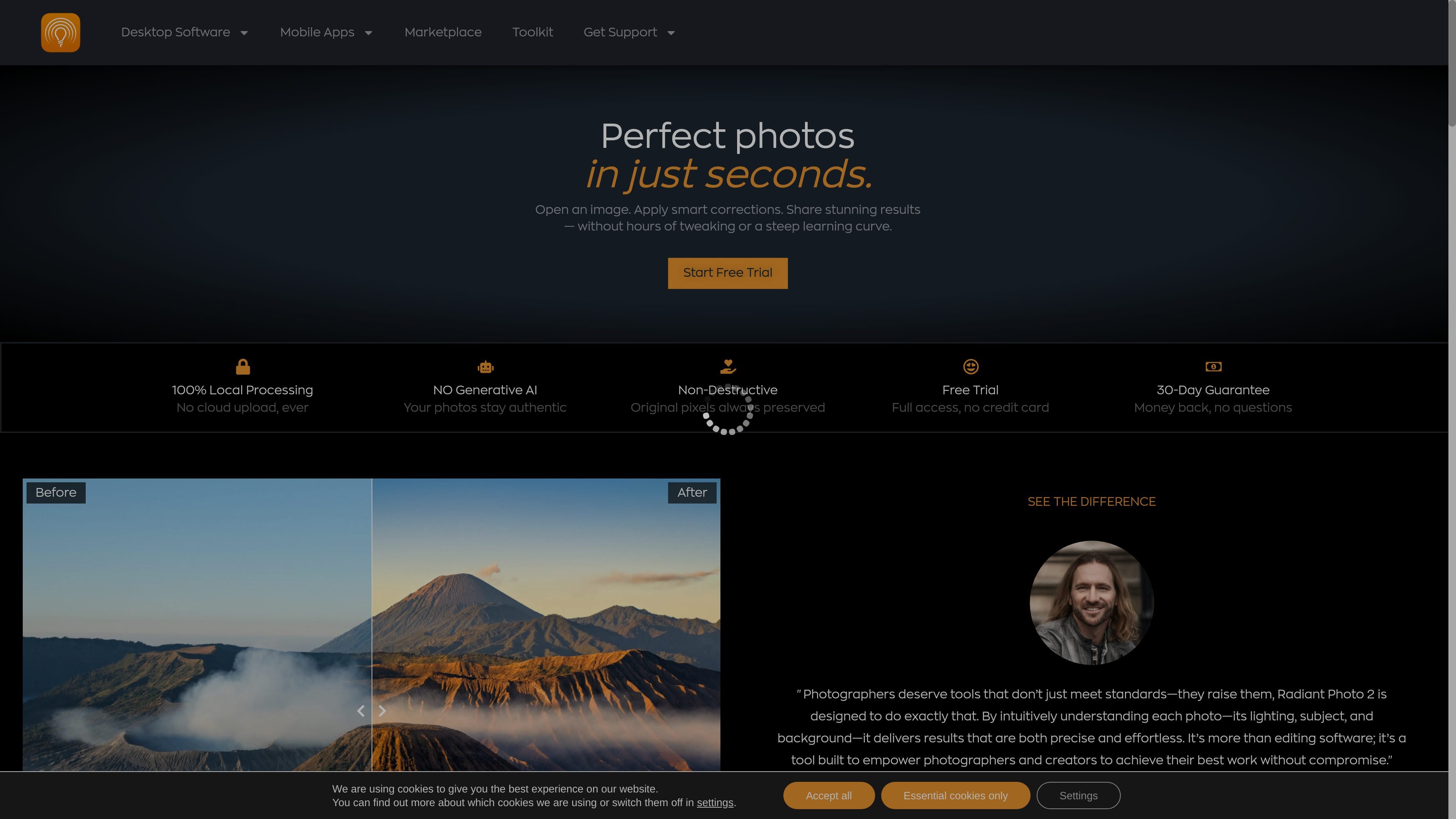
Radiant Photo is a photo editing application from Radiant Imaging Labs that uses scene-aware analysis to apply smart corrections quickly. It is positioned for photographers and creators who want strong starting edits without spending much time on manual adjustment.
The product emphasizes local processing, non-destructive editing, and a workflow that can run either as a standalone app or as a plugin inside Photoshop, Lightroom Classic, and Apple Photos. The site also highlights genre-specific workflows for landscape, portrait, birds, and pets photography.
Radiant analyzes each photo and applies scene-aware corrections automatically, so you start from an image that is already adjusted rather than from a flat default.
The homepage says edits are designed to finish quickly, with many images taking about 1–3 minutes to process.
Processing stays on the local machine, and the product explicitly says no cloud upload is required.
Changes remain editable after application, which supports a non-destructive workflow and keeps the original pixels intact.
The app supports custom workspaces and smart batch export, which helps when editing many files with a consistent setup.
Radiant can run as a standalone app or as a plugin inside Photoshop, Lightroom Classic, and Apple Photos.
Open a photo and let Radiant apply a scene-aware starting correction, then make only the final tweaks needed to finish the image.
Use the portraiture workflow for studio, outdoor, environmental, or group portraits when you want skin tone detection, color-cast correction, and portrait-oriented adjustments.
Use the birds workflow when editing bird photos that need species-aware adjustments, feather detail, and efficient batch handling.
Apply the landscape workflow to wide-angle or travel images when you want skies, natural colors, and detail brought forward from the start.
Run Radiant as a plugin inside Photoshop, Lightroom Classic, or Apple Photos when you want to keep an existing editing stack while adding Radiant’s automatic correction pass.
Radiant Photo 2 is a photo editing app for Windows and macOS. It works as a standalone application or as a plugin inside Photoshop, Lightroom Classic, and Apple Photos.
No. The site states that Radiant Photo does not use generative AI. Its AI analyzes the scene and applies corrections such as exposure, color, and detail while respecting the original pixels.
The website says all image processing happens locally on your computer, with no cloud upload required.
The trial page says you can try Radiant Photo free of charge for 30 days without restriction and without payment details required.
Radiant Photo is designed to work in simple mode with seven controls or in advanced mode with full manual control, so it can suit both quick edits and more hands-on workflows.