
Slide creation and editing
Create slides from a blank canvas, a template, or Pitch’s AI workflow, then keep control over layout and placement in the editor.

Pitch is an AI presentation workspace for creating, collaborating on, and delivering slide decks. Keep decks on brand while drafting, sharing, and following up in one cloud-based product.
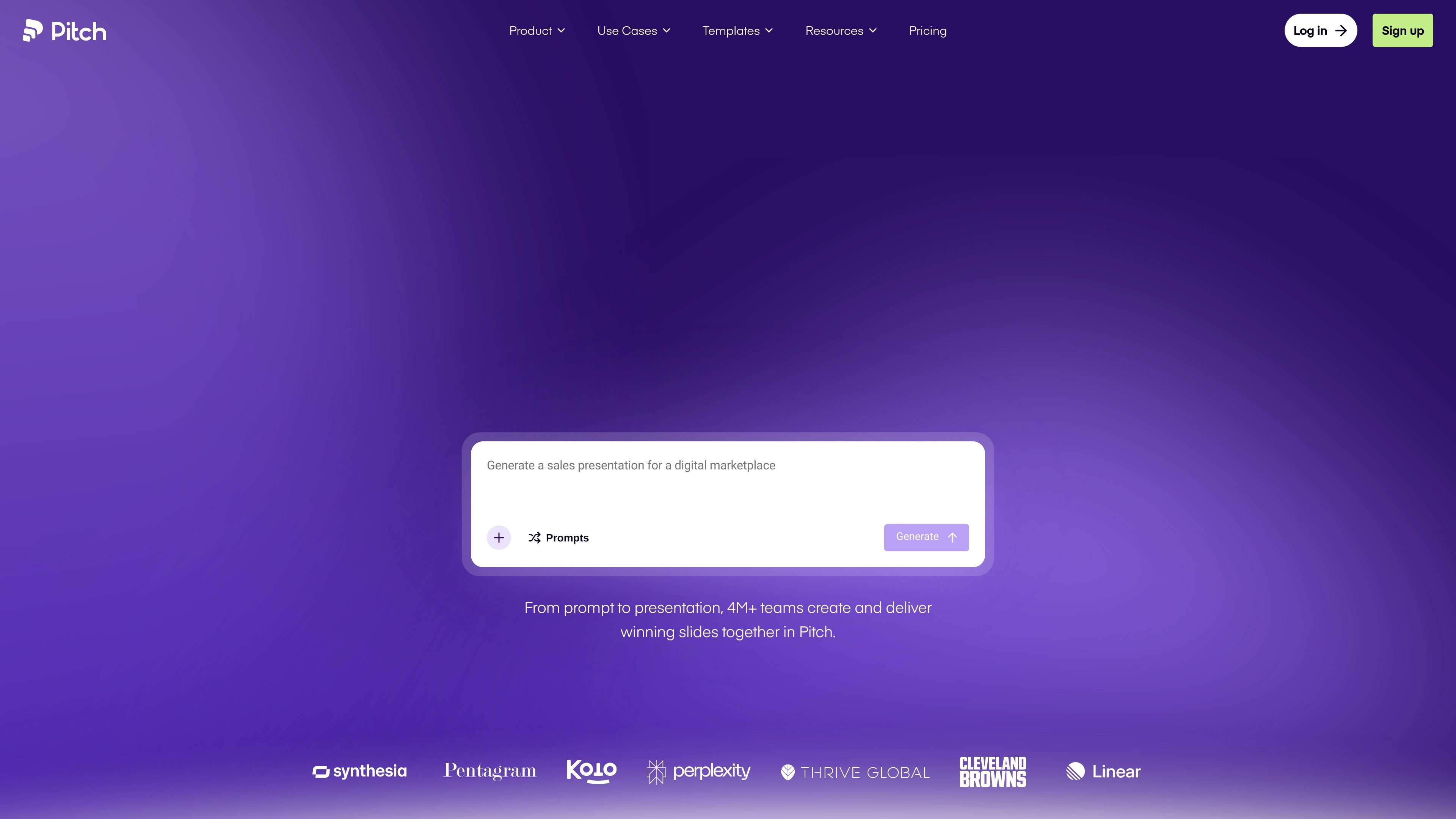
Pitch is an AI presentation workspace for creating, collaborating on, and delivering slide decks in one cloud-based product. It is designed for teams that need to keep presentations on brand while working across drafts, reviews, sharing, and follow-up.
The product combines a slide editor, AI-assisted generation, collaboration tools, brand controls, sharing options, and engagement tracking. The site positions it as a workspace for everything from first draft to delivery, with pricing tiers that range from a free workspace to Enterprise.
Create slides from a blank canvas, a template, or Pitch’s AI workflow, then keep control over layout and placement in the editor.
Use Pitch Agent to generate on-brand slides, personalize messaging, and enhance visuals for presentation workflows.
Work together with live co-editing, slide assignments, and contextual comments so teams can divide up presentation work inside the workspace.
Keep decks aligned with shared templates, a brand library, custom fonts on paid plans, and content variables for repeated information.
Share decks through live links, custom deal rooms or pitch rooms, branded links, and custom domains on supported plans.
Review visitor data, slide views, and time spent on slides to understand engagement and timing for follow-up.
Build presentation drafts from a template or AI prompt, then refine the layout and design in the editor before sharing the deck.
Split work across a team with live co-editing, slide assignments, and comments so multiple people can contribute without leaving the workspace.
Prepare sales materials with customer logos, personalized content, deal rooms, and presentation analytics that help teams decide when to follow up.
Maintain a consistent presentation system with shared templates, a brand library, custom fonts, and content variables for repeated details.
Share presentations through links or pitch rooms and review visitor activity, slide views, and time spent on slides after delivery.
Pitch offers a free workspace for up to 5 members. Paid plans add more AI credits, branding controls, export options, guests, analytics, and workspace management features depending on the tier.
Yes. The pricing page describes Free, Plus, Team, Business, and Enterprise plans. Free and paid workspaces have different member limits and feature sets, and Enterprise is available for larger organizations with custom requirements.
Pitch supports collaboration features such as live co-editing, slide assignments, contextual comments, shared templates, and a single cloud-based workspace for team presentations.
The site says Pitch can share presentations through live links, custom deal rooms or pitch rooms, and branded sharing links. Higher tiers add advanced links, custom domains, and tracking of visits, slide views, and time spent on slides.
Pitch is positioned as a presentation workspace for creating, collaborating on, and delivering slide decks, with AI-generated slides, brand controls, and engagement tracking. It is not presented as a general document editor or spreadsheet tool.