
Studio 3.0 AI photoshoots
Upload a selfie and generate curated looks such as editorial, CEO, fantasy, vintage, and anime styles. The site emphasizes fast results and the ability to edit shots until they are ready.

Photo AI Studio is a web-based AI image and video generator for headshots, product shots, clothes try-on, hairstyle previews, and styled visuals without a photoshoot.
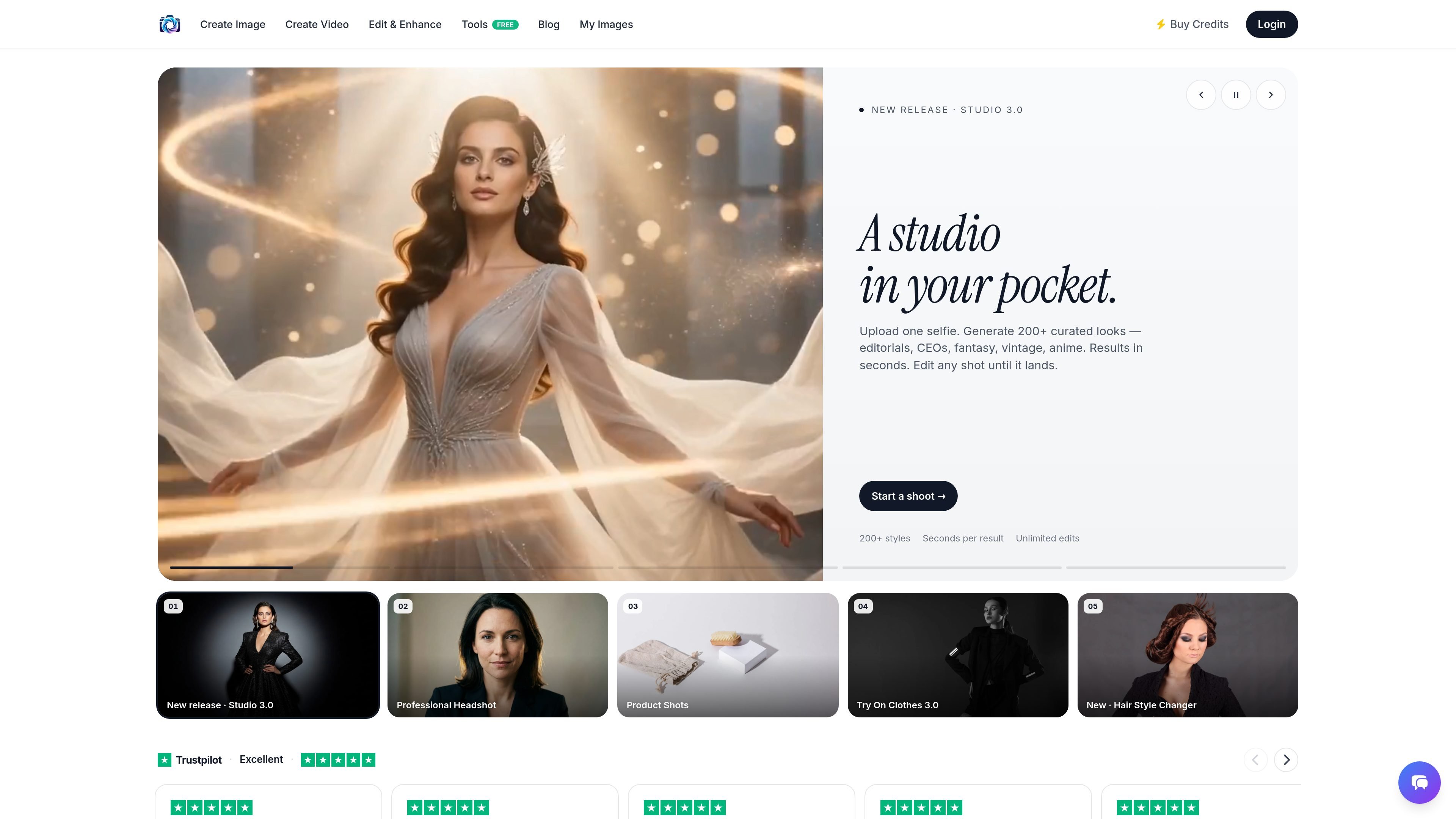
Photo AI Studio is an AI photo and video generation site that turns uploaded selfies, products, garments, and other images into styled visuals. The homepage presents it as a “studio in your pocket” with fast generation, editable outputs, and a range of use-specific workflows.
Its core purpose is to replace parts of a traditional photoshoot process with generated images: profile headshots, product imagery, virtual try-on, hairstyle previews, and short-form video. The site also highlights a large style library and several supporting editing tools for refining the result after generation.
Upload a selfie and generate curated looks such as editorial, CEO, fantasy, vintage, and anime styles. The site emphasizes fast results and the ability to edit shots until they are ready.
Create polished profile photos by uploading a selfie and choosing references like studio, office, or outdoor settings. The product positions this as a LinkedIn-style headshot workflow with a cinematic result.
Upload a product and generate scene-based imagery such as lifestyle, studio, or editorial shots. The site presents this as a way to produce campaign-ready visuals without a photographer or studio rental.
Upload a garment and a model to preview how clothing looks on different bodies. The copy says users can swap fabrics and poses without arranging a new shoot.
Upload a selfie and choose a haircut or color such as pixie, curls, bob, or hair color changes. The tool shows style changes in seconds and is aimed at pre-salon exploration.
The site also surfaces supporting tools such as background changes, magic erasing, image expansion, relighting, and clothing swaps. These are framed as quick editing utilities around the main generation workflow.
Generate profile photos that look more polished than a casual selfie, using studio, office, or outdoor references as starting points.
Create product-focused imagery for ads or ecommerce pages without organizing a physical shoot, especially when you need lifestyle or editorial framing.
Preview how a garment appears on a model before production, merchandising, or purchase, with support for different bodies, fabrics, and poses.
Test haircut or color ideas before a salon visit by uploading a selfie and browsing style options such as bob, curls, or pixie cuts.
Produce quick visual variations or supporting edits with background changes, object removal, relighting, or image expansion after the first render.
Photo AI Studio is designed for creating AI-generated photos and short-form video from uploaded images or a selfie. The site highlights headshots, product shots, clothes try-on, hair style changes, AI photo styles, and UGC video tools.
The homepage says you can upload one selfie to generate curated looks, upload a product for campaign-style shots, or upload a garment and model for try-on results. The workflow is presented as fast and editable, with results in seconds and the ability to rerun until you like the image.
The site promotes a free AI photo studio and also has a pricing page, but the collected text does not show the plan structure or any prices. It is safe to say there is at least a pricing flow, but not to infer specific tiers or limits.
The source mentions developer, integrations, and MCP pages, which suggests support for connected workflows, but the collected text does not list specific integration targets or technical setup details. Those capabilities should be treated as present on the site, but not fully documented in the captured copy.