
Study material generation
Turns uploaded class materials into study guides, notes, flashcards, quizzes, and practice questions. The product pages describe this as a way to study directly from lecture slides, textbooks, lab notes, or problem sets.

Penseum is an AI study tool that turns class materials into notes, flashcards, quizzes, and practice questions, with live step-by-step tutoring for homework and exam prep.
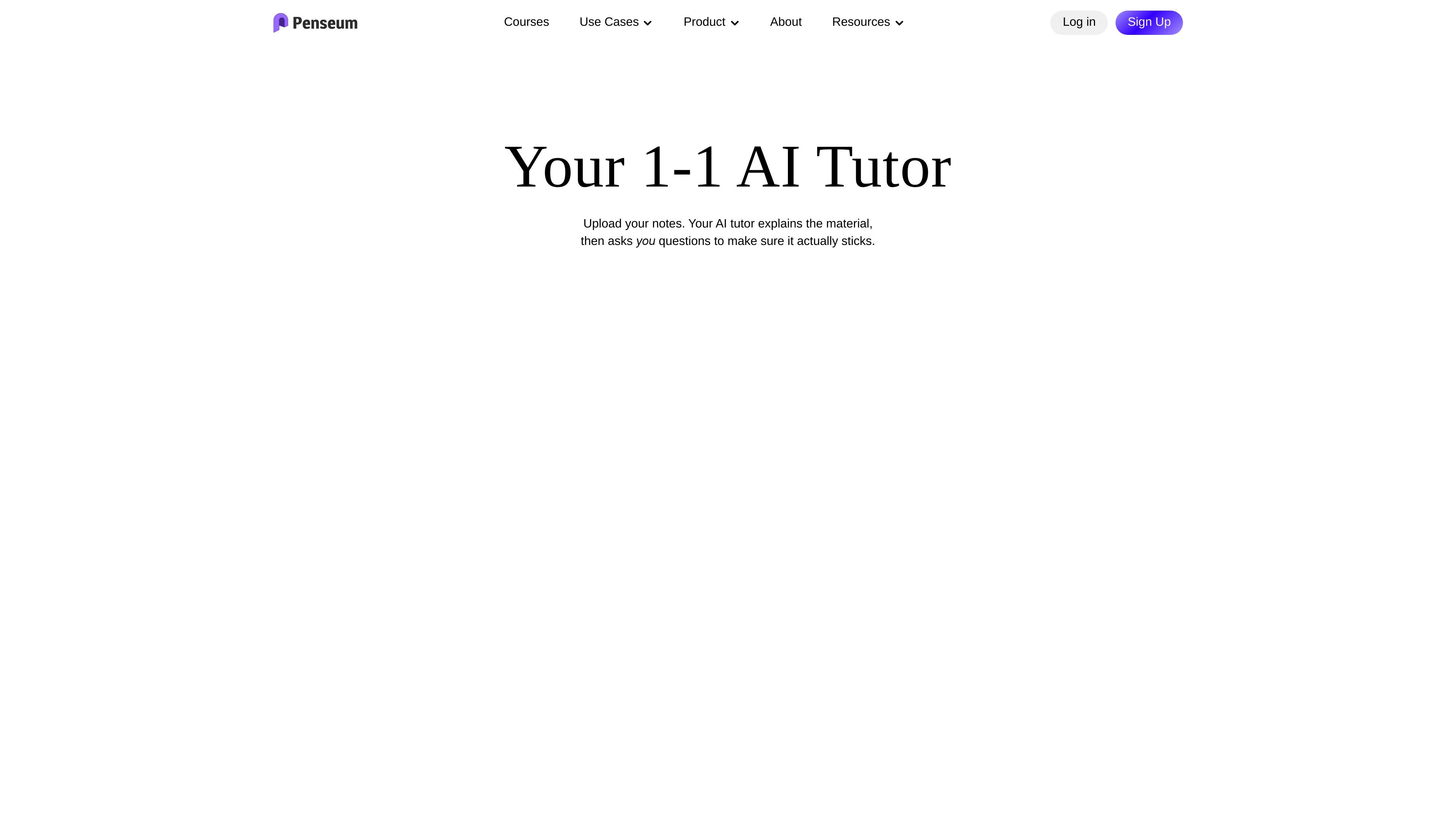
Penseum is an AI study tool and study guide maker for students who want to turn class materials into notes, flashcards, quizzes, practice questions, and guided explanations. The site positions it as a study assistant for subjects such as biology, chemistry, math, economics, and social sciences.
The homepage also presents Penseum as a live AI tutor. It can see the user’s screen or canvas, walk through a problem step by step in real time, draw diagrams, annotate work, and continue explaining until the learner understands the concept.
Turns uploaded class materials into study guides, notes, flashcards, quizzes, and practice questions. The product pages describe this as a way to study directly from lecture slides, textbooks, lab notes, or problem sets.
Provides step-by-step help on problems so users can follow the process rather than only see the final answer. Math, biology, and chemistry pages all describe guided solutions for coursework and homework.
Lets users ask questions or work on a problem while the tutor responds in real time. The homepage says it can see your screen, explain concepts step by step, and keep going until the idea clicks.
Supports practice at multiple levels, including targeted practice questions and full-length custom exams. The source says question types can include multiple choice, short answer, true/false, essays, and problem-solving formats.
Uses visual, on-screen explanation for worked problems. The homepage says the tutor can draw diagrams, annotate the screen, and mark where an answer went wrong.
Tracks what the learner has mastered and what still needs work, so later sessions can focus on weak spots. The homepage describes this as adapting to what matters most in each session.
Upload lecture slides, textbook chapters, or lab notes and generate flashcards, quizzes, and concise study guides for review sessions.
Work through a tough math, chemistry, or biology problem with step-by-step guidance when you need help understanding the process, not just the answer.
Create a custom practice test from your own notes or chapters to simulate exam conditions before a quiz, midterm, or final.
Review terminology and definitions in memory-heavy classes such as biology or pre-med, where repeated flashcard practice is useful.
Ask follow-up questions or upload a problem set when you want real-time help that responds to what is on your screen or canvas.
Yes. The homepage states that Penseum is free to use, and also mentions a premium subscription priced at $29.99.
The source shows study guides, notes, flashcards, quizzes, practice questions, custom practice tests, and step-by-step solutions. The biology and chemistry pages also mention chatbot help.
Yes. The site says you can upload lecture slides, notes, textbooks, lab reports, or problem sets, and in some cases type a question or write directly on the canvas.
The homepage lists Biology/Med, Social Sciences, Chemistry, Maths, and Economics as subject areas, and the subject-specific pages expand on math, biology, and chemistry support.
The source does not show a working pricing page. The /pricing URL returns a page-not-found response, so pricing details beyond the homepage mention are not available here.