
Broad text import and OCR
Import PDFs, EPUBs, DOCX files, presentations, emails, web articles, and TXT content. The site also says Peech can scan printed pages and handle photographed text with OCR, including handwriting in some cases.

Peech is a text-to-speech app and Chrome extension that turns articles, documents, books, emails, and scanned pages into audio. It supports iOS, Chrome, and enterprise use cases, with multilingual playback and content-specific voice presets.
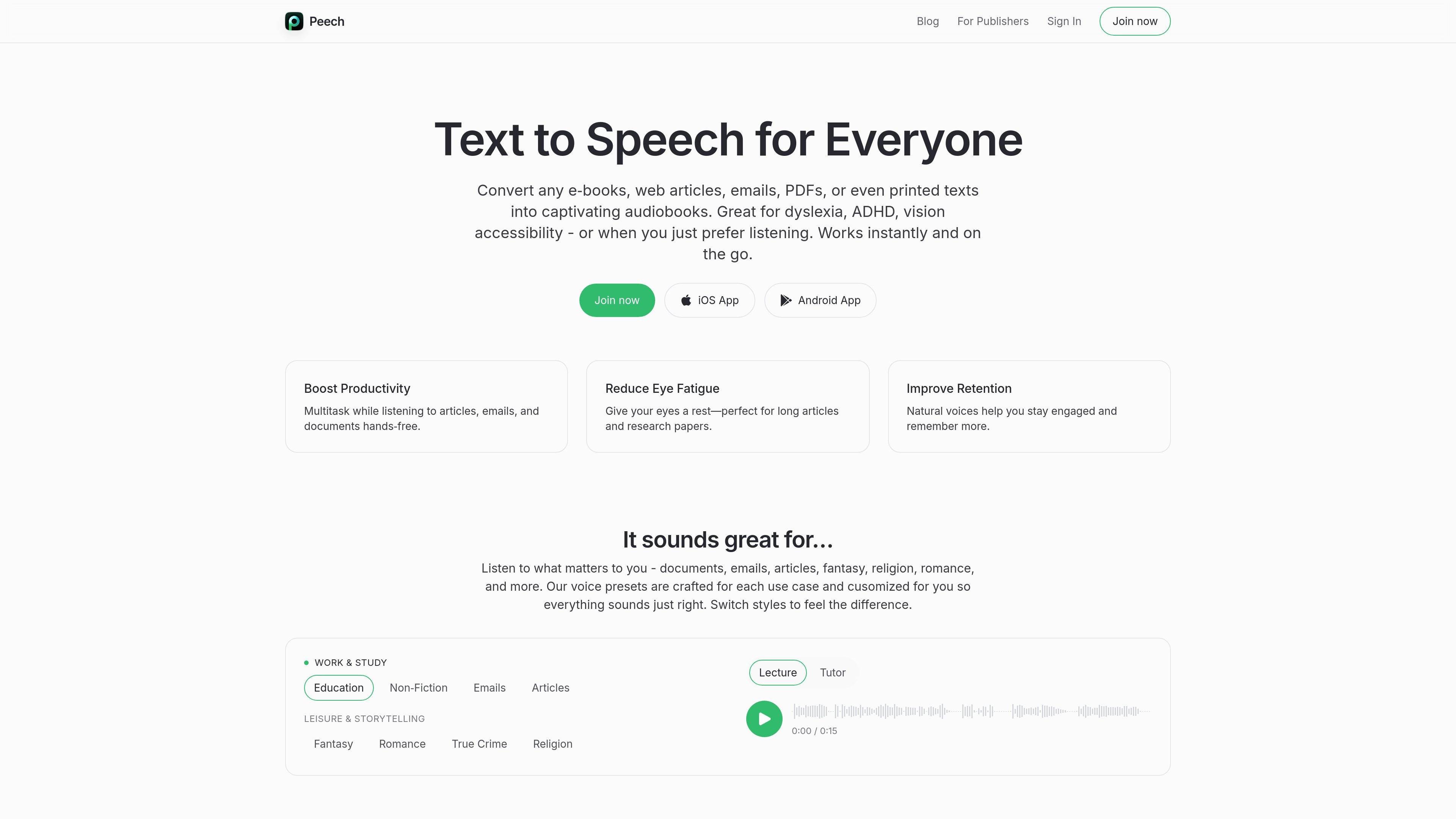
Peech is a text-to-speech product for reading articles, documents, books, emails, PDFs, and scanned pages aloud. The site positions it as a listening tool for iOS, Chrome, Android, and broader enterprise use, with a focus on making long-form reading easier to handle on the go.
Its main job is to turn written material into natural-sounding audio with support for many languages, synchronized text highlighting, OCR for scans and handwriting, and content-specific voice presets. The product is also positioned for publishers and education customers, where the site offers separate contact flows for larger or more specialized use cases.
Import PDFs, EPUBs, DOCX files, presentations, emails, web articles, and TXT content. The site also says Peech can scan printed pages and handle photographed text with OCR, including handwriting in some cases.
Choose from content-specific voice presets for news, romance, fiction, religion, and other styles. Some presets include ASMR and anime options, and multi-voice narration can reflect headings, quotes, and captions.
Listen in more than 60 languages with natural voices. Peech says it can detect language automatically and support right-to-left scripts.
Read along with synchronized text highlighting while listening. The homepage also calls out adjustable playback speed for a more personal listening pace.
Save web pages and PDFs to the Peech library from Chrome in two clicks. The extension page says it works with articles, Google Docs, and research papers.
Support different reading contexts such as work, study, education, and leisure storytelling. The homepage frames the product around articles, emails, documents, and long-form reading.
Turn articles, emails, and documents into audio so you can listen while commuting, doing chores, or handling other tasks. The homepage explicitly frames this as a way to multitask hands-free.
Use synchronized highlighting and speed control to work through long papers, study materials, or research documents with more focus. The homepage positions the product as useful for reducing eye fatigue and improving retention.
Import PDFs, EPUBs, DOCX files, scanned pages, and handwritten notes into audio form when reading text on paper or from images. The site says OCR handles photos and handwriting with notable accuracy.
Save web pages and PDFs from Chrome into a Peech library and listen later with natural AI voices. The extension page specifically mentions articles, Google Docs, and research papers.
Work with a publisher sales flow to transform large libraries into narrated audio, including web novels and fiction with character dialogue. The publisher page emphasizes multilingual output, scale, and speed.
Peech can read e-books, web articles, emails, PDFs, EPUBs, DOCX files, presentations, and scanned or photographed text, including handwriting in some cases. The homepage also says it supports synchronized text highlighting, speed control, and 60+ languages.
The site presents Peech as available on iOS and Chrome, with Android listed on the homepage navigation. It also references enterprise and educational offerings, plus a Chrome extension for saving web pages and PDFs to a Peech library.
The homepage describes voice presets for different content styles, including news, romance, fiction, religion, ASMR, and anime. It also says presets can use multiple voices to narrate headings, quotes, and captions in structured text.
The publisher page says teams can talk to sales, and the education page invites schools and institutions to request an education offer. The pricing page itself returns a 404, so publicly visible plan details are limited in the collected source.
The source does not show export formats or editing controls beyond listening, highlighting, language switching, and speed control. For detailed workflow or enterprise deployment questions, the site points users toward sales or education contact flows.