
CPU model selection
Select from a built-in list of CPUs, including Intel Core, AMD Ryzen, Threadripper, Xeon, Apple M1 Ultra, and Apple M2 Max entries.

PC Bottleneck Calculator is a browser-based tool for checking how CPU, GPU, RAM, and display resolution may affect PC performance.
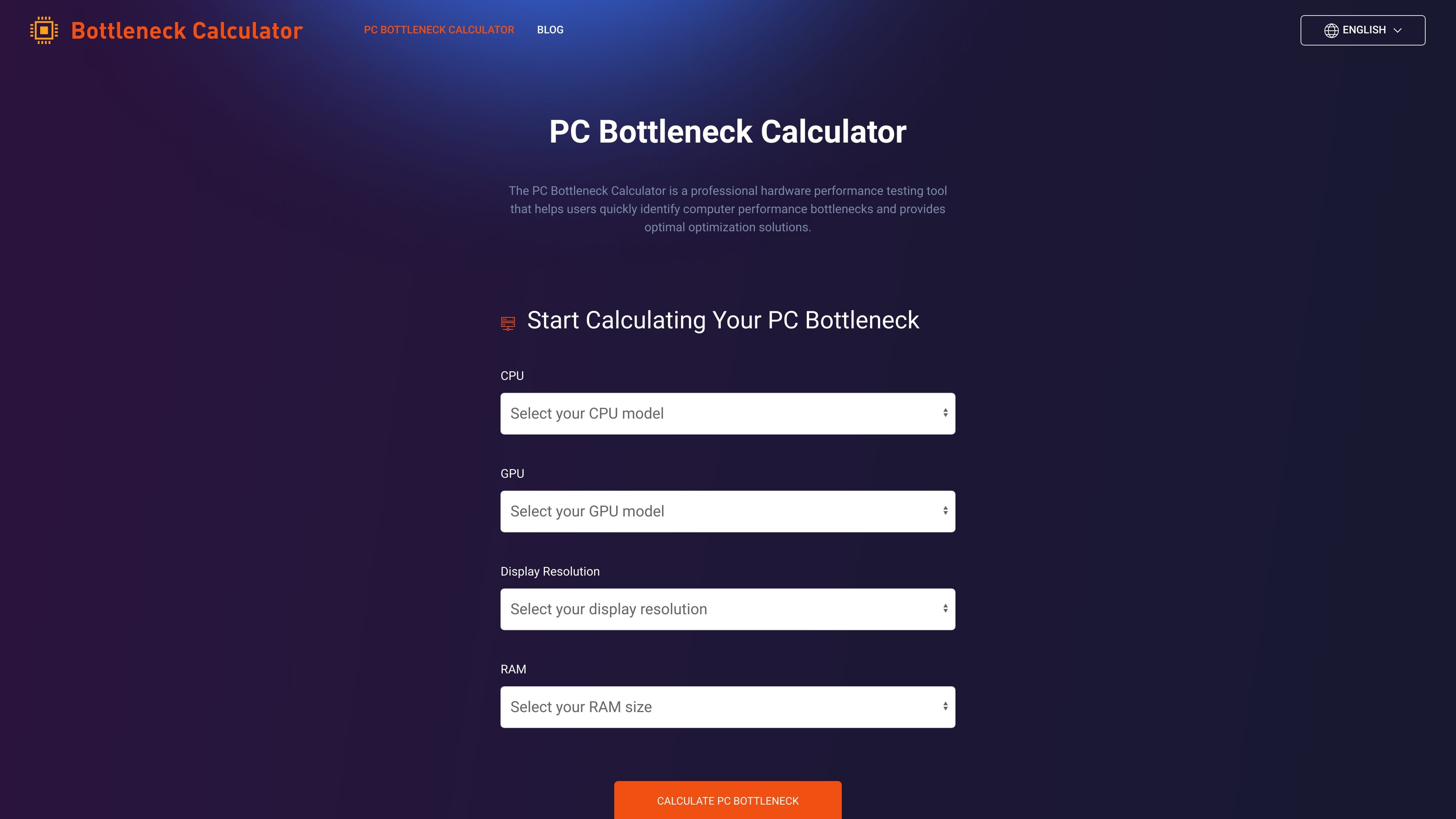
PC Bottleneck Calculator is a browser-based hardware analysis tool that helps users identify potential performance mismatches in a PC build. It focuses on the relationship between CPU, GPU, RAM, and display resolution to estimate where a system may be constrained.
The site positions the calculator as a practical reference for people planning upgrades, comparing parts, or checking whether a current configuration is balanced. It also includes explanatory content that discusses bottlenecks, interpretation of results, and general performance tuning advice.
Select from a built-in list of CPUs, including Intel Core, AMD Ryzen, Threadripper, Xeon, Apple M1 Ultra, and Apple M2 Max entries.
Compare a wide range of NVIDIA, AMD, and Intel Arc GPU options to evaluate how the graphics card fits the rest of the system.
Choose from multiple common and high-resolution display presets, from 720x480 up to 10240x4320, plus other aspect ratios.
Set memory capacity from 4GB to 128GB so the calculation reflects the system’s RAM level.
Review a bottleneck percentage along with recommended upgrades and smart AI upgrade suggestions after calculation.
Read explanatory guidance that discusses bottleneck interpretation, common causes, and tuning tips such as driver updates, game settings, cooling, and overclocking.
Check whether a chosen CPU and GPU are likely to be balanced before buying parts for a new PC build.
Evaluate an existing desktop or laptop configuration when performance feels limited in games or other demanding tasks.
Compare upgrade paths by changing CPU, GPU, RAM, and resolution inputs to see how the recommended output changes.
Use the calculator as a starting point for performance tuning decisions, then apply the site’s general guidance on drivers, cooling, settings, and overclocking.
Read related articles in the site’s blog for background on bottlenecks, hardware balance, and optimization strategies.
Yes. The page presents the calculator as a browser-based tool where users choose a CPU, GPU, display resolution, and RAM size before running a bottleneck calculation.
The result area shows a bottleneck percentage, recommended upgrades, and smart AI upgrade suggestions.
The source notes that results are helpful but not absolutely precise because software optimization, thermal throttling, manufacturing variation, and driver changes can affect performance over time.
The product page and blog focus on PC hardware analysis, especially CPU, GPU, RAM, and resolution. No integrations are described in the source material.
No pricing details are available from the provided source. The pricing URL currently returns a 404 page.