
AI paraphrasing
Rephrase text, sentences, and longer articles while keeping the original meaning intact, according to the product description and feature sections.

Paraphraser.io is a web-based AI paraphrasing tool that rewrites text, sentences, and paragraphs while preserving meaning. It also offers multiple paraphrasing modes, API access, and support for text, audio, speech, and image-based inputs.
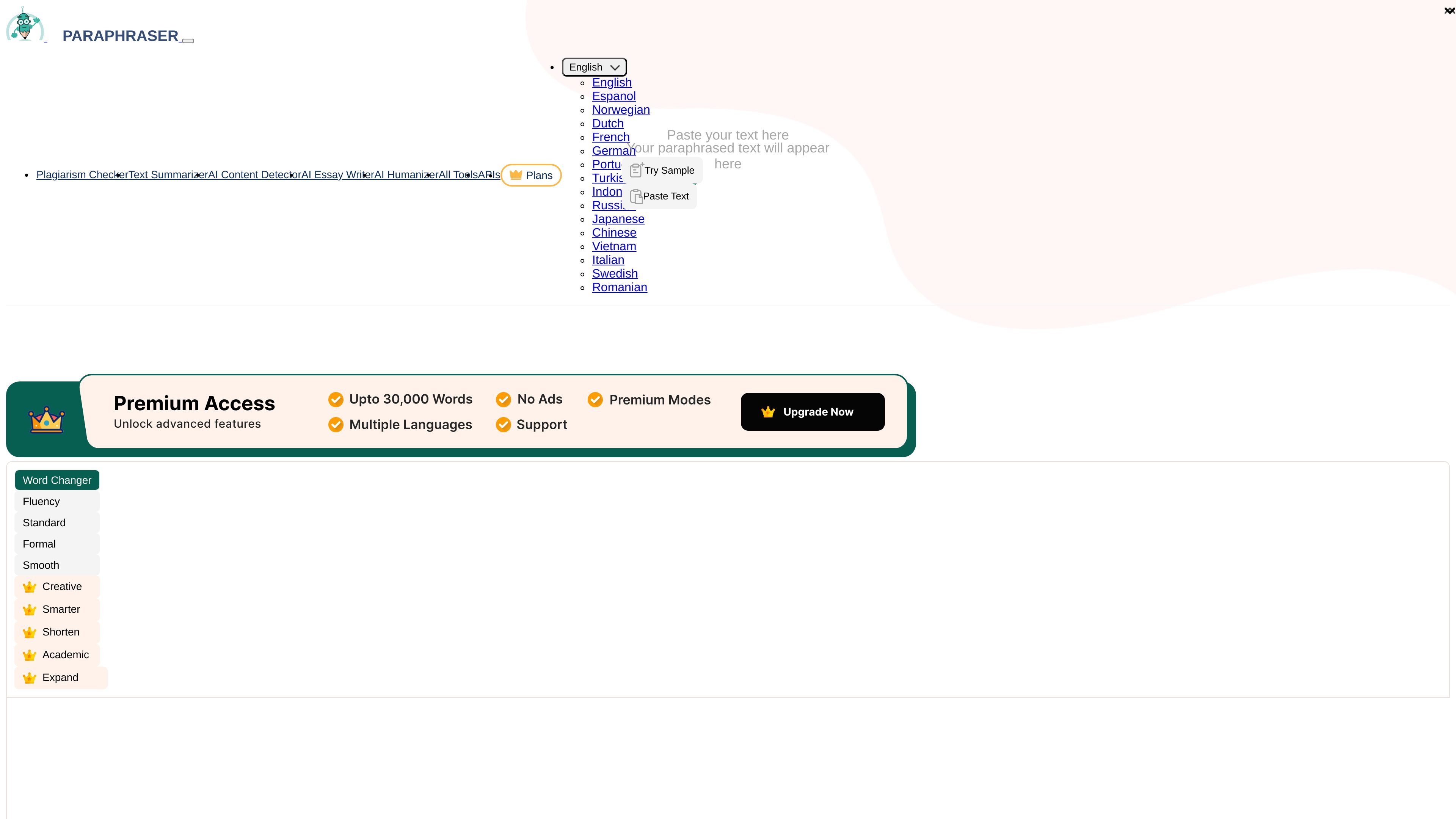
Paraphraser.io is a web-based paraphrasing tool that rewrites text, sentences, and paragraphs with AI. Its stated purpose is to help users express ideas in their own words while preserving the original meaning.
The homepage positions the product as a fast, browser-based editor for word choice, sentence rephrasing, and article rewriting. It also shows separate API and pricing pages, which indicates the product serves both individual users and teams or developers who need integration-ready paraphrasing.
Across the site, the product is described as supporting multiple paraphrasing modes, synonym suggestions, freeze words, multilingual output, and additional workflows such as audio, speech, and image-based input. The API documentation and plans pages extend that core function to programmatic use.
Rephrase text, sentences, and longer articles while keeping the original meaning intact, according to the product description and feature sections.
Choose from modes such as Word Changer, Fluency, Standard, Formal, Smooth, Creative, Humanize, Smarter, Shorten, Academic, Informative, Expand, Custom, and Professional.
Suggest alternative words in context and let users pick the synonym that fits best with a single click.
Prevent specific terms, names, or keywords from being rewritten with the Freeze Words feature.
Support workflows beyond typed text, including file upload, speech-to-text input, recorded audio, and text extraction from screenshots or images.
Expose paraphrasing APIs for article rewriting and account-status checks, with examples for different languages and modes.
Rewrite sentences, paragraphs, or articles when you need a cleaner version of the same ideas without changing the meaning.
Adjust writing for a different tone or length by using modes such as Formal, Creative, Shorten, Expand, or Academic.
Keep names, product terms, or technical phrases unchanged while the rest of the copy is rewritten.
Upload content, dictate speech, or process recorded audio and images when the source material is not already in typed form.
Integrate paraphrasing into a website or application using the documented API and language/mode parameters.
The homepage describes Paraphraser as a web-based paraphrasing tool that rephrases text, sentences, and paragraphs using AI algorithms. The API documentation also shows an API for rewriting full articles and checking account status.
The site shows a free usage tier on the homepage with a 600-word limit for several modes, and the pricing pages list paid plans with higher word allowances and additional limits.
The homepage says you can paste text or upload a file, then choose a mode and click paraphrase. The API documentation also shows request examples for integrating paraphrasing into other applications.
The source mentions multiple paraphrasing modes, language support, synonym suggestions, freezing words, and options for recorded audio, speech input, and images or screenshots. The API pages also note language and mode support for API requests.
The API documentation says paraphrasing APIs are not available for users with all AI modes, and the pricing pages show different feature sets across plans. That suggests capabilities vary by plan and mode.