
Filter-based colorization workflow
Upload a photo, choose from more than 21 color filters, and generate a colorized result in a few steps.

Palette.fm is a web-based AI tool that colorizes black-and-white photos by letting users upload images, choose a filter, and export the result. It offers free previews and paid credits for watermark-free, full-resolution output.
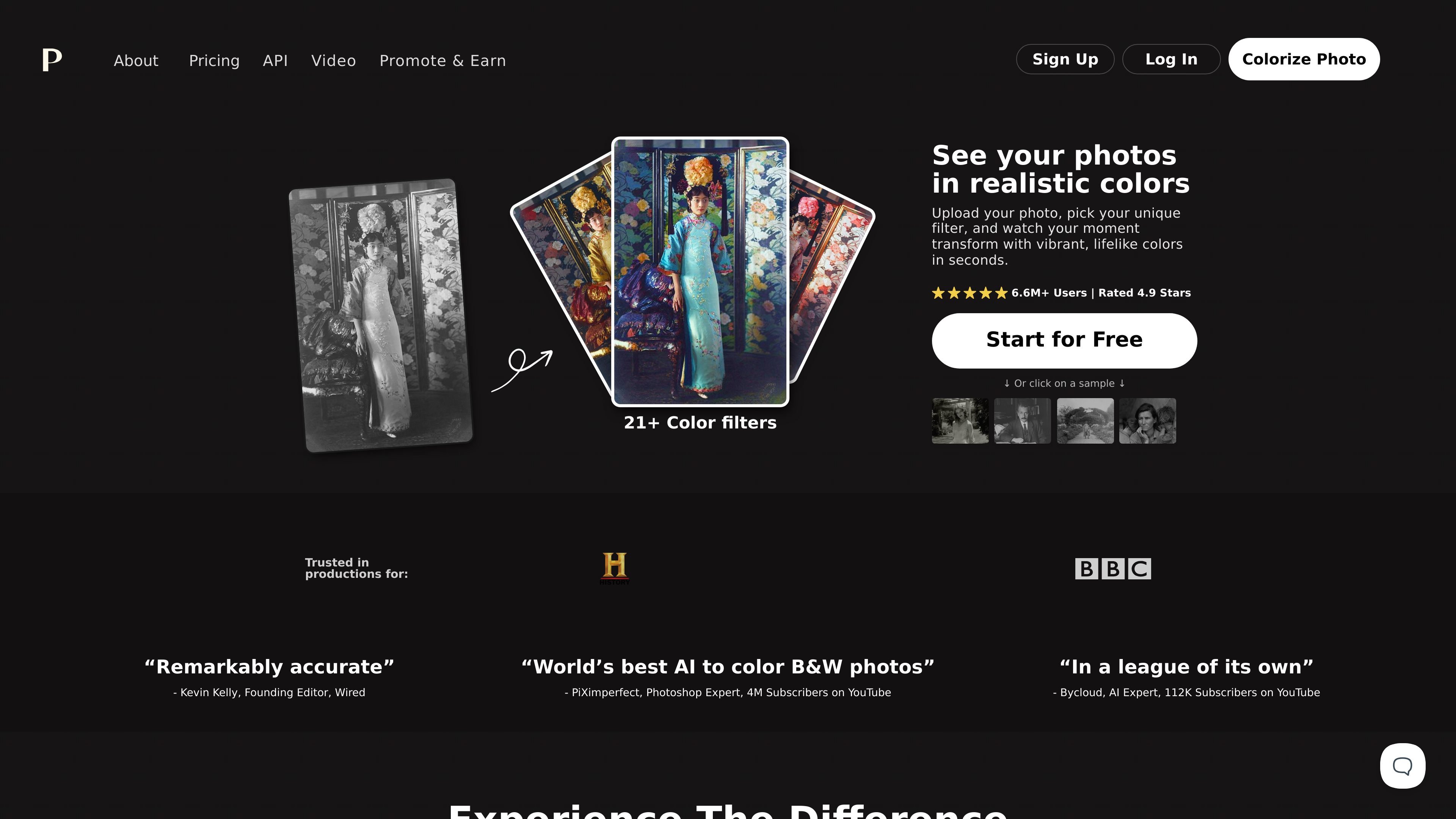
Palette.fm is an online AI colorization tool for black-and-white photos. Its main job is to turn monochrome images into color versions by letting users upload a photo, choose a filter, and generate a result quickly in the browser.
The site presents the workflow as simple and direct: start for free, select from a large set of color filters, and then download the colorized image or continue adjusting the result. Paid credits are available for users who want watermark-free, full-resolution output.
Upload a photo, choose from more than 21 color filters, and generate a colorized result in a few steps.
The filter page shows named filter styles such as Original, Classic, Palette, Bright Essence, and Nature's Palette, giving users different starting looks.
Users can fine-tune colors by adjusting keywords after selecting a filter, which supports more targeted edits.
The site says you can upload multiple images in one go, which is useful for batch processing rather than single-file work only.
Free previews are available without sign-up, while paid options remove the logo and provide full-resolution output.
The paid plans mention watermark-free previews, automatic credit refresh on subscriptions, and credit rollover for active subscriptions.
Individuals can colorize family or personal archival photos directly in the browser without creating an account first.
Photographers and creators can test different color styles quickly using the preset filters and compare results before exporting.
Users working with several images can upload multiple files in one session to speed up repetitive colorization tasks.
People who want higher-quality exports can use paid credits to remove the logo and download full-resolution colorizations.
Palette is an online AI tool for colorizing black-and-white images. The site says you can upload a photo, choose a filter, and download the result, with options to further adjust colors.
The free plan offers unlimited color previews, but preview images are resized to a maximum of 500x500 pixels and show a Palette watermark. The site also offers paid credits for watermark-free, full-resolution colorizations.
Paid credits can produce logo-free, full-resolution colorizations up to 5000x5000 pixels. The site also notes that subscription credits refresh automatically and unused credits can roll over, while one-time credits are available for 2 years.
The homepage says Palette is available as an online tool and includes a mention of API in the site navigation, but the collected pages do not provide enough detail to describe the API or other integrations.
The source does not provide a complete technical specification for accuracy limits or supported file types. It does show that users can upload images directly and that multiple images can be handled in one upload flow.