
Multi-format content creation
Create presentations, essays, images, videos, deep research outputs, and chat answers from the same workspace instead of switching between separate tools.

Oreate AI is a web-based AI workspace for creating PPTs, essays, images, videos, deep research outputs, and chat answers in one place. It is aimed at users who want to manage drafting, generation, and saved work inside a single project-oriented interface.
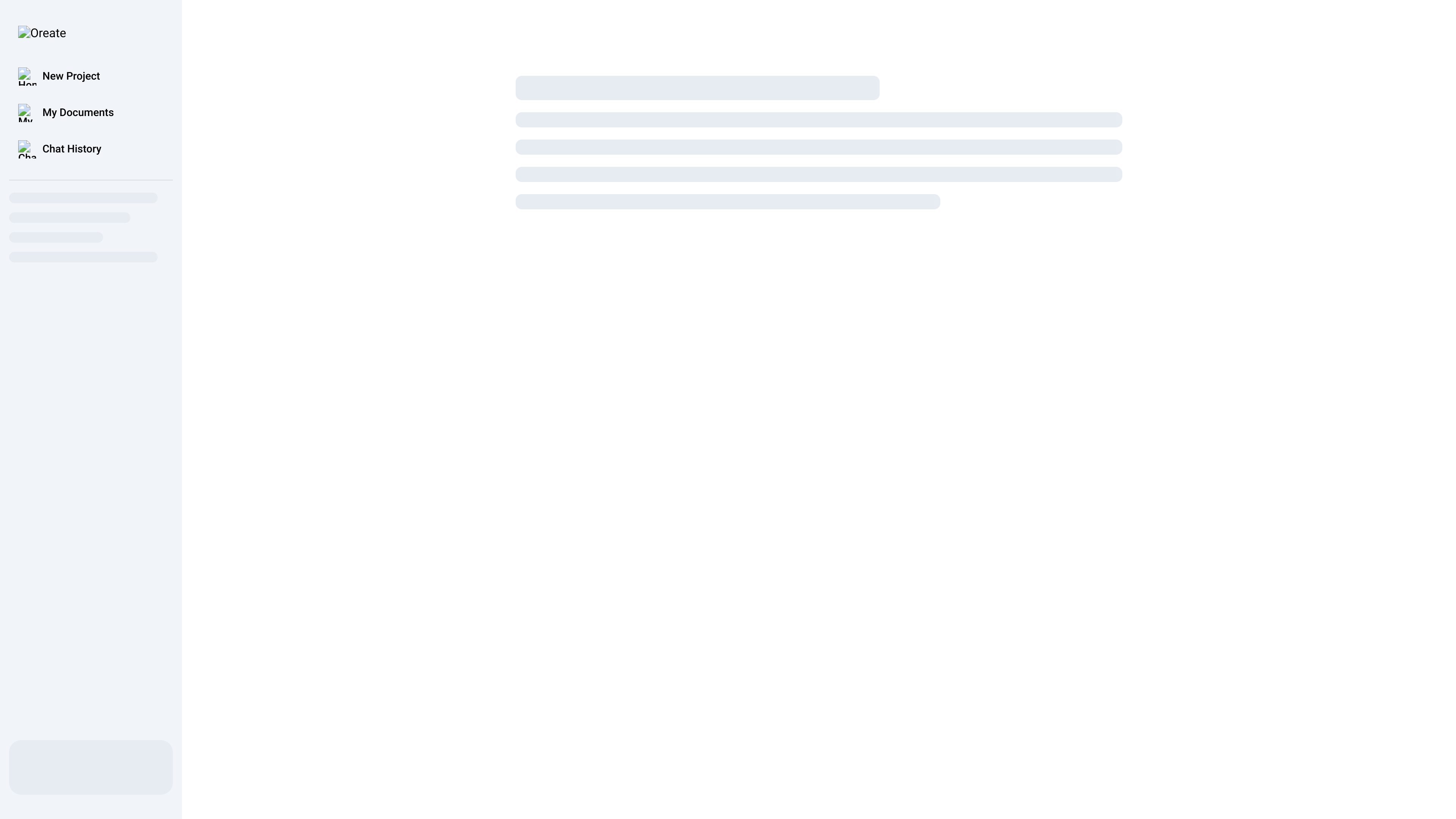
Oreate AI is an all-in-one AI workspace for creating and managing content in one place. The public homepage presents it as a single product for generating PPTs, essays, images, videos, deep research outputs, and AI chat answers.
The interface shown on the site includes entry points for New Project, My Documents, and Chat History, which points to a project-based workflow for drafting, organizing, and revisiting work. The product is positioned for users who want to handle multiple content tasks inside one workspace rather than moving across separate tools.
Create presentations, essays, images, videos, deep research outputs, and chat answers from the same workspace instead of switching between separate tools.
Start new work from a project-based interface, which suggests a workflow organized around individual content tasks or assignments.
Keep saved work accessible through a documents area, making it easier to return to drafts and generated outputs later.
Review prior conversations in a dedicated chat history area, which helps users revisit prompts and responses in context.
Use the platform as a central place for AI-assisted drafting and research, combining generation and conversation in one product.
Draft slide decks, then keep the project alongside related notes and outputs in the same workspace.
Write essays or longer-form copy with AI chat support when you need to develop an idea, not just generate a single asset.
Create images or videos as part of a broader content task without leaving the product for separate generation tools.
Use deep research and chat answers to gather information before turning it into a deliverable.
Reopen previous chats and documents to continue work on an earlier task without starting from scratch.
Oreate AI is presented as an all-in-one AI workspace for creating content in one place, including PPTs, essays, images, videos, deep research, and chat answers.
The homepage does not describe a detailed setup flow. Based on the public page, users start by creating a new project and can work from areas labeled My Documents and Chat History.
The site presents Oreate AI as a workspace rather than a single-purpose tool, so it appears suited to people who want to draft, generate, and organize different kinds of AI-assisted content in one place.
The available source only confirms a homepage and does not provide detailed pricing information, plan names, or limits.