
AI tool reviews and comparisons
Publishes hands-on reviews and head-to-head comparisons across AI tools, coding assistants, and related software, with article-style coverage in the blog and comparison sections.

OpenAIToolsHub publishes AI tool reviews, comparisons, and teardown reports, alongside free browser-based developer tools. It is aimed at readers who want hands-on product research and lightweight utilities in one site.
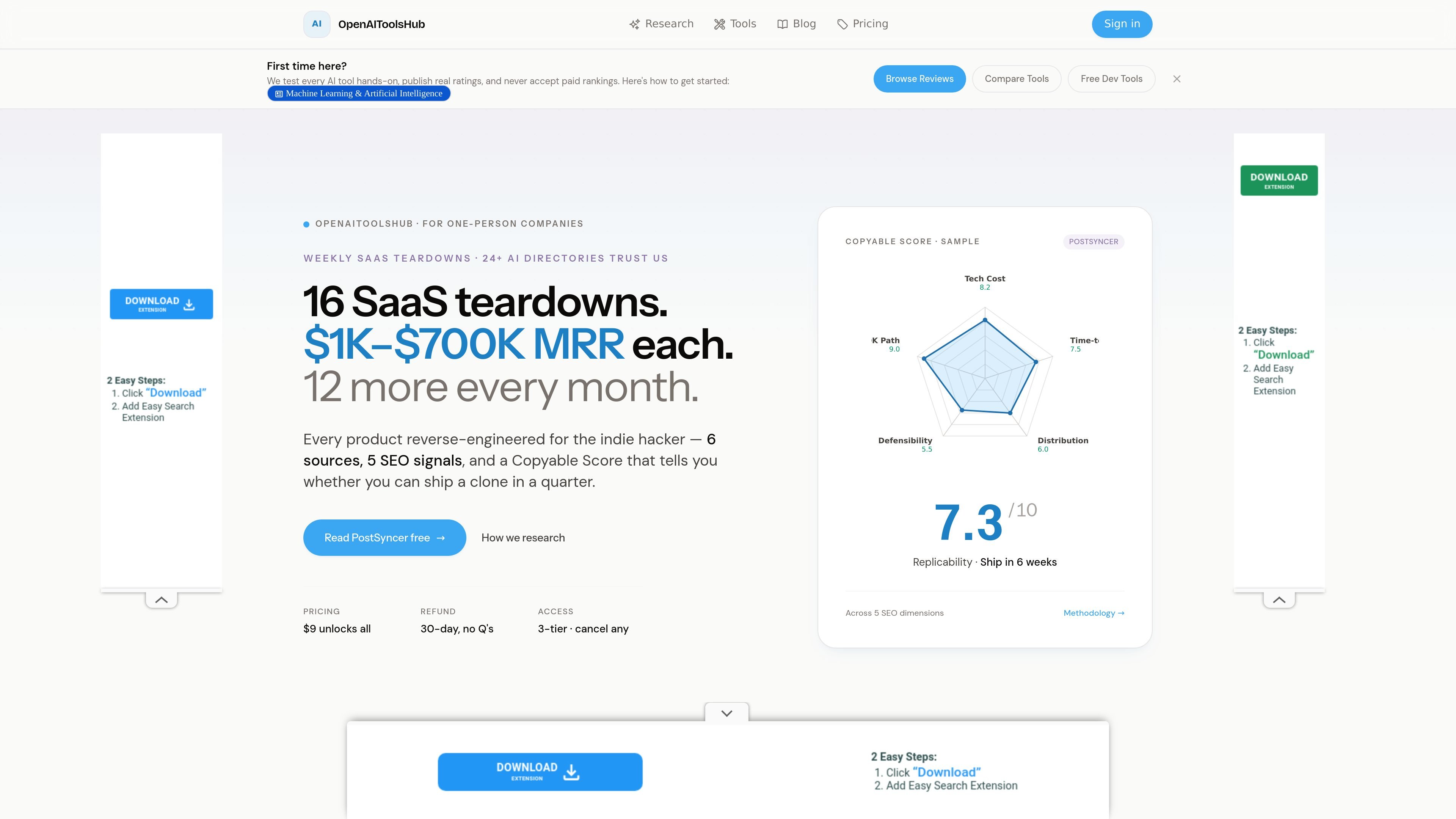
OpenAIToolsHub is a site for AI tool reviews, comparisons, and research-driven teardowns aimed at readers who want more than a surface-level product summary. The site combines editorial reviews with side-by-side comparisons, downloadable-style teardown reports, and a library of free browser-based developer utilities.
The publishing angle is practical rather than promotional. The site says it tests tools hands-on, publishes ratings, and does not accept paid rankings, while its teardown reports focus on cost, MVP scope, distribution, defensibility, and other signals that help readers evaluate whether a product is worth building, buying, or copying.
Publishes hands-on reviews and head-to-head comparisons across AI tools, coding assistants, and related software, with article-style coverage in the blog and comparison sections.
Provides teardown reports that break down products by founder story, stack, costs, distribution, defensibility, and a week-by-week path to replicate or learn from the product.
Includes a collection of 33+ free client-side developer tools such as JSON conversion, diffing, formatting, token counting, OCR, and utility generators.
Offers AI-specific calculators and helpers, including token cost estimation, subscription ROI, AI tool picking, and AI stack planning.
Lets readers compare AI products and related categories side by side, including tools, agents, model pricing, and workflow-oriented pickers.
Shares research methodology that references multiple public sources and scoring dimensions such as tech cost, time to MVP, distribution, defensibility, and path to $0 to $10K.
Use the reviews and comparisons to evaluate AI tools before adopting one for coding, research, or workflow automation.
Use the teardown reports when you want to understand how a product is built, priced, distributed, and positioned.
Use the free developer tools when you need quick browser-based utilities such as JSON formatting, token counting, regex testing, or file conversion.
Use the comparison and picker pages when you are trying to choose between similar AI tools or estimate costs and tradeoffs.
Use the site’s publishable research format when you want a structured breakdown of an AI product rather than a generic review.
The site publishes AI tool reviews, head-to-head comparisons, and developer tools. Its pricing page also presents a subscription model for access to the research library and teardown reports.
The tools collection is described as free, client-side tools that open and use instantly with no installation or registration.
The pricing page shows two subscription options: Monthly at $9 per month and Yearly at $79 per year. Both are described as cancel-anytime with a refund policy mentioned on the page.
The comparison and review sections focus on AI tools, coding assistants, models, and related software. The research pages emphasize hands-on testing and published reviews rather than general news coverage.
The site says readers can browse reviews, compare tools, use free developer utilities, and read teardown-style reports that include a Copyable Score and a Replicate Playbook.