
Natural-language creation
Describe a website, app, game, 3D scene, or presentation in natural language and Omma generates it for you.

Omma is a web-based AI builder for interactive experiences, websites, 3D scenes, games and apps with natural-language creation and real-data workflows.
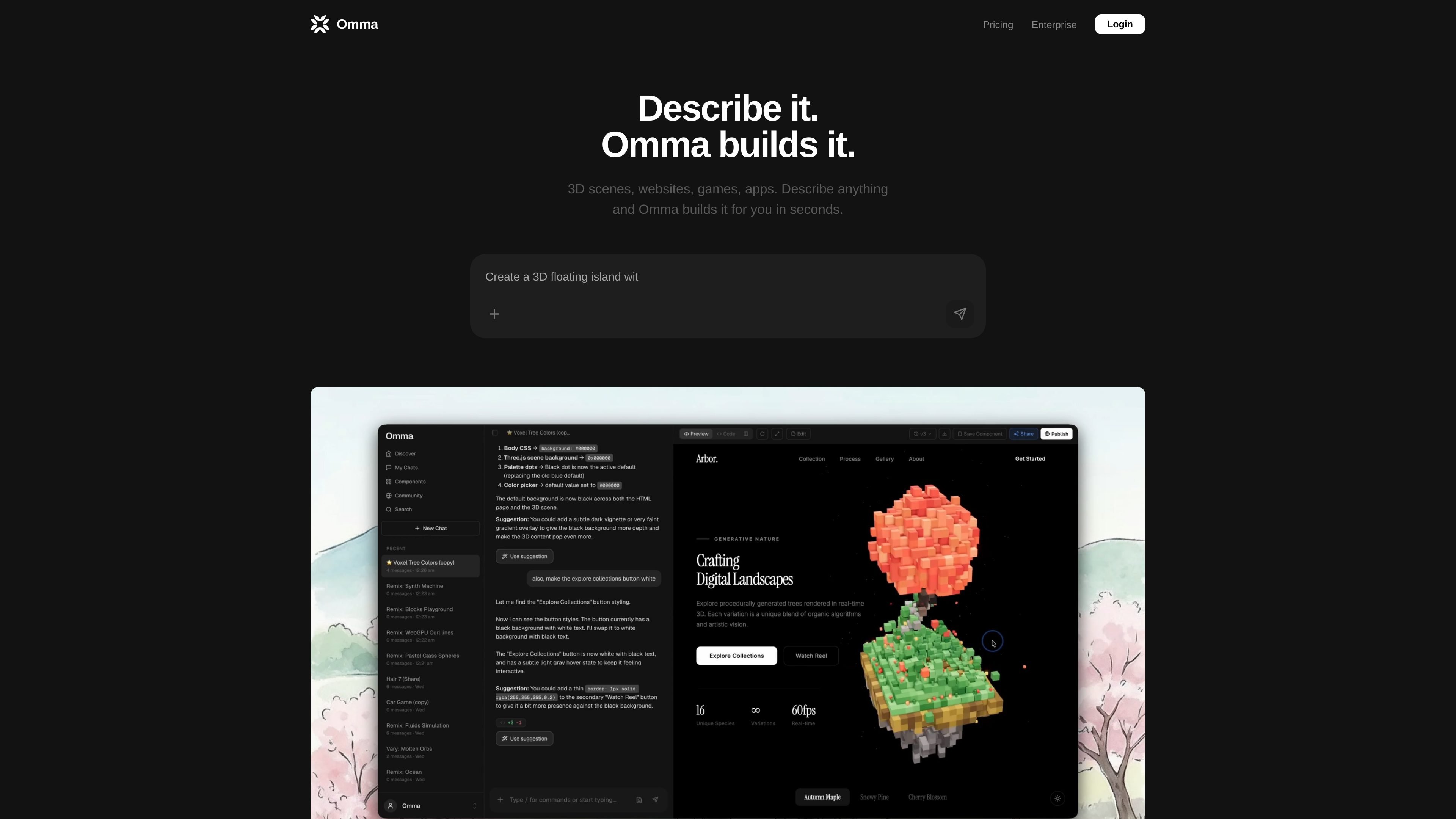
Omma is a web-based AI builder for interactive experiences, websites, 3D scenes, games, apps, and presentations. The product is positioned around natural-language creation: you describe what you want, and Omma builds it for you.
The site shows two main themes: creation from prompts and creation from real data. It supports data inputs such as CSV, JSON, DOC, 3D assets, images, and video, and it can orchestrate multiple AI agents in parallel to handle code generation, image generation, 3D model generation, and data processing.
Describe a website, app, game, 3D scene, or presentation in natural language and Omma generates it for you.
Build with live data inputs and outputs, including document files, media, and 3D assets, so creations can reflect real content rather than static placeholders.
Run multiple AI agents at the same time to generate code, create images, build 3D models, and process data in parallel.
Work across several output types shown on the site, including websites, apps, interactive web apps, 3D scenes, games, slides, and demos.
Use the community area to browse work built with Omma and see examples created by other users.
Access the product through Omma’s web interface, with areas for chats, studio, components, community, search, and new chat creation.
Create landing pages, websites, or interactive web apps by describing the layout and behavior you want instead of assembling everything manually.
Build 3D scenes, games, or demos when your project needs spatial or visual content alongside interactive behavior.
Turn structured or media files into living prototypes by feeding in CSV, JSON, DOC, images, video, or 3D assets and letting Omma process them into the experience.
Generate mixed-output projects where code, images, 3D models, and data processing need to happen together rather than in separate tools.
Use the community section to explore examples built by others and get a sense of what Omma can produce.
Omma is a natural-language builder for interactive experiences, websites, 3D scenes, and apps. It is aimed at people who want to describe what they want and have the product assemble it for them.
The source shows Omma’s login flow supports continuing with Google or with email. The public site also includes chat, studio, components, community, and search areas.
Omma can work with real data inputs such as CSV, JSON, DOC, GLB, OBJ, PNG, SVG, MP4, and GLTF files, along with other files shown in its data pipeline examples.
The pricing page says the Free plan is available indefinitely with 50 credits per month and full code generation access. Paid plans add more credits and features such as image generation, 3D model generation, custom domains, and team-oriented options depending on the tier.
The pricing page says Pro and Max subscribers can buy on-demand credit top-ups. It also states that existing projects remain accessible after downgrade, but higher-tier features are unavailable for new creations until you upgrade again.