
AI and visual editing in one flow
Build with natural-language prompts, then switch to visual editing when you want direct control over layout or behavior.

Nowa is an AI Flutter app builder for iOS, Android, web, and desktop apps with visual editing, source-code access, local projects, and pricing options.
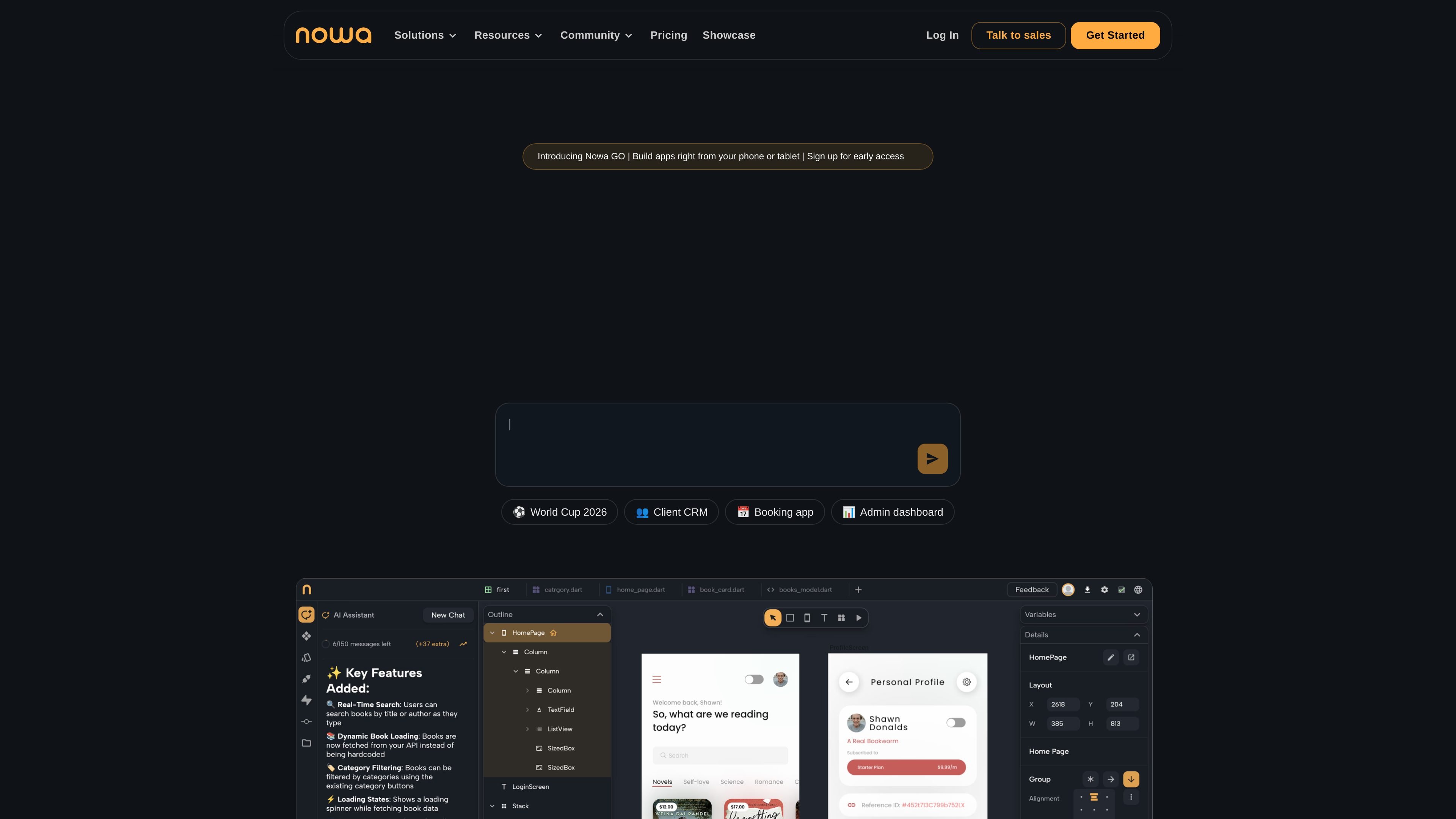
Nowa is an AI Flutter app builder for creating iOS, Android, web, and desktop apps with a combination of chat-based assistance and visual editing. The product is positioned for people who want to build professional apps without starting from a fully manual codebase, while still keeping control over the source.
The homepage emphasizes a workflow that moves from prompt to UI, data connections, and logic inside a single project. It also highlights local development, source-code download, and support for custom Flutter code, so projects can remain editable outside the platform when needed.
Pricing information shows a free Starter plan, paid Launch and Scale plans, and an Enterprise option with custom terms. That makes Nowa a fit for solo builders, agencies, and teams that need a mix of visual app creation, deployment options, and code ownership.
Build with natural-language prompts, then switch to visual editing when you want direct control over layout or behavior.
Work across multiple screens with drag-and-drop design tools, Figma-like layout control, and node-based logic building.
Connect Supabase, Firebase, custom APIs, OpenAI, Gemini, Airtable, Google Sheets, Xano, and other API-based services; import from Swagger or Postman.
Test in Nowa, on simulators, or on real devices with hot reload and fast feedback loops.
Publish web apps, Android builds, and iOS apps, or download and work from the source code for desktop and local projects.
Use local Flutter projects, external packages from pub.dev, and custom Flutter code alongside the visual builder.
Plan and ship a mobile or web app from one project while using AI to generate screens, refine flows, and adjust logic visually.
Create production apps with local Flutter projects, custom code, and pub.dev packages when the team wants to keep code on its own machine.
Connect an app to Supabase, Firebase, or custom APIs and manage those integrations without leaving the visual builder.
Test UI and interactions quickly on simulators or physical devices with hot reload before publishing to stores or web hosting.
Review Nowa-built apps in the showcase, or use the Enterprise contact flow to discuss custom workflows, demos, or team deployment needs.
Nowa is built to create Flutter apps with AI assistance and visual editing, so the same project can be developed with chat-style prompts or in the visual builder.
The source says projects can be published to the App Store, Google Play, Android APK/AAB files, web hosting, or desktop platforms using the source code.
Nowa supports local projects on Nowa Desktop, with the source code kept on your machine from the start and edits syncing across the project.
The pricing page shows a free Starter plan, paid Launch and Scale plans, and an Enterprise option with custom terms.
The pricing page and homepage indicate support for Supabase, Firebase, custom APIs, GitHub integration on higher plans, and importing from Swagger or Postman.