
Writing cycles with guided support
NoRedInk organizes instruction around modeling, scaffolding, practice, and feedback so teachers can build writing skills through repeated cycles rather than one-off exercises.

NoRedInk is a writing and grammar platform for Grades 3–12 with adaptive practice, guided composition, diagnostics, reporting, and Premium AI feedback.
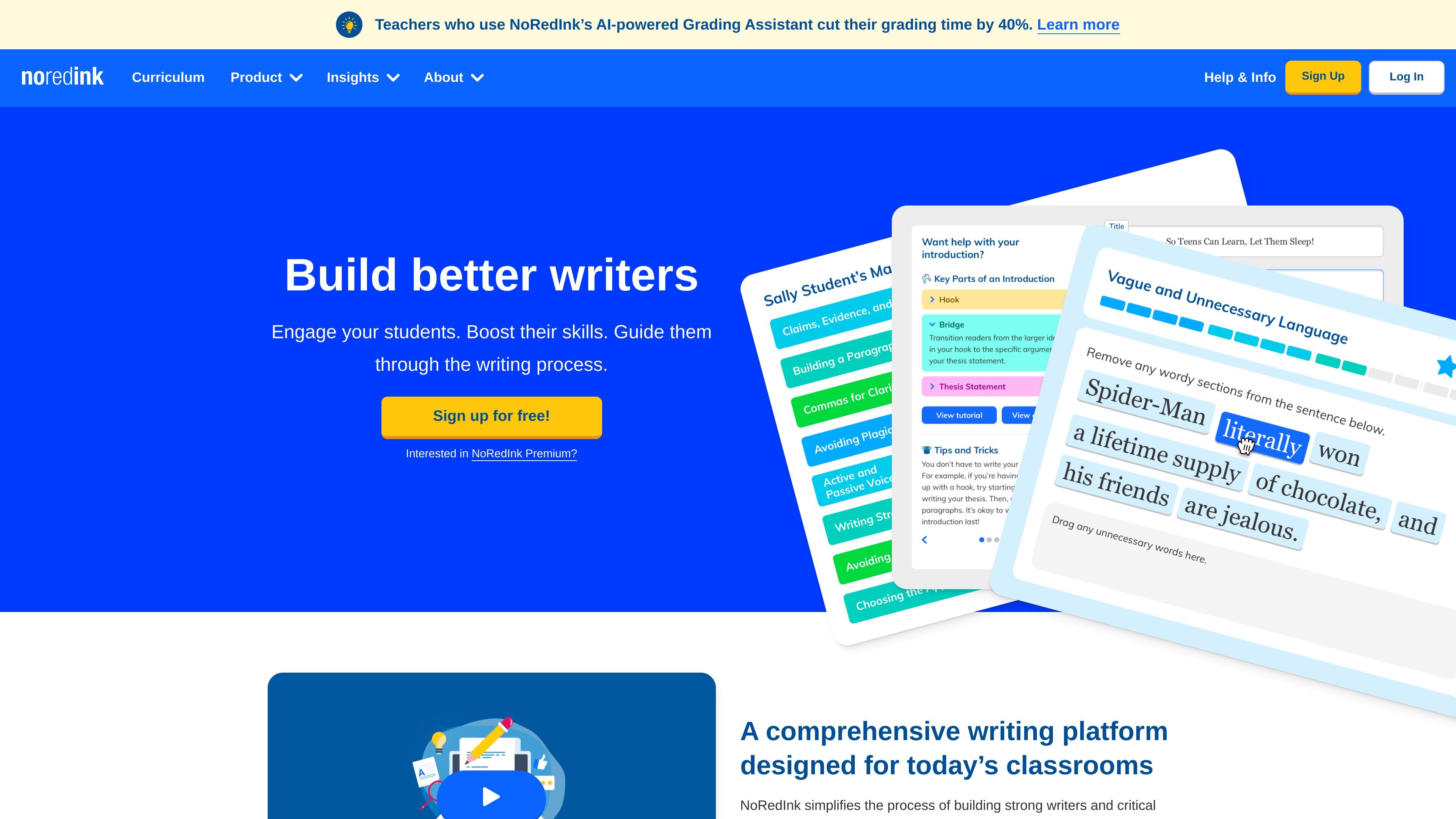
NoRedInk is a writing and grammar platform for Grades 3–12 that helps teachers deliver instruction through modeling, scaffolding, practice, and feedback. The product combines adaptive skill practice, guided composition tools, diagnostics, and reporting to support classroom writing workflows.
The source positions NoRedInk as a tool for building stronger writers and critical thinkers across the writing process. Premium expands access to the full curriculum, guided composition tools, originality insights, AI-powered grading support, and reporting features for schools and districts.
NoRedInk organizes instruction around modeling, scaffolding, practice, and feedback so teachers can build writing skills through repeated cycles rather than one-off exercises.
The platform includes adaptive skills exercises, diagnostics, quizzes, and reporting tools that help teachers identify current skill levels and monitor progress over time.
Students can work with sentence restructuring, editing, text markup, multi-paragraph passages, lightweight prompts, scaffolded essays, and guided reviews across different writing tasks.
Exercises and prompts can reflect student interests such as celebrities, characters, friends, and pets, and the curriculum includes 1,000+ skills, 100s of texts, prompts, and lessons in Premium.
Premium adds AI-powered Grading Assistant and AI-powered Writing Benchmarks to provide feedback and track writing growth with less manual grading.
Reports, gradebooks, and benchmark data are designed to give teachers, admins, and districts visibility into student mastery, usage, and growth at different levels.
Use NoRedInk to assign grammar and writing practice that adapts to students’ current level and gives them repeated practice with immediate structure and feedback.
Use the assignment library to find targeted exercises, daily writing prompts, genre-based activities, text-based writing, novel analysis, and standards-aligned tasks.
Use diagnostics, gradebooks, and growth reports to monitor progress, identify gaps, and plan follow-up instruction for individuals, classes, or schools.
Use Premium’s guided composition tools, reporting, and AI-powered Grading Assistant to support more writing assignments while reducing manual grading time.
Use the platform’s LMS and rostering support to distribute assignments and sync scores through classroom systems such as Canvas or Schoology.
NoRedInk is designed for classroom use in Grades 3–12. Premium is available for schools and districts; the source also notes that homeschool teachers can use the free version, while parents of students using NoRedInk at school can access it at home.
The source describes NoRedInk as a writing platform with adaptive practice, guided composition tools, diagnostics, reporting, originality detection, and AI-powered grading support. It is used for grammar, writing, and test-prep-aligned practice.
Premium includes full access to the writing curriculum and guided composition tools, plus reporting, originality insights, AI-powered feedback, and integrations such as Canvas, Clever, and Schoology.
The source indicates that Premium is sold to schools and districts. The pricing page itself was unavailable, so no public price or plan structure is provided in the collected evidence.
The source mentions free access, Premium, and school/district purchasing. It also shows support for Canvas and Schoology assignments and gradebook syncing, plus single sign-on and rostering through platforms including ClassLink, Clever, Google Classroom, and Infinite Classroom.