
Universal document support
Upload PDFs, EPUBs, Kindle books, Word documents, PowerPoint files, article links, and YouTube videos in one library.

Myreader is an AI reading assistant for books, documents, papers, article links, and YouTube videos, with cited answers for faster review.
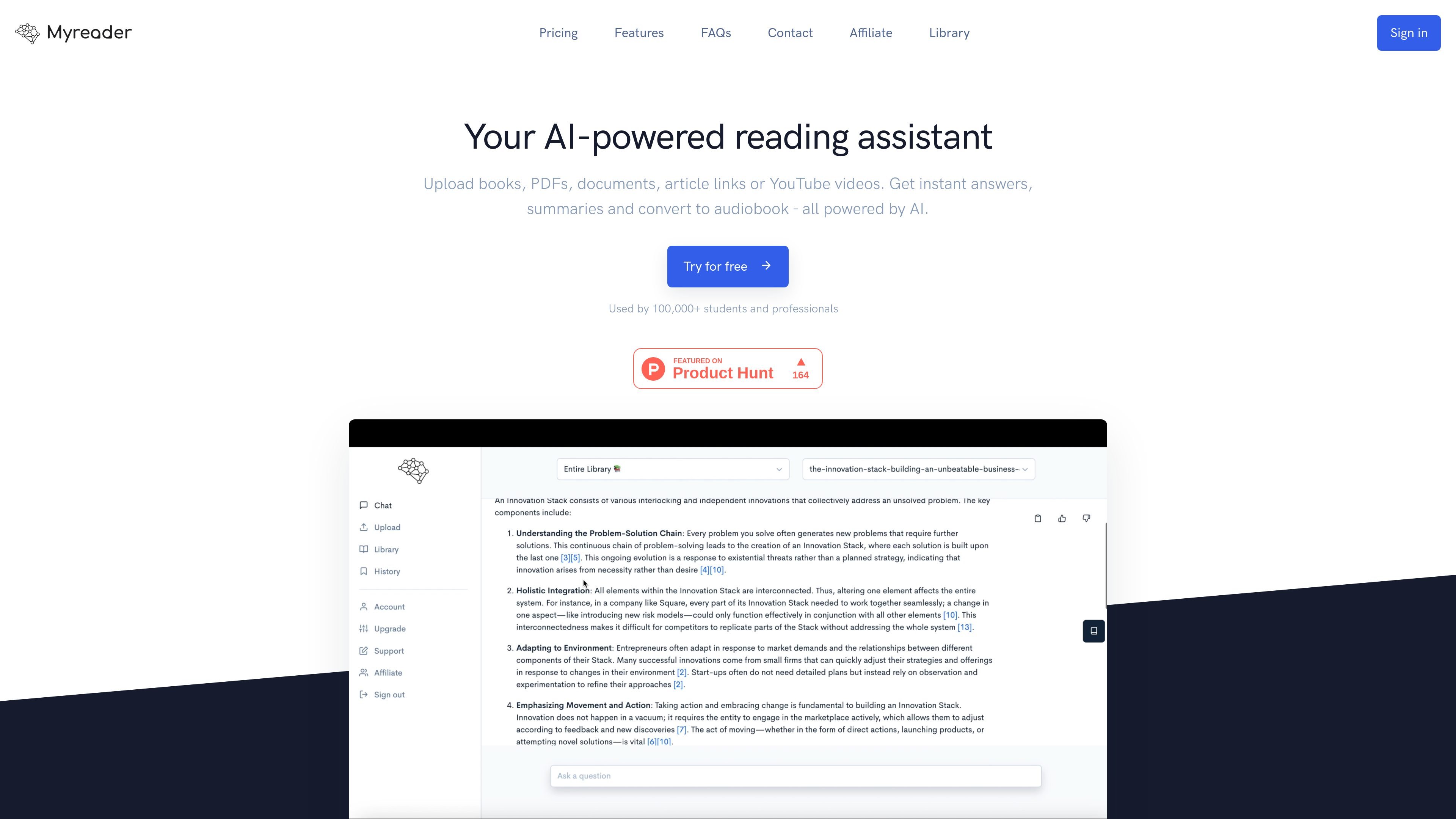
Myreader is an AI reading assistant for books, documents, papers, article links, and YouTube videos. It is built for people who want to upload reading material, ask questions about it, and get answers with references back to the source text.
The product combines document chat, summaries, smart citations, and text-to-speech into one library workflow. The site positions it for students, researchers, and professionals who need to review source material faster and return to the exact pages or sections that support an answer.
Upload PDFs, EPUBs, Kindle books, Word documents, PowerPoint files, article links, and YouTube videos in one library.
Ask questions, request summaries, and get answers from a single document, a collection, or your entire library.
Receive answers with inline citations and jump directly to the exact page or section that supports them.
Convert text into natural-sounding audio and listen in 50+ voices across 30+ languages.
Organize books into collections and access the library from any device.
Keep documents private; the site says data is stored securely and not shared between users.
Upload textbooks or course materials, ask for summaries or clarifications, and jump back to the exact page that supports each answer while studying.
Bring papers into one library, query them together, and use citations to trace a claim back to the original section for follow-up reading.
Store contracts, reports, slide decks, and related files in one place, then ask questions to pull out key points without reading every page manually.
Add article links or YouTube videos to the library and use them as readable sources for guided exploration and note-taking.
Turn books or documents into audio and listen while commuting or working away from the screen.
Myreader accepts common ebook and document formats including PDF, EPUB, AZW, DOC, and PPT. The site also says you can upload books, documents, papers, article links, and YouTube videos.
Yes. You can add article links or YouTube links to your library and ask questions about them, alongside uploaded documents and books.
Yes. Myreader supports chatting with a single book, a group of books, a collection, or an entire library.
The pricing page shows a free plan and paid plans, and it says annual plans can receive up to 40% off. The free plan includes 5 questions per month and 100 pages total upload, while paid plans increase limits.
Myreader says documents are stored in secure cloud storage, are not shared between users, and can be deleted anytime.