
Multiple Content Input Methods
Supports generating presentations from a PPT topic, a one-sentence idea, long text, or by uploading documents and URLs, reducing the time needed to build a structure from scratch.

秒篇AIPPT is an AI PPT generator that creates presentations from topics, text, URLs or documents, with outlines, Word/PDF to PPT, speech drafts and templates.
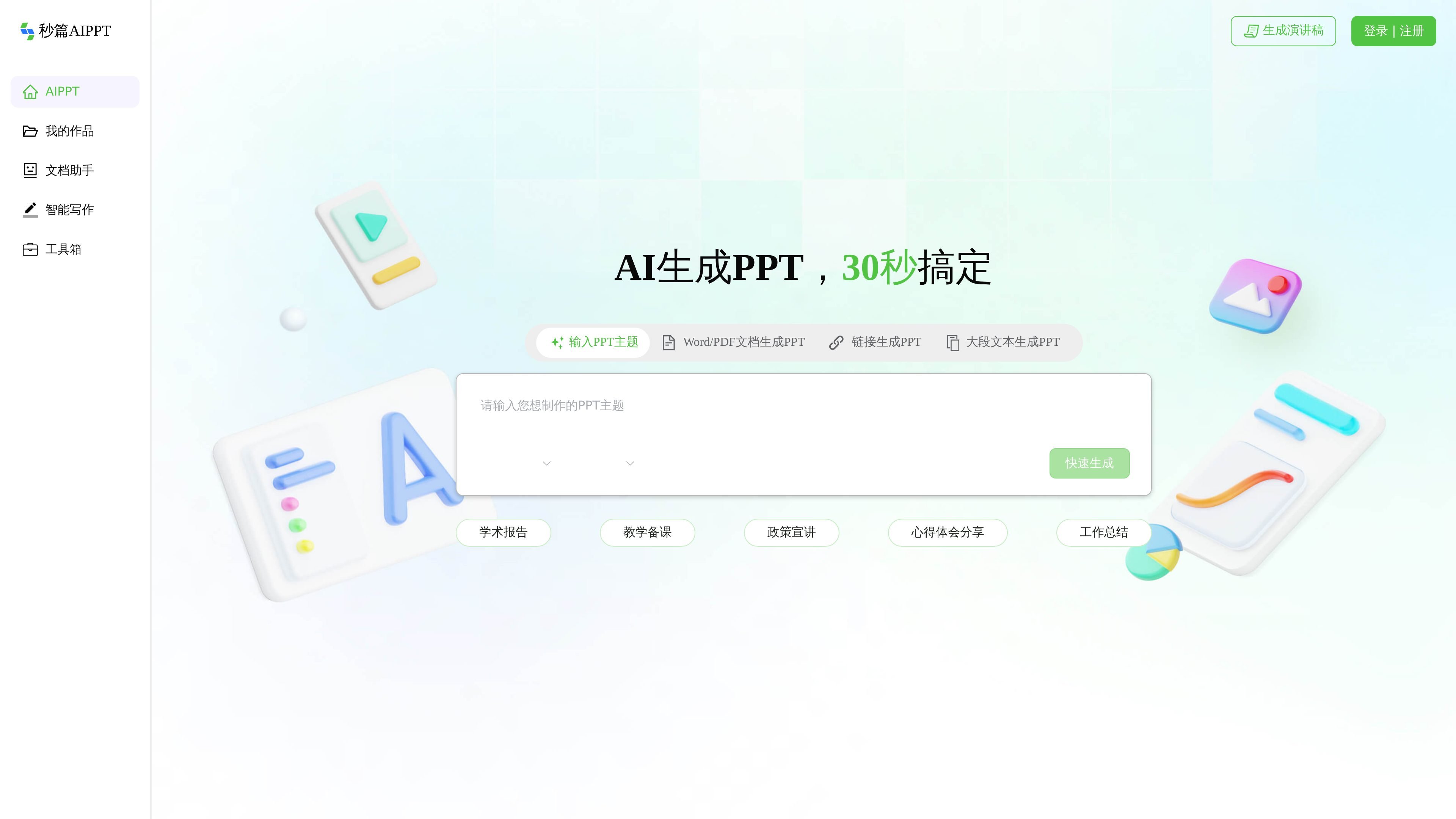
秒篇AIPPT is an AI-generated PPT tool that focuses on quickly creating presentations from a one-sentence topic, long text, URLs, or documents. The page states that it supports PPT outline generation, Word to PPT, PDF to PPT, and AI generation of PPT speech drafts, aiming to bring content organization, structure building, and layout polishing into one workflow.
The product page emphasizes that it provides a large collection of PPT templates and covers common scenarios such as reports and summaries, business plans, product introductions, market analysis, and teaching or training. The help center and document assistant pages further show that it also targets office scenarios such as document summarization, key information extraction, smart Q&A, and document to PPT, making it suitable for individuals and teams that need to quickly produce well-structured presentations.
Supports generating presentations from a PPT topic, a one-sentence idea, long text, or by uploading documents and URLs, reducing the time needed to build a structure from scratch.
Can automatically generate a PPT outline first, then let users customize and revise the structure, which suits a workflow of defining the framework before refining the content.
Supports Word to PPT, PDF to PPT, and generating PPTs from uploaded documents, URLs, and pasted text, covering common office material sources.
Provides AI-generated PPT speech drafts to help users organize both presentation content and speaking logic.
Includes a large library of PPT templates covering report summaries, business plans, product introductions, market analysis, teaching, and training scenarios.
The page also shows a document assistant and an intelligent writing toolbox, supporting summarization, smart Q&A, key information extraction, and related document processing.
Suitable for users who need to turn an idea into a presentation framework quickly. After entering a topic, they can first get a structured outline and then continue editing the content and layout.
Suitable for people who already have Word, PDF, DOCX, TXT, or web materials on hand. They can extract the content first and then generate a presentation-ready PPT.
Suitable for common office presentations such as reports and summaries, business plans, product introductions, market analysis, and teaching or training. Templates and scenario categories help users find the right layout quickly.
Suitable for people who need to prepare both speech notes and slides at the same time. The system can generate PPT speech drafts and reduce the work of organizing speaking logic separately from slide content.
Suitable for situations with a lot of documents or lengthy content, where you want to summarize and extract key information first and then convert the material into a PPT.
Based on the page content, 秒篇AIPPT supports generating PPTs from a one-sentence topic, and also from uploaded Word, PDF, DOCX, or TXT documents, or from pasted URLs and long text. The page also mentions PPT outline generation and speech draft generation.
The homepage and reading pages show workflows such as 'one-click PPT outline generation,' 'Word/PDF to PPT,' and 'AI generation of PPT speech drafts.' The document assistant page also says you can first extract summaries and key information, then convert everything to PPT with one click.
The page shows 'a large collection of PPT templates' and lists scenarios such as reports and summaries, business plans, product introductions, market analysis, and teaching or training. It also includes descriptions for education, medicine, research, enterprise, theses, and promotion.
The help center mentions common issues such as member login problems, PPT files not opening, and generation or download issues, but the public text does not provide complete detailed limitation notes.