
AI-assisted campaign creation
Generate campaign strategies, templates, subject lines, segmentations, and automations with AI tools built into the platform.

Mailmodo is an AI email marketing platform for creating, automating, and optimizing campaigns with interactive AMP emails and plan-based pricing.
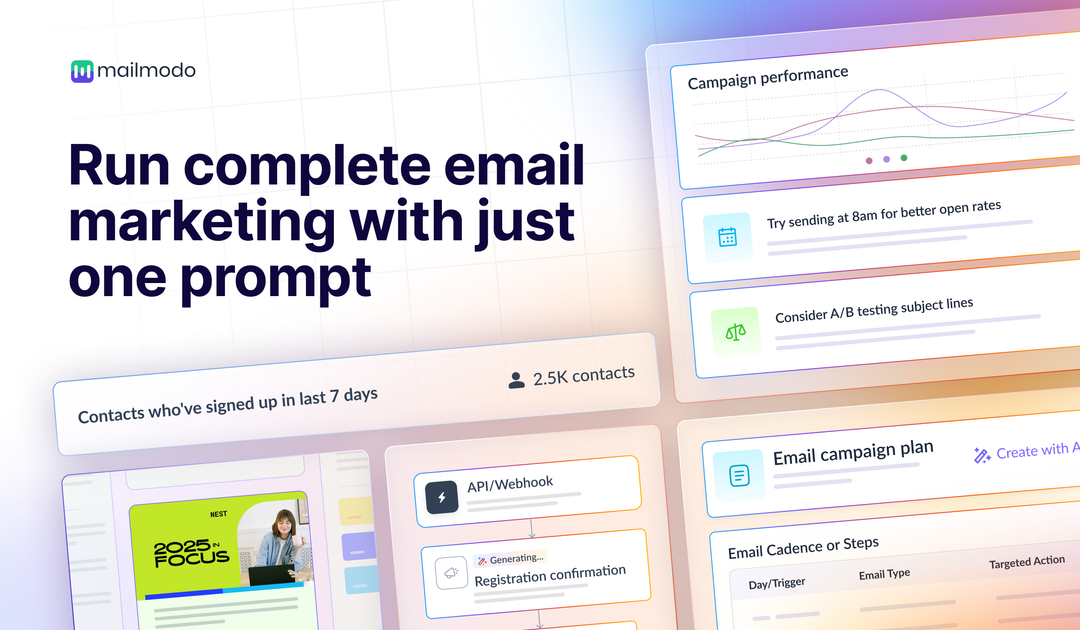
Mailmodo is an AI email marketing platform for creating, automating, and optimizing email campaigns. Its homepage emphasizes using AI to generate emails, build journeys, automate campaigns, and deliver reports without requiring technical expertise.
The platform also focuses on interactive AMP emails, letting teams add elements such as polls, forms, quizzes, ratings, calendars, and other engagement widgets inside email. Its pricing pages show plans for different team sizes and usage levels, with features like templates, automation, A/B testing, send-time optimization, API access, and support included across paid tiers.
Generate campaign strategies, templates, subject lines, segmentations, and automations with AI tools built into the platform.
Build and send interactive emails that include polls, forms, quizzes, ratings, spin-the-wheel experiences, carousels, and calendar actions.
Create journeys, trigger campaigns, and manage email workflows with automation tools, bulk campaigns, and API/webhook triggers.
Create and reuse email assets with unlimited templates, pre-made building blocks, personalization, AMP/HTML editing, and shareable templates.
Measure campaign performance with open-rate recommendations, click maps, and aggregated analytics at the contact, campaign, and journey levels.
Connect Mailmodo to external tools through integrations such as Zapier, Make, Google Sheets, webhooks/APIs, Shopify, HubSpot, Intercom, Zendesk, Zoom, and others.
Use Mailmodo to draft campaign copy, generate subject lines, and build audience segments and automations when you want to speed up routine email production.
Use interactive forms, quizzes, polls, ratings, and calendars to collect responses directly inside email rather than sending recipients to a separate landing page.
Use journeys, triggered sends, bulk campaigns, A/B tests, and send-time optimization to manage lifecycle messaging and improve campaign performance.
Use the pricing plans, contact limits, API access, and team-member allowances to match the platform to your sending volume and internal collaboration needs.
Use integrations with CRM, support, scheduling, and automation tools to connect email campaigns to systems such as HubSpot, Intercom, Zendesk, Shopify, Zoom, and Google Sheets.
Mailmodo uses AI to generate campaign strategies, templates, subject lines, segmentations, and automations, and it also supports interactive email elements such as polls, forms, quizzes, ratings, and calendars.
No. The homepage says no technical expertise is required, and the pricing page lists a no-code email builder and AI-assisted tools for templates, automation, planning, segmentation, and analysis.
The pricing page shows monthly and annual plans, including an annual discount, and lists plan-based limits such as sending credits, active journeys, active contacts per journey, API request rates, and team members.
Yes. The pricing page includes support for a range of integrations such as Zapier, Make, Google Sheets, webhook/API, Shopify, HubSpot, Intercom, Zendesk, Zoom, and more.
Mailmodo’s source pages describe an email marketing platform with AI-assisted campaign creation, automation, interactive emails, analytics, and pricing plans rather than a single-purpose template editor.