
AI prototype generation
Generate UI from prompts to produce prototypes quickly, including multi-page flows and interactive designs that teams can review before a full build.

Magic Patterns is an AI prototyping tool for product teams that turns prompts into UI prototypes and supports design-system-aware collaboration. Free and paid plans available.
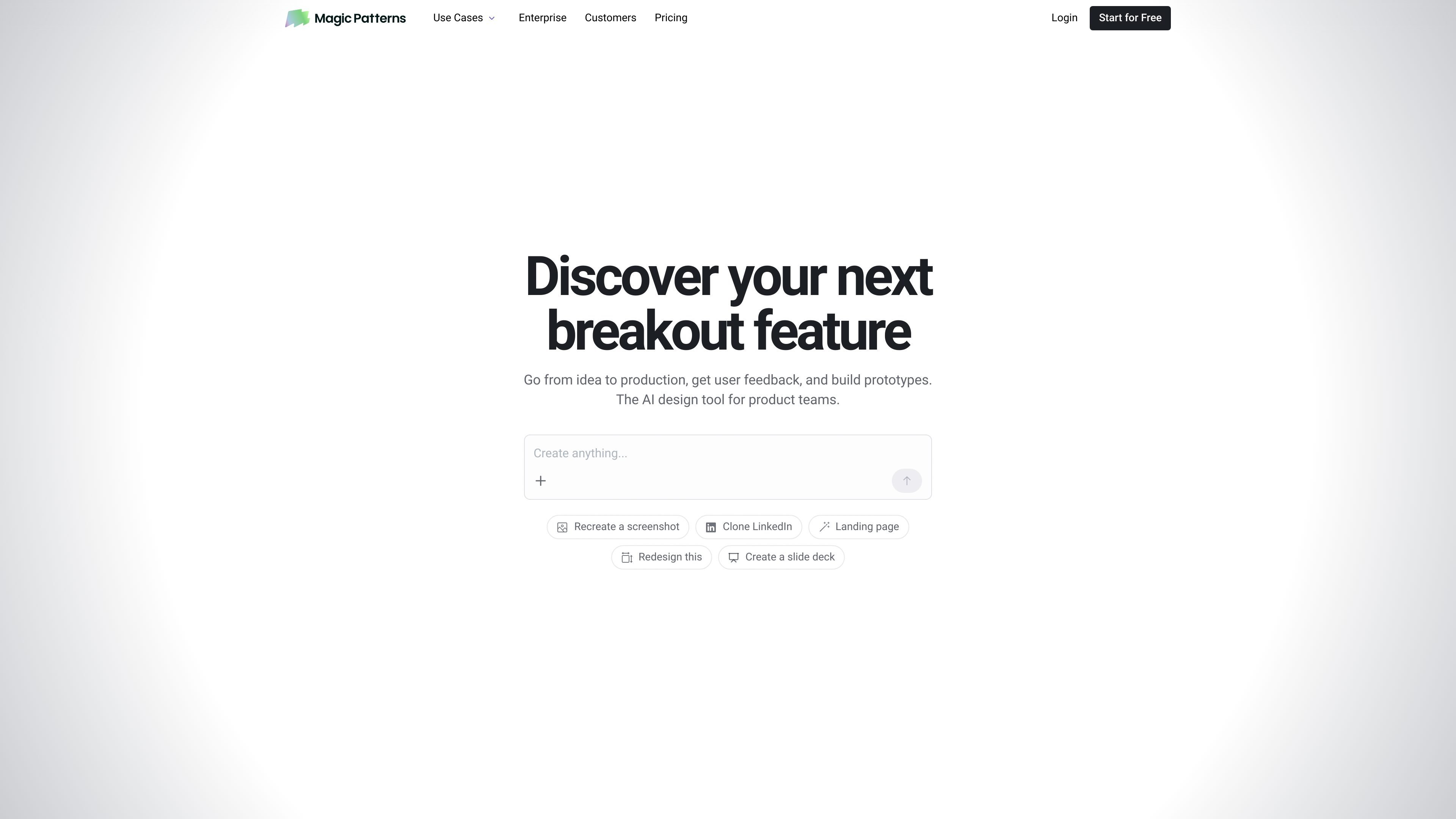
Magic Patterns is an AI prototyping tool for product teams that turns prompts into UI prototypes. The site positions it as a way to go from idea to production faster by generating designs that can be reviewed, shared, and refined before a full build.
The product emphasizes consistency with existing product patterns by matching your app styling and importing a design system. It is also built for team workflows, with real-time collaboration, sharing, and export paths used by customers such as Vapi and granola.
Generate UI from prompts to produce prototypes quickly, including multi-page flows and interactive designs that teams can review before a full build.
Import or apply your design system so generated UI follows existing styling and component patterns instead of starting from a generic look.
Edit, share, and iterate on designs with teammates in real time, with support for multiplayer collaboration and shared links.
Use the canvas to explore alternatives quickly, fork work, and refine ideas after customer feedback or internal review.
Choose plans with shared workspaces, usage reporting, SSO, SCIM and access controls, Slack Connect, and custom domain publishing options on higher tiers.
Turn an early product idea into a clickable prototype that can be reviewed before engineering starts, helping teams validate direction earlier.
Use an existing design system or styling context to create prototypes that look and feel closer to the current product.
Share a design with teammates, edit together in real time, and fork variants to explore alternatives during review sessions.
Use customer calls or internal feedback to quickly build and adjust flows, then export to Figma for final polish when needed.
Build interactive mockups for discussions where static screenshots are not enough, such as workflow changes, filters, or multi-step flows.
Magic Patterns is an AI prototype generator for product teams. It turns prompts into UI prototypes so teams can move from an idea to something they can review, share, and refine.
The site says Magic Patterns can match your existing product UI by copying app styling and importing a design system, which helps keep generated prototypes consistent with existing components.
Yes. The homepage and customer examples describe collaborative workflows such as real-time multiplayer editing, sharing links, and forking designs for variations.
Pricing includes a free tier and paid per-seat plans, with Starter, Business, and custom Enterprise options. The pricing page also says unused monthly credits roll over for one month and that paid plans can use on-demand usage when credits run out.
The site states Magic Patterns is SOC 2 and ISO 27001 certified and describes Enterprise as secure, compliant, and ready for business use.