
Topic-based PPT generation
Enter a topic or a single sentence and the product can generate a PPT outline, content copy, images, and slide layout automatically.

职得AIPPT is an AI PPT generator that creates presentations from topics or documents, with online editing and templates for fast deck creation.
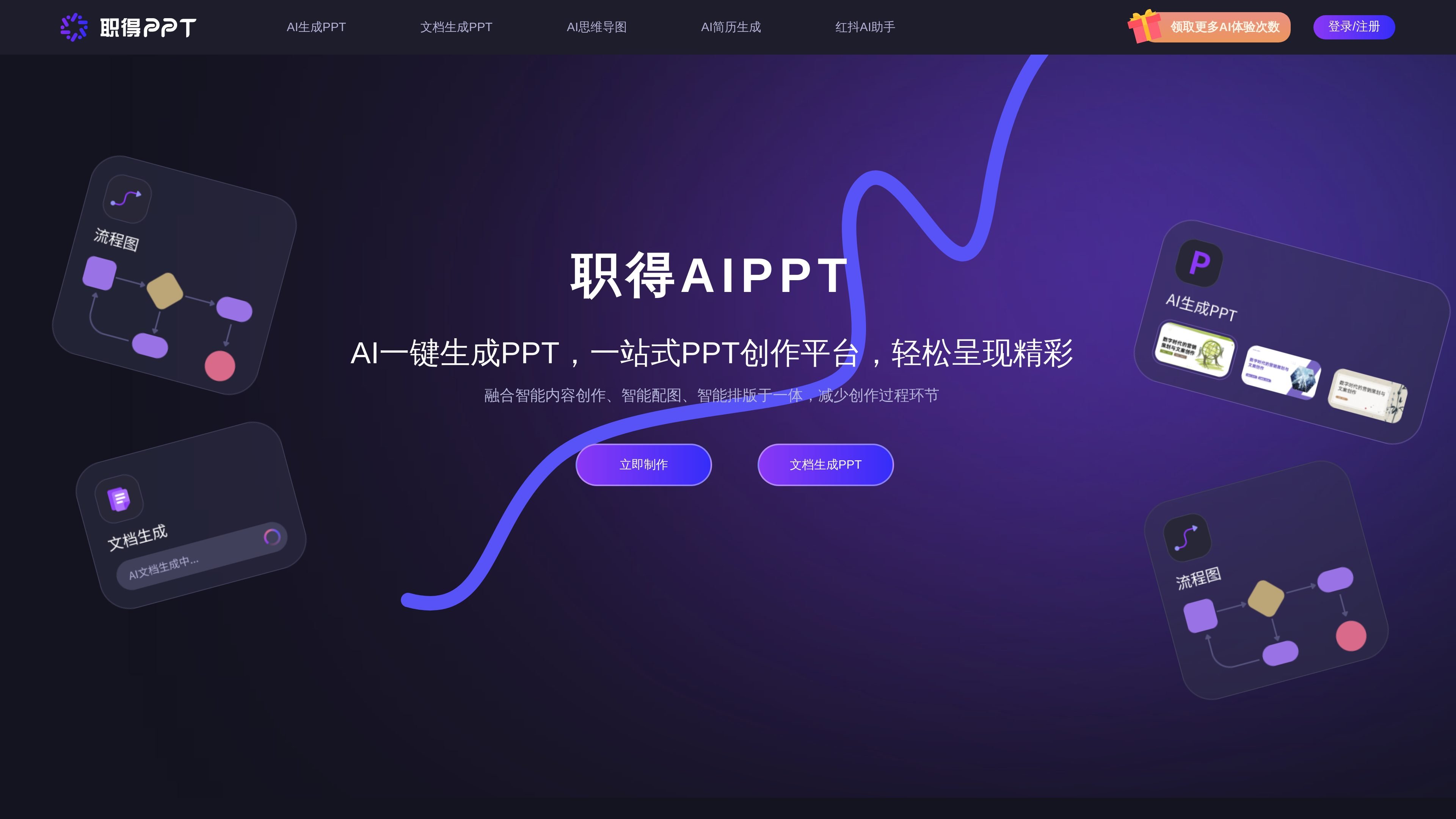
职得AIPPT is an AI presentation generator focused on turning ideas or documents into structured PowerPoint decks. The site presents it as a one-stop PPT creation platform that combines intelligent content generation, image generation, and layout automation to reduce manual slide-making work.
The product supports at least two main workflows: generating a presentation from a topic or sentence, and converting uploaded documents into PPTs. The document workflow summarizes the source text into an outline and content chapters, then completes the slide arrangement automatically, while also allowing users to adjust the outline before final generation.
Enter a topic or a single sentence and the product can generate a PPT outline, content copy, images, and slide layout automatically.
Upload a document and let the system summarize it into an outline and chapter structure before turning it into slides.
Supports file-based inputs for document generation, with explicit evidence for Word, PDF, TXT, DOC, and DOCX files.
Provides PPT templates and lets users edit elements online, including drag-and-drop adjustments for design components.
Includes AI tools beyond slide generation, such as AI drawing, AI long-form writing, AI voice, and an AI mind map tool.
Lets users adjust outline and content during the generation process instead of forcing a fully fixed output.
Create a presentation from a short prompt when you need a fast first draft of the storyline, slide text, and layout.
Upload a report, paper, or brief and convert it into a slide deck with an outline and chapter structure derived from the source document.
Refine a presentation after generation by adjusting the outline and editing slide elements online instead of rebuilding the deck from scratch.
Use the mind map tool when you need to organize a topic, clarify relationships, or build a framework before presentation writing begins.
Use the bundled AI writing, drawing, and voice tools when a presentation project also needs supporting text, visuals, or audio-related content.
The source shows two main generation paths: a topic-based PPT flow and a document-to-PPT flow. On the generation page, users can choose a topic to generate a full deck, or upload a document for the AI to summarize and turn into slides.
The product pages show support for topic-based PPT generation and document-to-PPT generation. The document workflow explicitly supports Word, PDF, TXT, DOC, and DOCX files.
The source shows online editing of PPT elements and the ability to adjust outlines before generation continues. It also says templates are available, but it does not provide a detailed editor walkthrough.
The pricing page exists, but the collected page text does not expose specific prices or plan limits. The site also mentions a free automatic PPT generation tool and prompts users to log in or register for more AI usage counts.
The site does not provide explicit evidence for team accounts, API access, or third-party integrations in the collected text. It does mention multi-client usage, including a WeChat mini program and downloadable client, but not broader integrations.