
Model and garment upload workflow
Upload a model photo or choose a model, then pair it with a garment image to generate a virtual try-on result.

Kolors Virtual Try On is an AI clothing visualization tool that creates virtual try-on images from model and garment photos for e-commerce, fashion, and shopping previews.
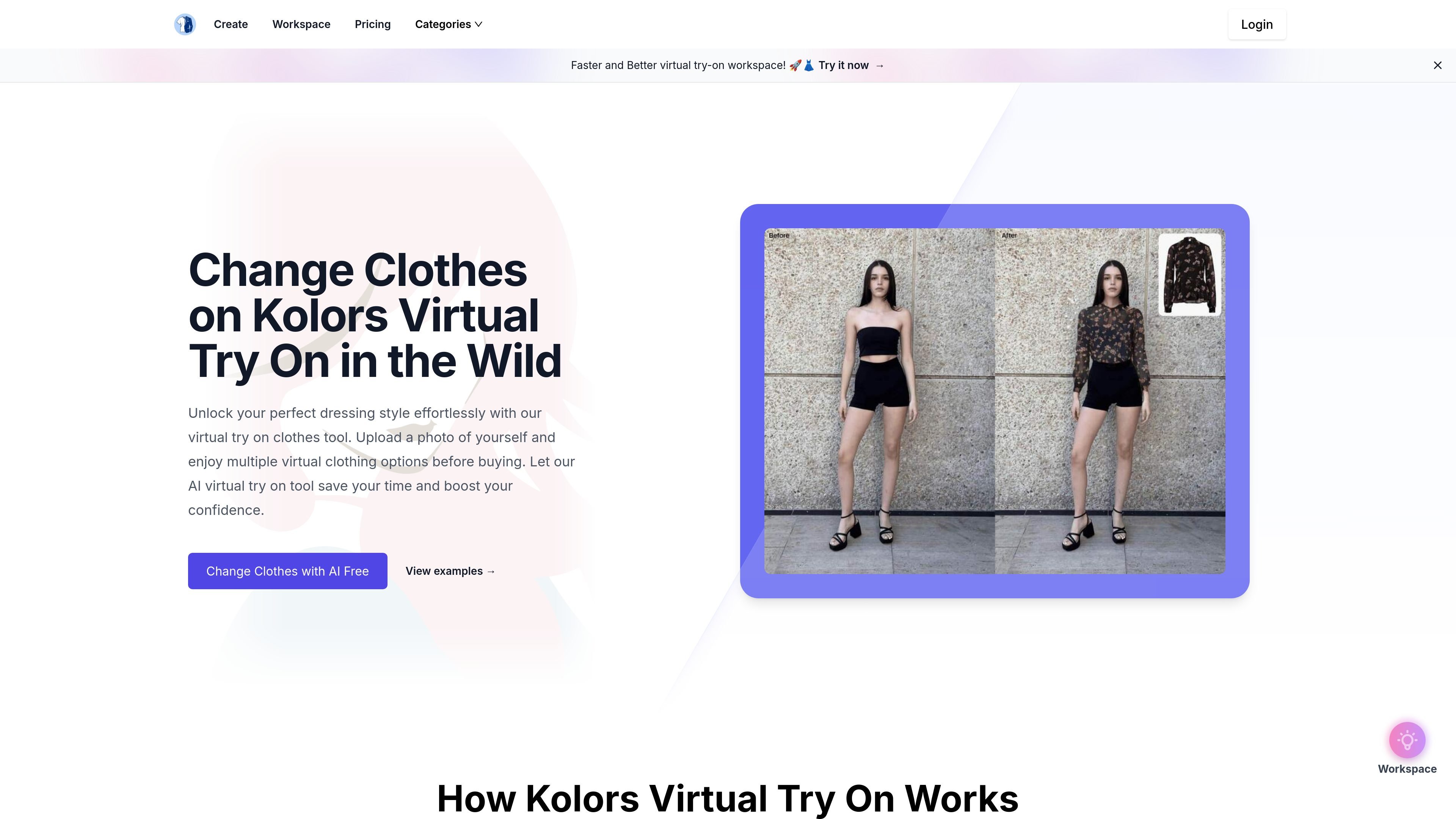
Kolors Virtual Try On is an AI clothing visualization tool for generating virtual try-on images from a model photo and a clothing image. It is positioned as a free change-clothes service on the homepage, with a workspace that lets users upload a model picture, choose a cloth type, upload clothes, and generate a result.
The site says the output is designed to preserve fabric textures, logos, and garment fit while showing the clothing in realistic scenes. The collected pages also show practical use for e-commerce imagery, fashion prototyping, advertising creative, and customer shopping previews.
Upload a model photo or choose a model, then pair it with a garment image to generate a virtual try-on result.
Select clothing from the built-in library or upload your own designs to test different looks.
The homepage says the system preserves fabric texture, logos, and garment details in the output.
The product describes accurate fit simulation across different body types and sizes.
It supports outdoor scene presentation so the clothing can be previewed in real-world style contexts.
The workspace indicates generation is credit-based, and the pricing page adds faster generation, better quality, private generation, and unlimited downloads on paid plans.
Create product visuals without a physical photoshoot by placing garments on a model and generating styled imagery for ecommerce listings.
Test how designs look on different body types while iterating on garment concepts and fit presentation.
Adjust outfits quickly for campaign visuals, social content, or concept mockups without rebuilding the entire scene from scratch.
Let shoppers preview how clothing may look before purchasing, giving them a more concrete sense of fit and appearance.
Use the clothing library or custom uploads to compare multiple looks and combinations before choosing a final outfit direction.
Kolors Virtual Try On is an AI-powered clothing visualization tool that lets you upload a model photo and a clothing image, then generates a virtual try-on result with preserved textures, logos, and garment fit.
The source shows a workspace for uploading a model picture and a clothing image, selecting a cloth type such as upper body, and generating a try-on result. The homepage also says you can choose from a clothing library or upload your own designs.
The pricing page shows paid plans with different credit amounts and benefits such as faster generation speed, better image quality, private generation, unlimited downloads, and dedicated customer support on higher tiers.
The homepage and FAQ describe use cases for e-commerce photoshoots, fashion design prototyping, advertising creative work, and customer-facing shopping previews.
The product claims to keep fabric textures, logos, and fit accurate in the generated result, but it does not provide detailed technical limits or supported file specifications on the collected pages.