
AI website builder
Turn an idea into a website from a prompt, image, or video. The website page says you can edit naturally and deploy instantly, with support for real, interactive sites rather than static mockups.

Kimi is an AI productivity suite for building websites, documents, slides, spreadsheets, and research outputs. It combines task-specific agents with prompt-driven workflows for creating and automating work across those formats.
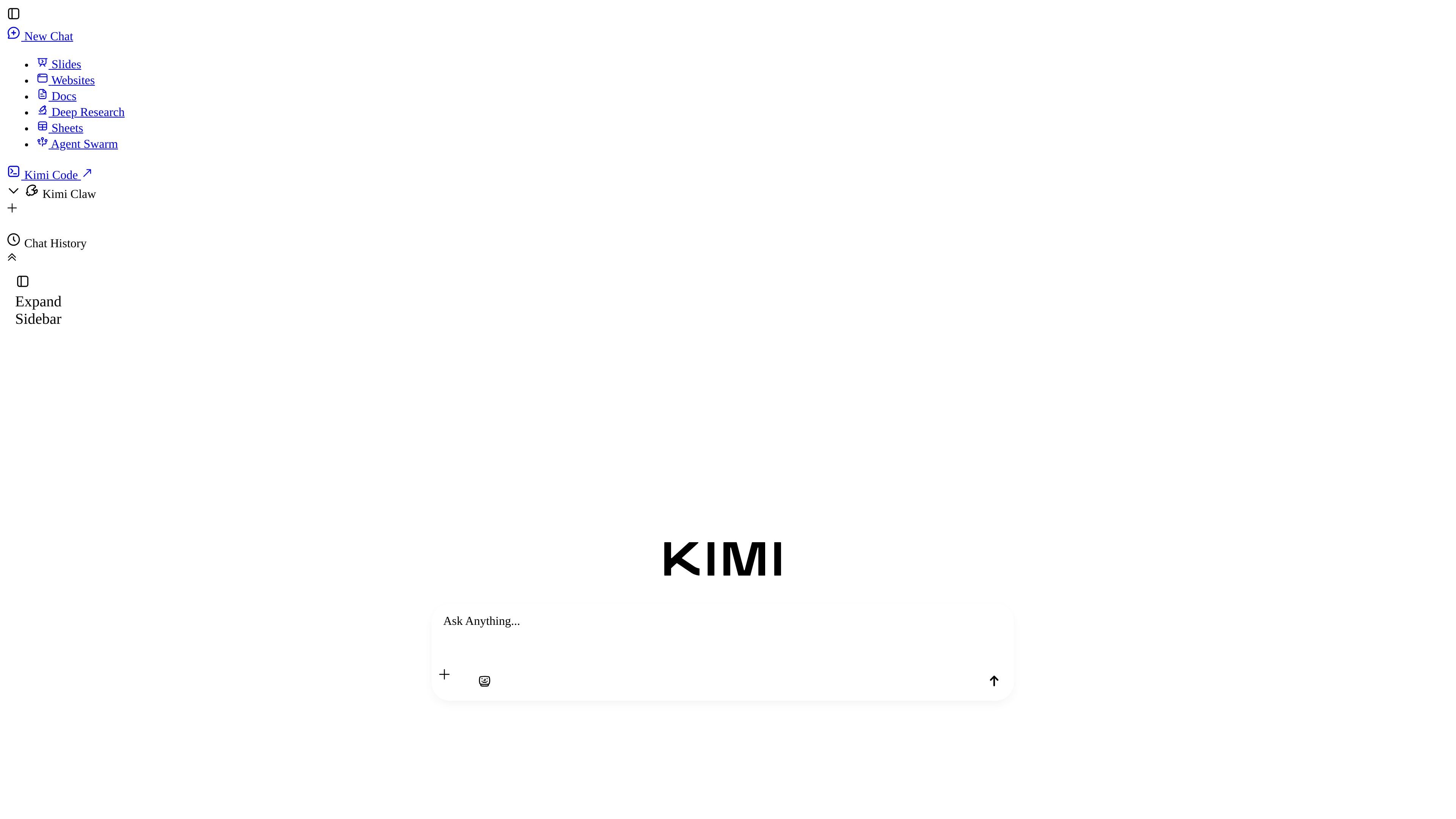
Kimi is an AI product suite centered on K2.6 and a set of task-specific agents for websites, documents, slides, spreadsheets, and research. The public pages frame it as a workflow tool for creating, analyzing, and automating work rather than a single-purpose chat app.
Its visible product pages emphasize prompt-driven creation and output-focused agents: you can describe a website, turn documents into reusable skills, generate slides, build spreadsheets, or run deep research with cited reports. The site also surfaces Agent Swarm and Claw Groups as collaboration-oriented features for larger or multi-agent tasks.
Turn an idea into a website from a prompt, image, or video. The website page says you can edit naturally and deploy instantly, with support for real, interactive sites rather than static mockups.
Use the document agent to create and automate Word and PDF work, including creation, conversion, review, and bulk processing. The docs page also highlights track changes, comments, illustrations, and cover design.
Generate editable slides from text, documents, images, or templates. Kimi Slides is described as handling structure, design, and content so the user can focus on the source material.
Build spreadsheets that use formulas, pivot tables, and charts. The features page positions Kimi Sheets for both simple tables and more complex analytical models.
Define a research topic and receive reports with rich charts, traceable citations, and multi-format output. The feature page presents this as a deep research workflow rather than a simple answer box.
Use Agent Swarm and Claw Groups as team-oriented agent features for larger tasks and agent collaboration. The homepage and meta description present these as part of the broader Kimi workflow.
Describe a site idea, provide an image or video if helpful, and use Kimi Websites to produce a functional web page or site that can be edited and deployed quickly.
Draft reports, proposals, or academic-style documents in Word or PDF format, then use track changes, comments, illustrations, and cover design to shape the final file.
Turn notes, source text, images, or templates into editable slide decks, with Kimi handling structure and visual layout so the presentation is ready for review.
Create spreadsheets for analysis tasks that need formulas, pivot tables, or charts, from simple tables through more complex models.
Run a broader research task when you need cited findings, charts, and a deliverable that can be shared in more than one format.
Kimi offers multiple AI agents and workflows, including websites, slides, documents, deep research, sheets, and agent teamwork. The site positions Kimi K2.6 as the core experience for these tasks, but the rendered pages do not show a single, unified pricing or feature matrix.
The source explicitly shows web-based product pages for Kimi Websites, Kimi Docs, and a features page that introduces slides, sheets, deep research, and document workflows. It also shows prompts for getting the app and using Kimi in the browser, but it does not provide a full platform list beyond the website experience.
Kimi Docs says it can create professional Word files and PDFs and supports track changes, comments, illustrations, and cover design. The features page also describes document creation, conversion, review, and bulk processing.
The pricing page is present, but the rendered text does not expose plan names, prices, or usage limits. Based on the available evidence, it is safest to say that pricing details were not visible in the collected page text.
The pages describe Kimi Websites as a prompt-driven builder for real, interactive websites and mention that you can describe an idea, upload an image or video, and go live in minutes. The visible text does not confirm every editing or deployment option beyond that workflow.