
Multiple source formats
Create flashcards from PDF, PowerPoint, pasted text, handwritten notes, Word files, images, or AI prompts. The product pages position KardsAI as a broad input-to-flashcard workflow rather than a single-format converter.

KardsAI is an AI flashcard maker that turns PDFs, text, PowerPoint, notes, images, or prompts into flashcards and practice quizzes. iOS, Android and web.
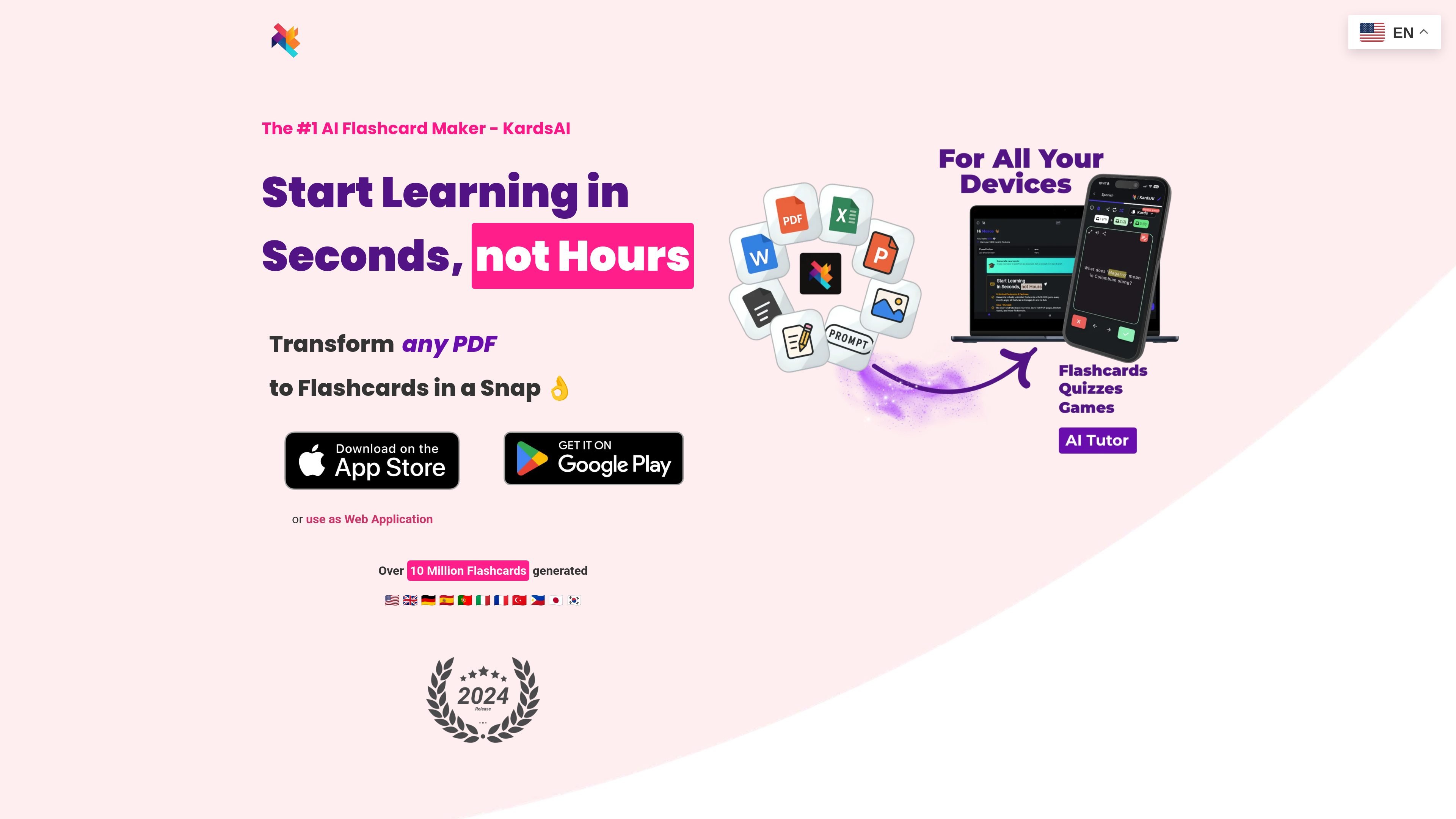
KardsAI is an AI flashcard maker that turns study material into flashcards and related practice formats. The site says it can generate content from PDFs, PowerPoint files, pasted text, handwritten notes, Word files, images, and AI prompts.
The product is available as an iOS app, an Android app, and a web application. KardsAI also adds study modes beyond flashcards, including quizzes, word matches, and AI tutor voice sessions, along with spaced repetition and deck sharing features.
Create flashcards from PDF, PowerPoint, pasted text, handwritten notes, Word files, images, or AI prompts. The product pages position KardsAI as a broad input-to-flashcard workflow rather than a single-format converter.
Generate flashcards, multiple-choice quizzes, true-or-false quizzes, word-matching exercises, and AI tutor voice quizzes. The study-mode mix lets users move from card generation into practice without switching tools.
Use the web app, iOS app, or Android app, with offline learning support mentioned on the pricing page. The home page also says the product works on phone, tablet, or PC.
Import or export through the web workflow, including CSV download from flashcard decks on the web. The source pages also say decks can be customized after generation.
Share decks with friends and track progress, with multi-deck collections and spaced repetition listed on the home page. These capabilities support repeated review and collaborative studying.
Remove ads and increase generation limits with Pro. The pricing page distinguishes free and Pro tiers by input limits and ad removal.
Students can turn lecture slides, PDFs, and class notes into flashcards before an exam, then review them with flashcards or quizzes instead of rewriting study cards by hand.
Language learners can build vocabulary and phrase decks from prompts or pasted text, then practice with flashcards, word matches, and voice-based study sessions.
People who start from a PowerPoint can upload the file, generate a deck, and then refine the cards or share them with classmates afterward.
Users with handwritten notes or scanned images can convert those materials into study cards, which helps when the source content is not already typed.
Web users can generate cards from a PDF and export the resulting deck as CSV for use outside the app, where that workflow fits their study setup.
KardsAI can be used on iOS, Android, or the web. The home page says it works on your phone, tablet, or PC, and the pricing page notes that the app can be used offline.
The source pages show PDF, text, PowerPoint, handwritten notes, images, and AI prompts as supported inputs. The PDF workflow page also mentions downloading generated flashcards as a CSV file on the web.
The pricing page shows a free plan and paid Pro plans. Free includes PDF to flashcards for 3 pages, text to flashcards for 2,000 words, and prompt to flashcards for 25 kards; Pro raises those limits to 50 pages, 20,000 words, and 100 kards.
The source pages say you can share decks with friends and track progress. The home page also mentions multi-deck collections and a spaced repetition algorithm.
The pricing page says the free plan includes text to speech, while Pro includes a read-out-loud feature. The source does not provide more detail about how the voice features differ in practice.