
Automatic motion zoom
Highlights important parts of a screen recording by applying zooms automatically, which can help direct attention during product walkthroughs.

isolate.video is a video editing app that turns screen recordings into polished product videos with automatic zoom, AI music, and spotlight effects. It is aimed at people creating product demos and other screen-recorded videos who want a faster path to a finished export.
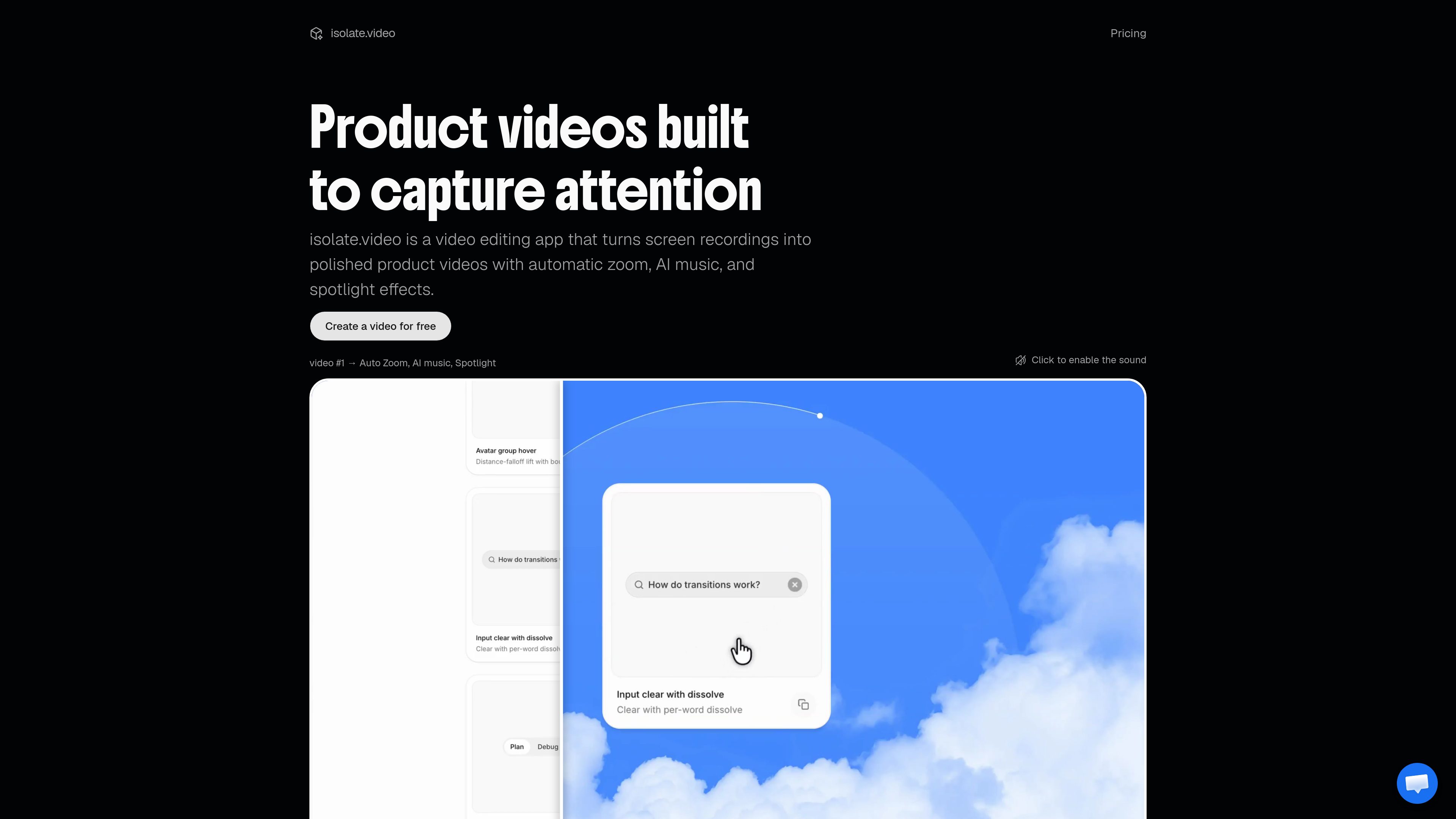
isolate.video is an AI product video editor for turning screen recordings into polished product videos. The homepage describes it as a video editing app that adds automatic zoom, AI music, and spotlight effects to help creators make screen captures look more intentional and easier to follow.
The workflow shown on the site is simple: upload a recording, isolate what matters, and export a finished video. The product appears built for demo-style videos where the important part of the screen should be emphasized without manual editing for every movement or transition.
Highlights important parts of a screen recording by applying zooms automatically, which can help direct attention during product walkthroughs.
Adds music to a video as part of the editing workflow, reducing the need to source and sync audio separately.
Emphasizes selected areas of the screen so viewers can follow the action more easily.
Designed around transforming recorded screens into finished product videos rather than editing general-purpose footage.
Pricing pages show tiered export limits and quality options, including watermarked free exports and higher-resolution paid exports.
Available output limits vary by plan, with support shown up to 4K at 60 fps on the Studio plan and unlimited export length on paid plans.
Useful for teams or solo builders turning app recordings into clean demos for websites, launch pages, or social posts.
Helps presenters focus attention on specific UI areas while keeping the rest of the recording less distracting.
Fits short product announcements where a screen capture needs a more polished presentation quickly.
Works for creators who want to produce video content from recorded screens without doing manual motion work in a traditional editor.
It edits screen recordings into more polished product videos using effects such as automatic zoom, AI music, and spotlighting.
Yes. The pricing page shows a free plan with 10 AI credits to start, 1 render minute per month, exports up to 720p at 30 fps, a 60-second export limit, and watermarked exports.
The pricing page shows Creator at $16 per month and Studio at $41 per month, with higher limits and no watermark on paid exports.
The pricing page lists up to 1080p at 60 fps on Creator and up to 4K at 60 fps on Studio.
The site positions it for people making product videos from screen recordings, especially when they want a quicker path from recording to publishable demo.
트래픽 데이터는 참고용으로만 확인하세요.
| 5월 | 0 |
|---|---|
| 6월 | 0 |
| 7월 | 0 |
아직 트래픽 분석 데이터가 없습니다.
아직 트래픽 분석 데이터가 없습니다.