
Multiple upload methods
Upload from the device, drag and drop, add by URL, copy and paste, or import supported files directly into the converter.

Image to Text Converter is a web-based OCR tool that extracts editable text from images, scans, and PDFs, with Image to Excel, Word to Text, and PDF to Text options.
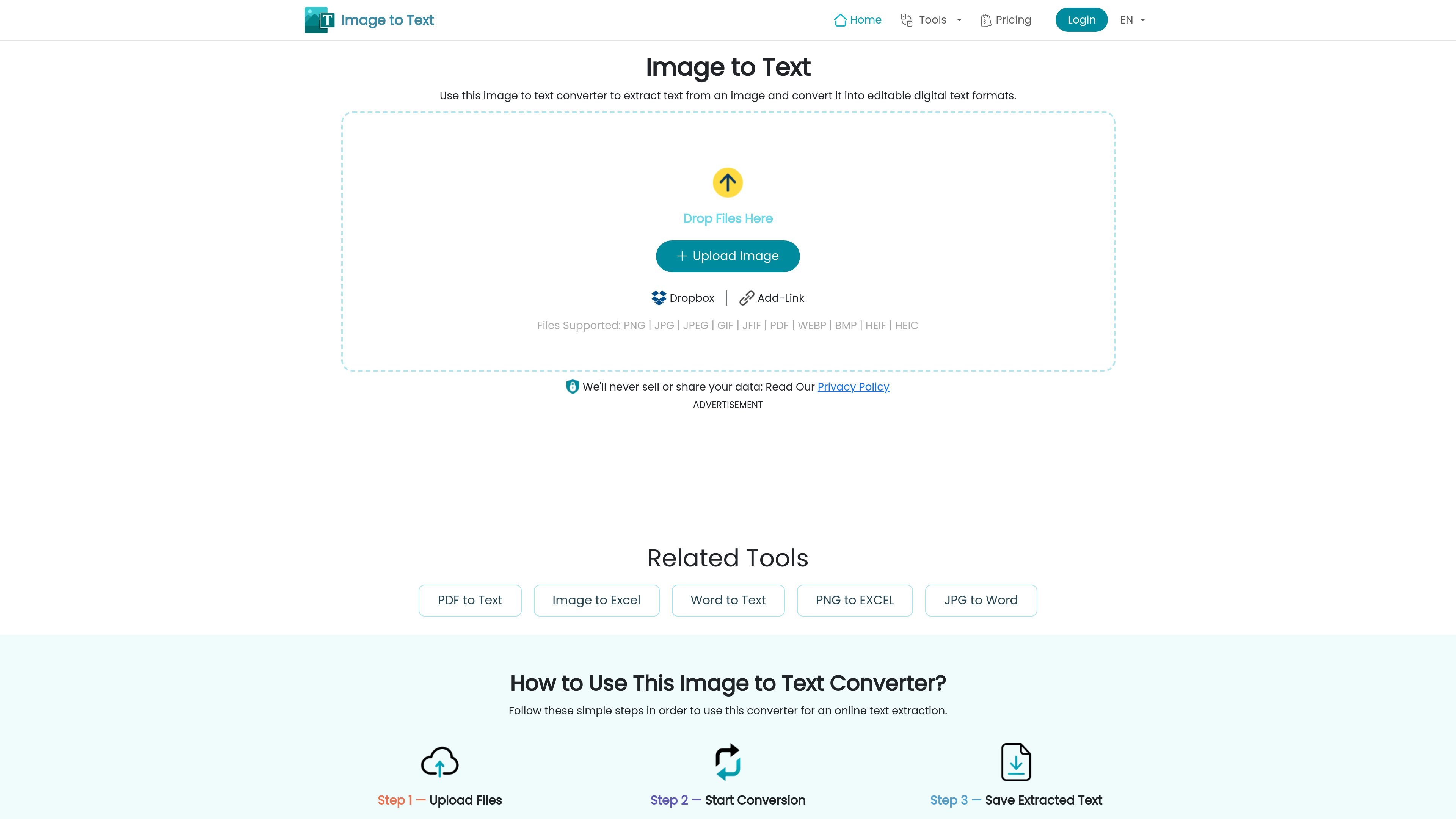
Image to Text Converter is an online OCR tool for extracting editable text from images and scanned documents. It is positioned as a browser-based service that lets users upload files, run conversion, and copy or download the resulting text without a sign-up process.
The site also includes related converters for Image to Excel, Word to Text, and PDF to Text, which suggests the product is organized around file-specific text extraction workflows. The core use case is turning image or document content into digital text that can be edited, reused, or saved in a different format.
Upload from the device, drag and drop, add by URL, copy and paste, or import supported files directly into the converter.
The site says it can process numerous images at once, which is useful when you need to extract text from several files in one session.
The converter supports common image formats and PDF inputs, with separate tools for JPG-to-Excel, Word-to-Text, and PDF-to-Text workflows.
The home page says the tool can recognize handwritten text, low-quality images, and mathematical equations through OCR-based processing.
The site states that extracted text can be copied to the clipboard or saved in multiple output formats, including plain text and Word-compatible formats.
The product pages describe translation support for extracted text and list OCR languages across many scripts and languages.
Upload photos, screenshots, or scans when you need to turn visual text into editable copy for notes, drafting, or reuse in another app.
Use the dedicated PDF-to-text flow when you need text from scanned or text-based PDFs without retyping the contents manually.
Use the Image to Excel tool for images that contain tables or structured data, especially when you need a spreadsheet rather than a text file.
Use the Word-to-text tool to strip DOC or DOCX files down to plain text when you only need the words, not formatting.
Run batch uploads when you have many files to process at once and want to save time versus converting them one by one.
Yes. The site describes it as an online converter that extracts text from images and scanned documents without a sign-up process, and the pricing page says premium plans unlock the full toolset immediately.
The home page says it supports image and document uploads such as PNG, JPG, JPEG, GIF, JFIF, WEBP, BMP, HEIF, HEIC, and PDF. The site also offers separate PDF to Text, Image to Excel, and Word to Text tools for specific file types and output formats.
The homepage says you can copy the extracted text or download it in desired text formats. The pricing page also mentions saved text in multiple formats on premium plans.
The site says the converter works online across operating systems and devices, including Windows, Linux, Mac, Android, iOS, and tablets.
The pricing page lists monthly, yearly, and lifetime premium plans, and it says there is no free trial for premium features. The home page still describes the core converter as free to use, with premium plans available for extended limits and features.