
Conversational AI
Chat with the assistant for general questions and other interactive tasks.

Grok is an AI assistant from xAI for chat, image creation, code writing, and real-time answers from the web and X. Grok Imagine adds image and video generation with templates and agent-mode iteration.
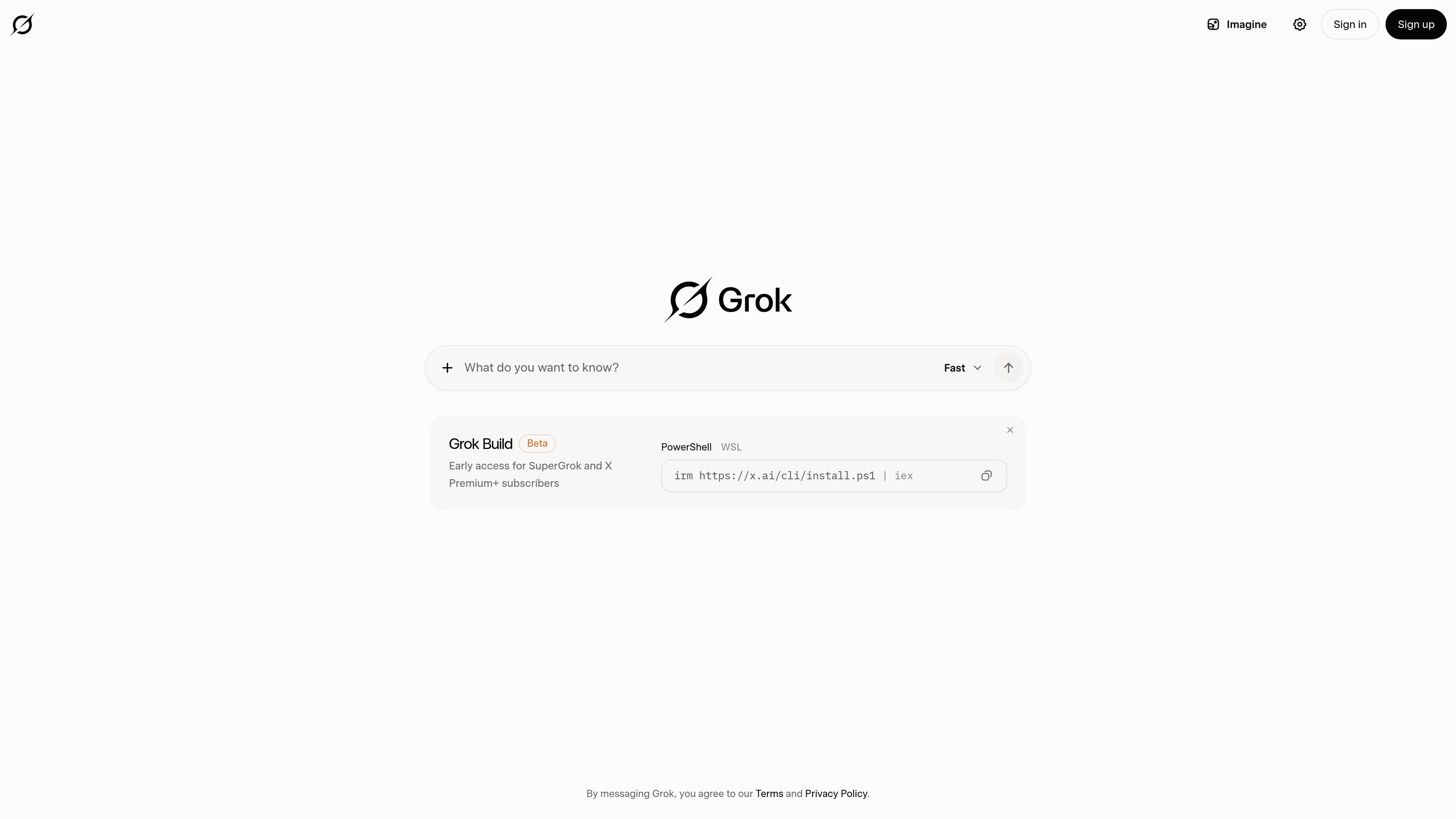
Grok is an AI assistant from xAI. The site describes it as a tool for chatting, creating images, writing code, and getting real-time answers from the web and X.
The collected pages also show Grok Imagine, a separate experience for AI image and video generation. It supports creating and editing images, animating them into videos, and using Imagine Agent Mode for faster iteration.
Chat with the assistant for general questions and other interactive tasks.
Generate images through the Grok product experience and the Grok Imagine page.
Write code with assistance from the assistant, as stated in the site description.
Use web and X information for real-time answers, according to the product description.
Create and edit images, then animate them into videos in Grok Imagine.
Iterate using Imagine Agent Mode and featured templates on the image-generation page.
Ask questions and get responses that can draw on web and X context for current information.
Draft or troubleshoot code with an AI assistant that is explicitly described as able to write code.
Create images, edit them, and turn them into videos inside Grok Imagine.
Use featured templates and Imagine Agent Mode to move through repeated image-generation iterations more quickly.
Grok is presented as an AI assistant from xAI. The site text says it can chat, create images, write code, and provide real-time answers from the web and X.
The homepage and pricing page both reference Grok, and the site also includes Grok Imagine for image and video generation. The collected text does not show a full platform matrix, so availability details are limited to what is visible on the site pages provided.
The site shows an installation command for a Grok CLI on the homepage/pricing page, but it does not provide broader setup steps in the collected text. Beyond that, users can sign in or sign up from the site.
The pricing page text in the collected sources does not expose plan names or prices. It does indicate early access for SuperGrok and X Premium+ subscribers on the FastGrok Build beta.
Grok Imagine is described as an AI image and video generator. It can create and edit images, animate them into videos, and iterate with Imagine Agent Mode.