
No-code builder and API
Create support agents from a no-code interface or API, then upload training data to shape how the agent responds. The workflow is designed around building, testing, deploying, and monitoring.

GPT-trainer is an AI chatbot and agent platform for customer support, with voice and text agents across phone, email, SMS, web chat, and social media.
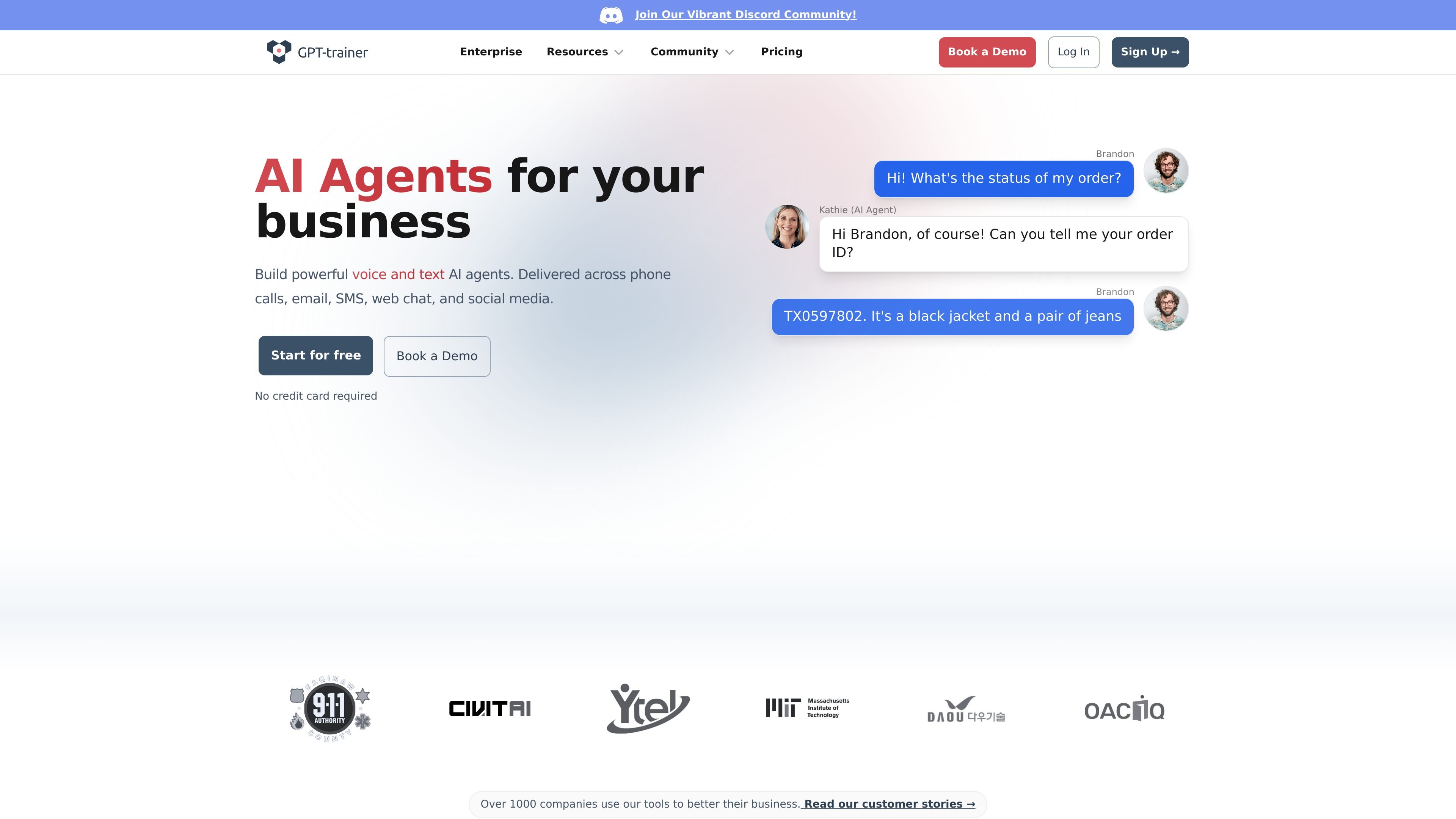
GPT-trainer is a platform for building AI chatbots and agents for customer support and related business workflows. The site positions it around both voice and text agents that can operate across channels such as phone calls, email, SMS, web chat, and social media.
It is aimed at businesses that want to automate support, qualification, and internal question handling without starting from scratch. The product combines a no-code builder with API access, training-data upload, monitoring tools, and enterprise deployment options.
The pricing page shows self-serve, scale, and enterprise plans, with enterprise options for dedicated support and infrastructure. The partner page also shows a white-label and ambassador program for organizations that want to resell or brand the platform for their own customers.
Create support agents from a no-code interface or API, then upload training data to shape how the agent responds. The workflow is designed around building, testing, deploying, and monitoring.
Deploy agents across phone calls, email, SMS, web chat, and social media channels. The same platform supports both voice and text-based agents.
Train from web pages, PDFs, Word, Excel, Markdown, PowerPoint files, and embedded tables or images. The site describes this as part of its document extraction and retrieval pipeline.
Connect with CRMs and external systems using structured JSON outputs, webhooks, and API access. The pricing page also lists workflow tools such as Zapier and Make, plus platform deployments like Slack, Notion, WordPress, and Webflow.
Use AI voice capabilities for low-latency conversations, batch outbound calling, and automatic follow-up workflows. The site also mentions call transfer to human reps when escalation is needed.
Choose from multiple LLM providers, including OpenAI, Anthropic, Google, Mistral, and DeepSeek. The platform also supports custom LLMs and fine-tuned models through dedicated hosting options.
Handle routine customer questions across chat, email, SMS, and social channels so human agents can focus on escalations and complex cases.
Qualify incoming leads, collect context, and route prospects to the right rep using voice or text-based conversations.
Extract information from uploaded documents and structured files to turn unstructured content into searchable training data.
Use AI agents for internal help desk questions, including HR and IT support, so employees can get answers outside business hours.
Create white-label or ambassador offerings for clients who want to resell chatbot subscriptions under their own brand or as a managed service.
GPT-trainer can be set up through a no-code builder or API, and the home page says teams can go live in about 10 minutes. The product also supports iterative testing before deployment.
The site presents GPT-trainer as a platform for AI chatbots and AI agents used across customer support, lead qualification, document analysis, employee training, HR/IT assistance, teaching assistance, and AI voice workflows.
GPT-trainer supports website chat, email, SMS, web chat, social media, and voice workflows. The pricing page also lists Slack, Zapier, Make, WhatsApp, Instagram, Messenger, HubSpot, Zendesk, API access, and webhooks on applicable plans.
The pricing page shows self-serve, scale, and enterprise options. Self-serve includes a monthly plan, while enterprise is sold through sales with dedicated support, infrastructure, and additional deployment options.
The source material does not describe a strict industry restriction. The partner page says anyone with an existing customer base for digital products can launch a chatbot maker platform with GPT-trainer, but the product itself is positioned for businesses building customer support and automation agents.