
Repository-to-podcast conversion
Turn a GitHub repository into a podcast-style summary so you can get an audio-like overview of a project quickly.
GitPodcast turns a GitHub repository into a podcast-style summary in seconds. Choose Basic or In Depth to understand projects by listening.
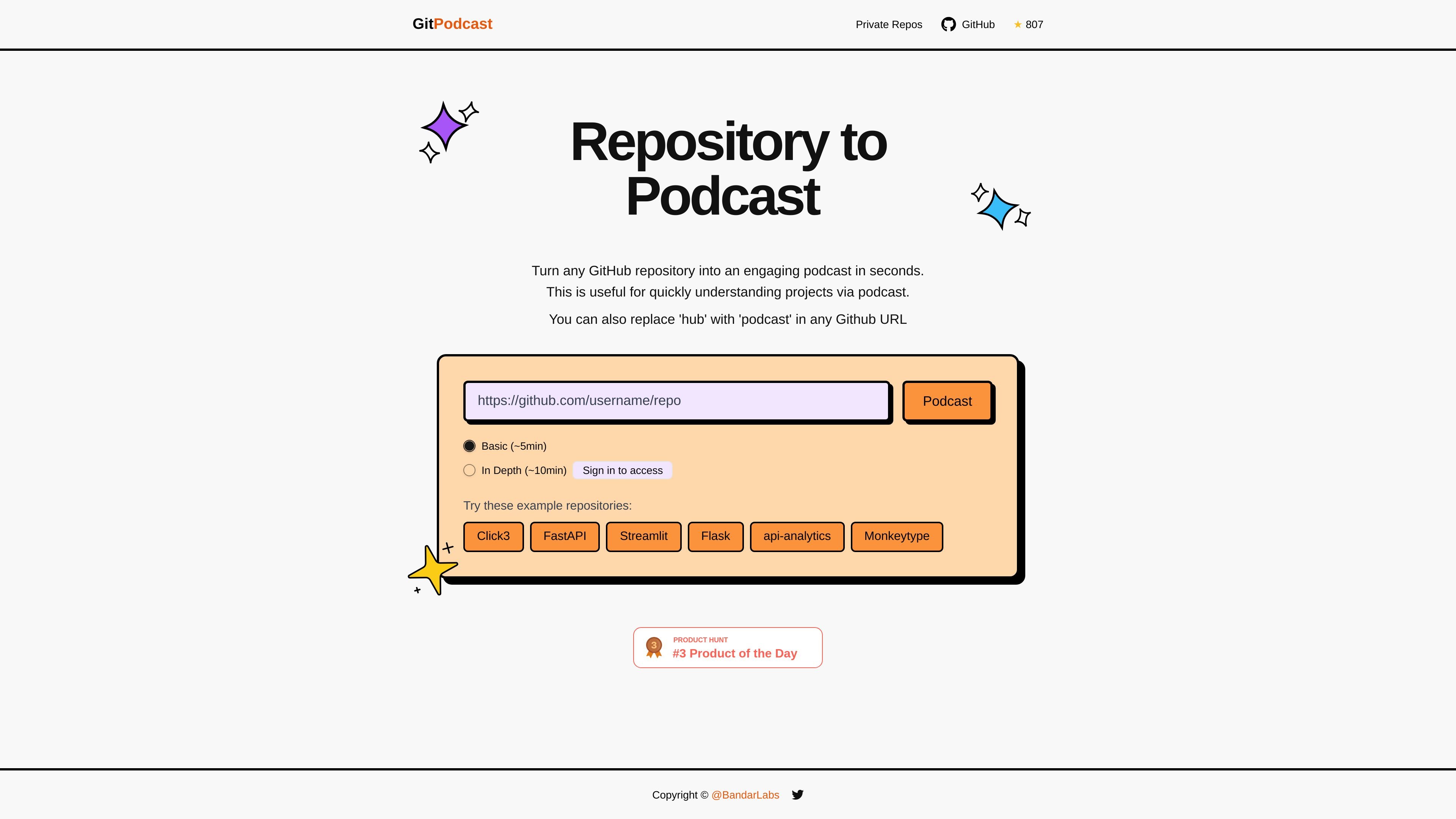
GitPodcast is a web product that turns a GitHub repository into a podcast-style summary in seconds. The homepage positions it as a way to quickly understand a project by listening to a generated overview rather than reading the repository directly.
The product highlights two listening modes: a Basic version of about 5 minutes and an In Depth version of about 10 minutes. It also describes a simple workflow for GitHub links, where users can replace `hub` with `podcast` in the repository URL to access the generated result.
Turn a GitHub repository into a podcast-style summary so you can get an audio-like overview of a project quickly.
Choose between a shorter Basic output and a longer In Depth output depending on how much context you want.
Use the URL replacement workflow described on the homepage by swapping `hub` with `podcast` in a GitHub URL.
Start from example repositories listed on the homepage, including FastAPI, Streamlit, Flask, api-analytics, and Monkeytype.
Sign in before accessing the product workflow, as indicated on the homepage.
Listen to a compact overview of a repository when you want to understand its purpose without reading through the codebase first.
Use the longer In Depth mode when you need more context on a project before contributing or evaluating it.
Share a repository through the URL replacement workflow when you want a podcast-style summary tied to a specific GitHub link.
Try one of the sample repositories on the homepage to see how the product handles different projects before using your own link.
The homepage indicates you can paste a GitHub repository URL or replace `hub` with `podcast` in a GitHub URL to generate a podcast view of that repository.
The homepage shows two output modes: Basic (about 5 minutes) and In Depth (about 10 minutes).
The source shows a sign-in step to access the product, but it does not provide setup details beyond that.
The public pricing page appears unavailable and shows a 404-style error, so no plan details are visible in the provided source.