
Global dictation in any app
Press a shortcut, speak naturally, and release to get transcribed text inserted where your cursor is. Epilude is designed for dictation across writing surfaces, not just in one dedicated editor.

Epilude is a Mac voice productivity suite that turns speech into formatted text in any app. Dictation cleanup, tone match, custom vocabulary, shortcuts, and local mode.
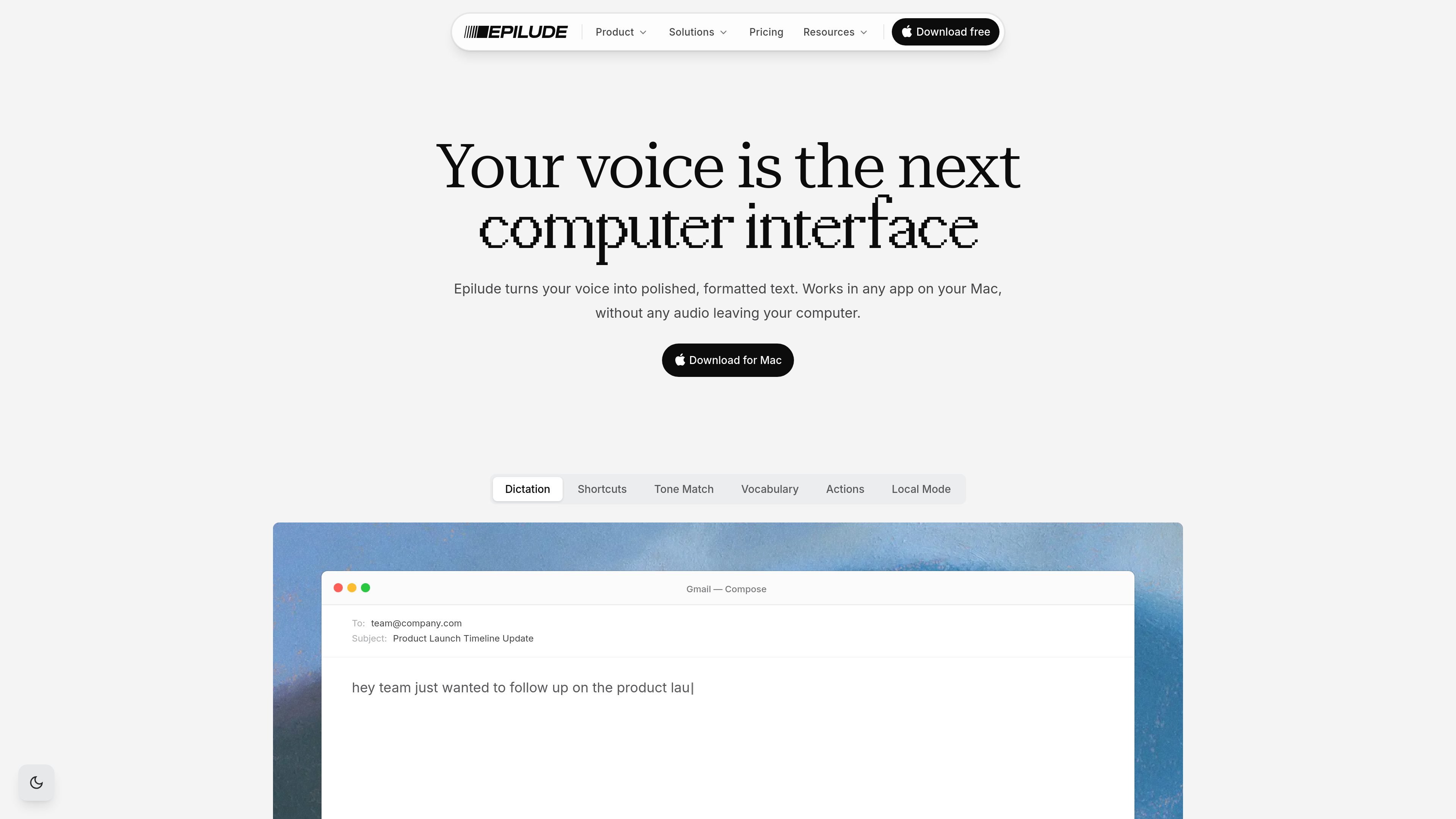
Epilude is a voice productivity suite for Mac that turns spoken input into formatted text in any app. The product is built around a simple workflow: press a key, speak naturally, release, and the cleaned-up text appears where you are writing.
It combines dictation with on-device and cloud-based processing, plus tools for vocabulary, shortcuts, tone adjustment, and cleanup. The site positions Local Mode as the private option, with your audio and text staying on your Mac and dictation continuing offline once installed.
Press a shortcut, speak naturally, and release to get transcribed text inserted where your cursor is. Epilude is designed for dictation across writing surfaces, not just in one dedicated editor.
The app cleans up filler words, punctuation, and mid-sentence corrections as you speak, so the output is closer to polished text than raw transcription.
Epilude can learn names, terms, and spellings you use often, helping recurring vocabulary stay consistent across messages and documents.
Saved phrases and repeated text can be inserted with voice commands, which is useful for recurring responses and structured writing workflows.
Tone Match adjusts wording to fit the surface you are writing in, with examples such as professional email and casual messaging.
Cloud mode supports 35+ languages, while the source also notes 30+ languages with code-switching and Local Mode support for 25 European languages.
Draft replies, status updates, and longer messages in email or chat by speaking naturally and letting Epilude clean up the result before it lands in the app.
Use the app to capture meeting takeaways, decision notes, and board or team updates in a more complete form than short typed notes usually allow.
Keep product names, customer names, and repeated terms consistent with Custom Vocabulary and Shared Vocabulary when the same words appear across many documents.
Insert repeated phrases or canned text with Shortcuts when your work includes recurring replies, templates, or standard update language.
Switch to Local Mode when you need dictation to stay on your Mac for confidential or offline work, such as sensitive internal notes or travel without internet.
Epilude runs on Mac and is designed to work in any app where you can type. The source highlights Gmail, Slack, iMessage, Linear, Notion, Google Docs, Apple Mail, WhatsApp, Discord, Microsoft Teams, GitHub, Safari, Apple Notes, ChatGPT, Claude, and Perplexity as examples.
The site says Local Mode is for Apple Silicon Macs (M-series) and runs dictation fully on-device. Cloud mode is the default and is also available on Mac.
Yes. The pricing page offers a free trial for 14 days or 1,000 words, whichever comes first, with no credit card required.
The pricing page says the Pay Once plan is $59 one-time and includes Local Mode, on-device dictation and cleanup, Custom Vocabulary and Shortcuts, and one year of app and Epilude Model updates.
Local Mode keeps dictation on your Mac and works offline. The privacy page says your audio and text stay on your Mac and never leave the device in Local Mode.