
Voice typing with keyboard editing
Type notes with your voice in real time, switch back to the keyboard when needed, and use the app as a standard note editor when you are not dictating.

Dictanote is a dictation-powered note-taking app with speech-to-text, cloud sync, and voice commands for faster notes, meeting recaps, drafts, and transcription.
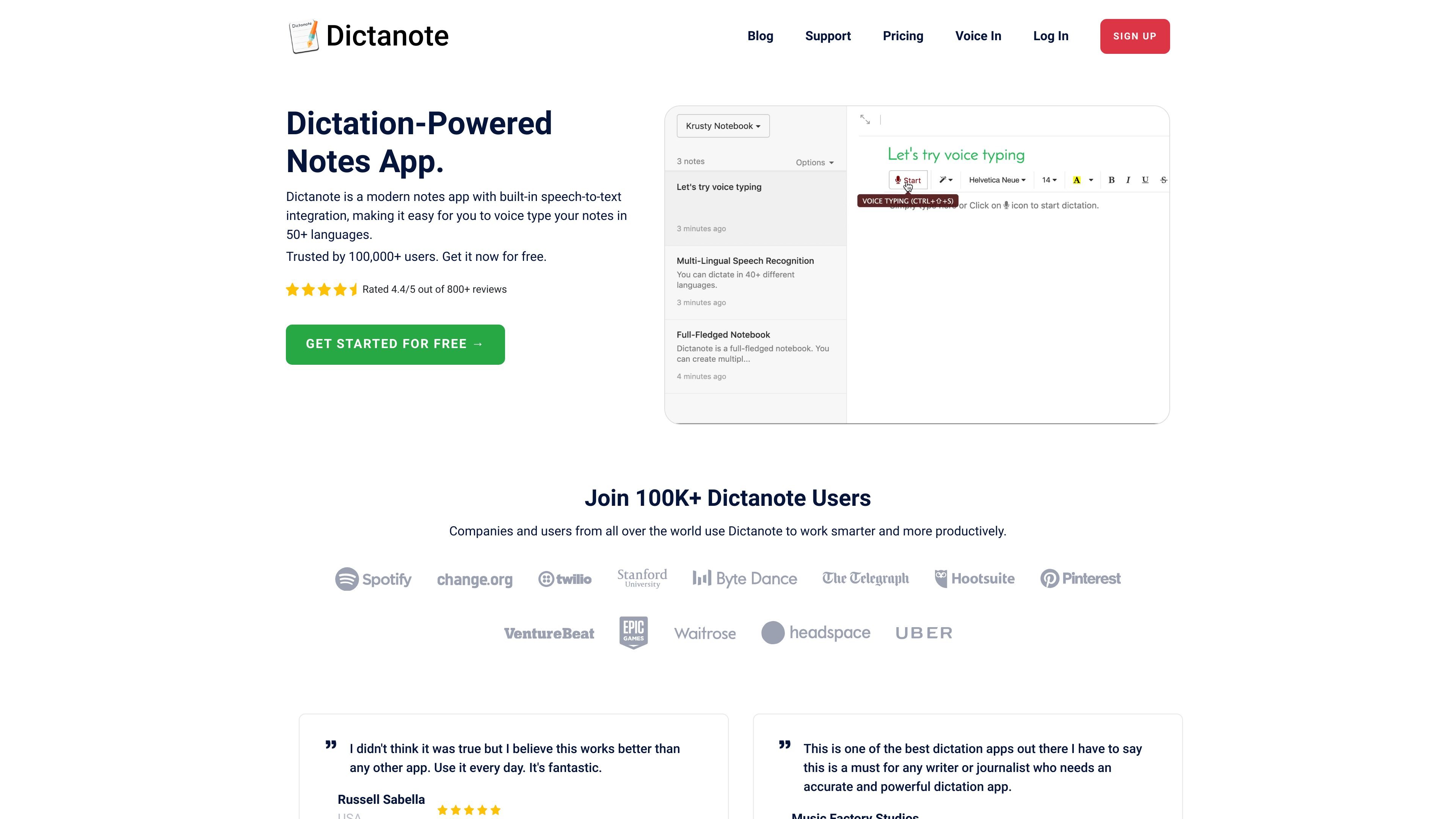
Dictanote is a dictation-powered note-taking app with built-in speech-to-text integration. It lets you switch between typing and voice input while creating notes, and it supports speech recognition in more than 50 languages.
The product is positioned for people who want to capture notes, meeting summaries, drafts, or other written content faster with voice dictation. It also includes related AI and transcription tools, including AudioScribe for rewriting voice notes into clearer text and Dictanote Transcribe for converting recorded audio and video files to text.
Type notes with your voice in real time, switch back to the keyboard when needed, and use the app as a standard note editor when you are not dictating.
Dictanote supports speech recognition in 50+ languages and 80+ dialects, with voice input designed to work across multilingual note-taking workflows.
Use built-in voice commands to insert punctuation, technical terms, and corrections without leaving the microphone workflow.
Use keyboard shortcuts to start or stop dictation and switch languages more quickly during note capture.
Dictanote stores notes in the cloud, supports offline editing, and can be installed as a standalone app on supported platforms.
AudioScribe and Dictanote Transcribe extend the product into AI note cleanup and audio-to-text transcription for recorded files.
Draft notes, outlines, and long-form writing by speaking first and switching to the keyboard when you need to refine the text.
Capture meeting notes, meeting recaps, and action items while keeping the app running in the background so the notes are saved automatically.
Record ideas in your own words, then use AudioScribe to turn rough speech into cleaner, more readable text with punctuation and filler-word removal.
Upload recorded audio or video files to Dictanote Transcribe when you need a transcript from a file instead of live dictation.
Use custom voice commands and voice-based editing to correct dictation, insert repetitive text, or automate frequent entry tasks.
Dictanote works on desktop in Google Chrome and Microsoft Edge on Windows, Linux, and Mac. It also supports Android in Google Chrome and iPhone in Safari 12+ for editing, but voice dictation is not available on iPhone.
Yes. The homepage states that notes are automatically synced to the cloud and available on all your devices.
Yes. The pricing page says Dictanote Pro includes unlimited notebooks, background dictation, custom voice commands, voice-based editing, images in notes, and AudioScribe.
Yes. Dictanote Transcribe is a separate product for converting pre-recorded audio and video files to text, while Dictanote is the note-taking app with built-in voice typing.
The site says you can manage your subscription from Account Settings and cancel from the same page. If you cancel before the end of the term, Pro access continues until the last day of the subscription period.