
Screenshot-based message generation
Upload screenshots of a chat or profile segment so the AI can generate a reply, opener, or conversation starter based on the context you provide.

Datemaxx is an AI dating assistant for screenshot-based openers, replies, and conversation starters, plus Hinge profile reviews for photos, prompts, and presentation.
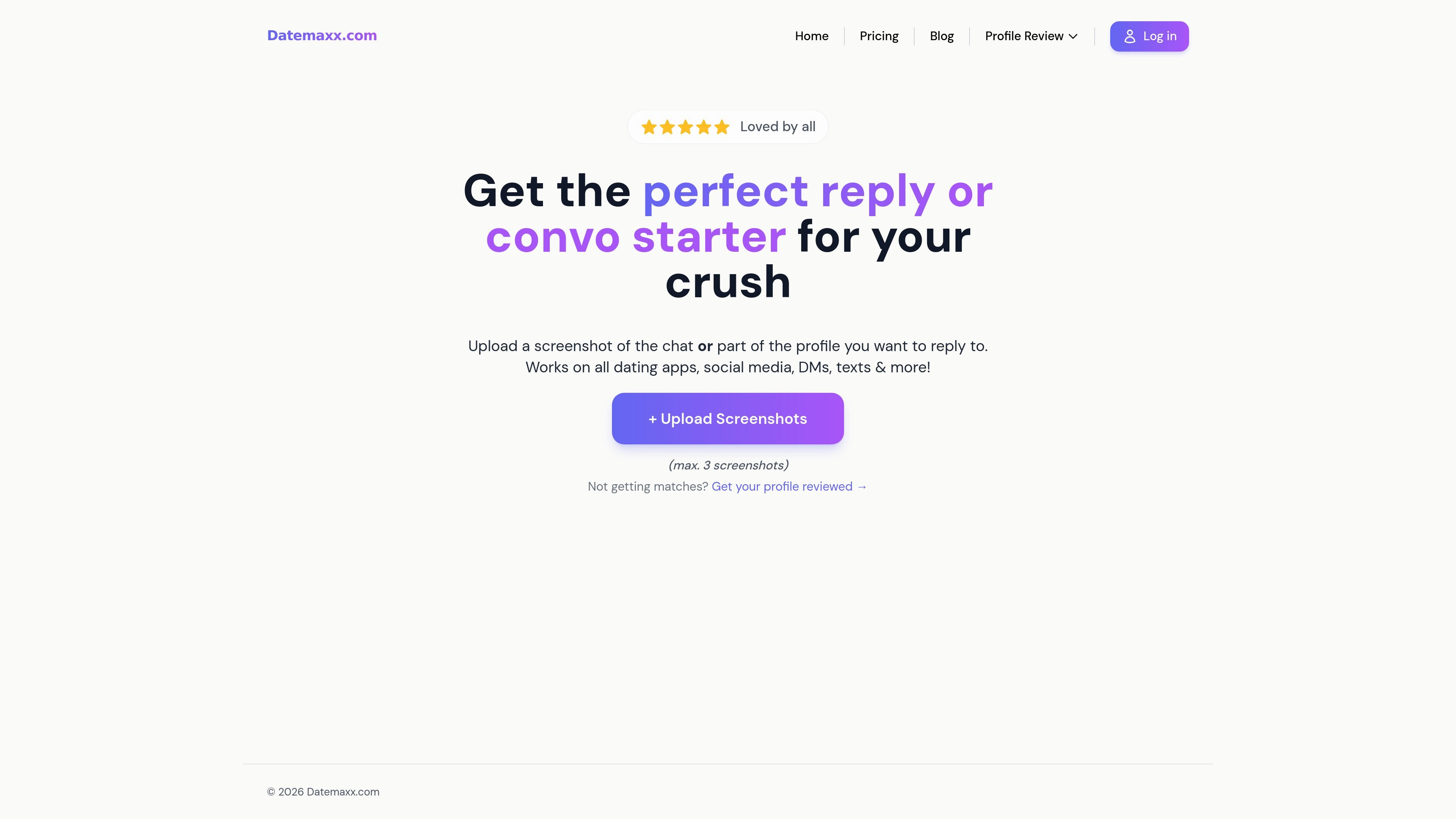
Datemaxx is an AI dating assistant for writing messages and reviewing dating profiles. Its main messaging workflow lets users upload screenshots from a chat or profile and generate a reply, opener, or conversation starter tailored to the context shown in the image.
The site positions the product for use across dating apps, social media, DMs, and text messages, with examples that include Tinder, Hinge, and Bumble. A separate Hinge profile review page adds profile analysis for photos, prompts, and overall presentation, aimed at people who want help improving how their profile converts into matches and conversations.
Upload screenshots of a chat or profile segment so the AI can generate a reply, opener, or conversation starter based on the context you provide.
The home page says the tool works across dating apps, social media, DMs, texts, and more, including Tinder, Hinge, and Bumble.
The pricing page lists an enhanced generation mode that uses a faster AI model for openers.
The pricing page says the product includes unlimited openers per generation, which lets users request several options in one pass.
The dedicated profile review page offers an AI-driven review workflow for Hinge profiles, including feedback on photos, prompts, and overall presentation.
The profile review page lays out a guided flow: complete a quiz, upload a profile, receive feedback, and apply the changes.
Upload a screenshot of an active chat when you want the AI to suggest a reply that fits the tone and context of the conversation.
Use the tool to generate a first message or opener when you have a profile screenshot or need help starting a conversation from scratch.
Turn to the Hinge profile review flow when you want feedback on photos, prompts, and presentation before sending people to your profile.
Apply the product to DMs, texts, or social posts when you need a short, context-aware response instead of a generic template.
Use the review workflow to identify weak photos or prompts and make practical changes before your next round of matches.
The source shows Datemaxx as an AI dating assistant that generates messages from uploaded screenshots. The Hinge profile review page also shows a separate workflow for uploading a profile and receiving review feedback.
The product pages show a 3-day free trial with full access, and the pricing page says the trial can be canceled anytime. After the trial, the pricing page lists monthly and yearly subscription options.
The home page says it works on dating apps, social media, DMs, texts, and more, and specifically mentions Tinder, Hinge, and Bumble.
The profile review page describes a quiz, profile upload, review, and implementation workflow. The messaging flow centers on uploading up to three screenshots to generate a reply or opener.
The source does not show team features or shared workspace controls. It appears designed for individual users managing their own dating profiles and messages.