
Real-time export endpoints
Create unique URLs that return the current contents of an Airtable base, Notion database, or uploaded CSV file when accessed.

CSV Getter is a no-code tool for secure export URLs from Airtable, Notion, or CSV files, with live data in CSV, JSON, Excel, and HTML.
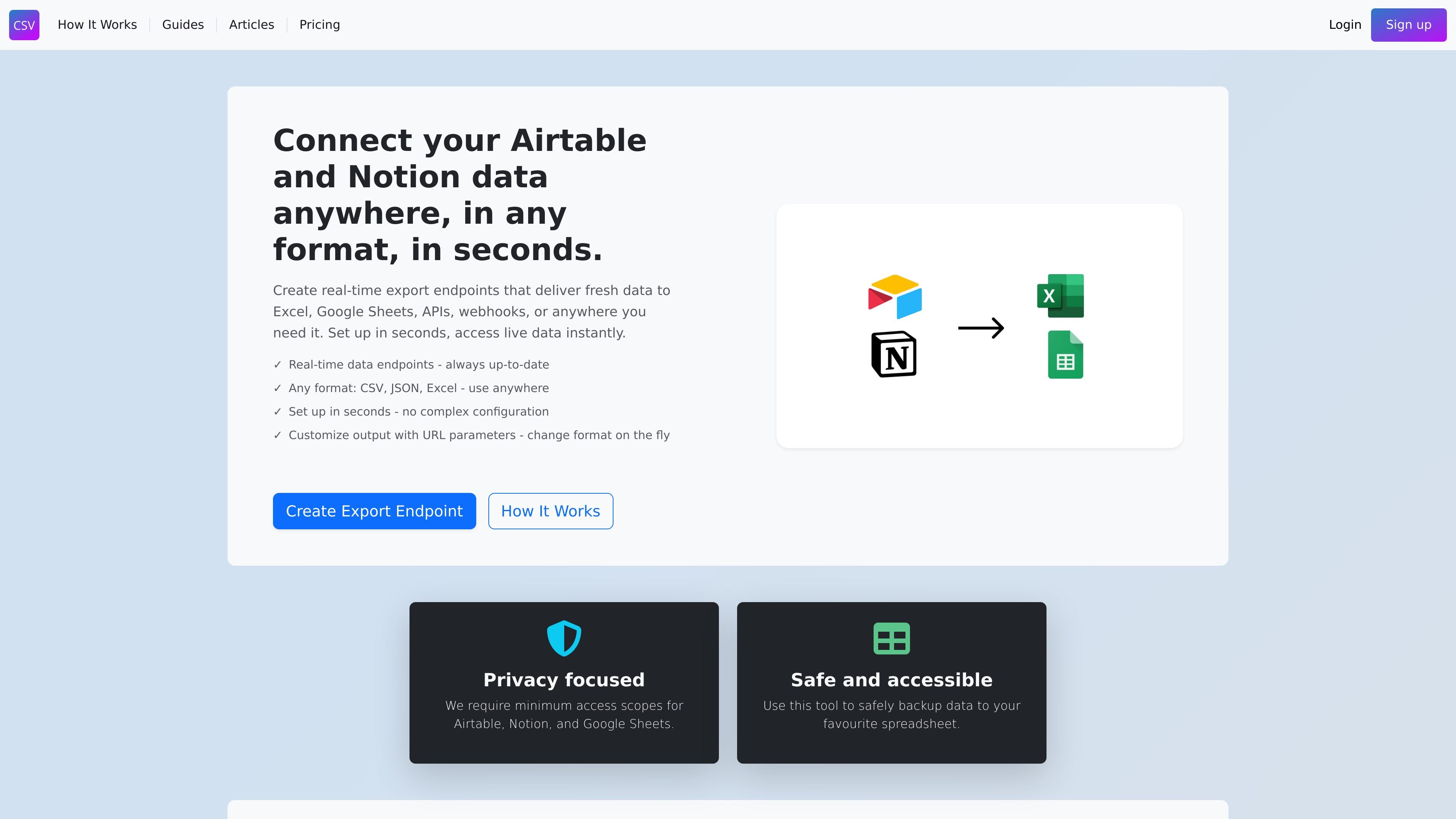
CSV Getter is a no-code tool for creating secure export URLs from Airtable, Notion, or uploaded CSV files. It is positioned for CSV backup and API building, letting users expose live data through a single endpoint instead of manually exporting files.
The product focuses on real-time access: each time the endpoint is opened, it returns the latest source data in a chosen format such as CSV, JSON, Excel, or HTML. That makes it useful for spreadsheet refreshes, API-style access, webhooks, and automated backup workflows.
Create unique URLs that return the current contents of an Airtable base, Notion database, or uploaded CSV file when accessed.
Choose how the data is delivered, with support for CSV, JSON, Excel, and HTML outputs mentioned on the site.
Adjust the exported result without rebuilding the endpoint by using URL parameters such as format switches, HTML table views, or SQL-style queries.
Select which fields to include and apply filters to narrow the exported data before sharing or using the endpoint.
Use the endpoint with spreadsheets, APIs, webhooks, scheduled jobs, or any tool that can fetch a URL.
The site says only minimum access scopes are required for Airtable, Notion, and Google Sheets.
Connect an Airtable base or Notion database to a spreadsheet workflow so the destination can pull updated data from a URL instead of requiring manual file exports.
Expose source data through a URL that scripts, apps, and webhooks can request as part of a larger system or automation flow.
Set up recurring fetches to keep backups current, including scheduled jobs that hit the endpoint at regular intervals.
Share a live endpoint with teammates or clients when they need current data without direct access to the underlying source.
Yes. The homepage says CSV Getter can create secure export URLs for Airtable and Notion data, and the how-it-works page says those endpoints can also be created from uploaded CSV files.
The service is centered on export endpoints that return fresh data when the URL is accessed. The source page says you can choose output formats such as CSV, JSON, Excel, or HTML, depending on the endpoint and URL parameters.
You can use the endpoint URL in Excel, Google Sheets, APIs, webhooks, scripts, and other tools that can fetch data from a URL.
The how-it-works page says changes to the connected Airtable base, Notion database, or CSV file are reflected automatically because the endpoint fetches data in real time.
The source says free plans include a limited number of endpoint hits and paid plans offer more, but it does not provide plan names or exact limits on the pages reviewed.