
OAuth channel connection
Connect a YouTube channel with OAuth so the tool can read the video library securely and start from existing uploads.

Creator Tools translates YouTube titles, descriptions and subtitles into 140+ languages, with OAuth setup and direct uploads to YouTube Studio.
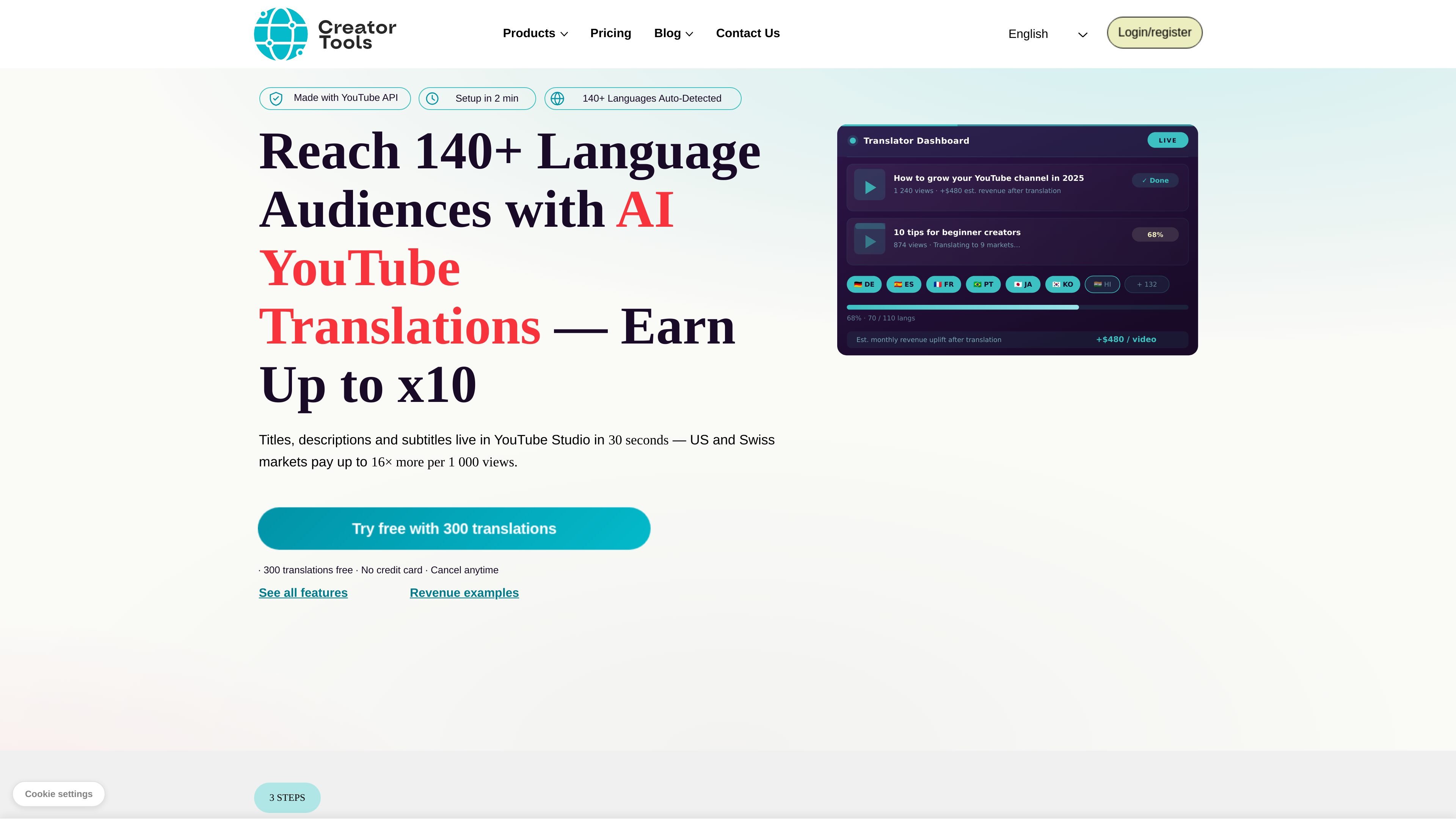
Creator Tools is a YouTube-focused translation service for creators who want to publish video metadata and captions in many languages. The home page says it translates titles, descriptions, and subtitles, uploads them directly to YouTube Studio, and supports 140+ languages.
The product is positioned around monetization as well as reach. The site emphasizes OAuth-based setup, direct upload to YouTube, translation tone and dialect controls, brand-term protection with double brackets, and a song/poetry mode for content that needs more natural phrasing.
Connect a YouTube channel with OAuth so the tool can read the video library securely and start from existing uploads.
Translate titles, descriptions, and subtitles into 140+ languages and upload the results directly to YouTube Studio.
Choose translation tone, mode, and regional dialects, including options such as Default, Emotional, Friendly, Scientific, Official, and Lyric/Song or Poetry mode.
Protect branded terms, hashtags, sponsors, and song titles by wrapping them in double brackets so they are not translated.
Save target-language groups for repeated use and extend them later, with already-translated languages not charged again.
The pricing page shows a broader product family that includes YouTube Translator, 24/7 Streaming, Voice-over for Captions, and AI Comment Replies.
Translate a newly published video into multiple markets at once so the channel can reach viewers who search in other languages.
Keep brand names, hashtags, sponsors, and recurring terms unchanged while translating the rest of the metadata and captions.
Apply different tones or regional variants for audiences that respond better to local phrasing, such as American vs. British English or Brazilian vs. European Portuguese.
Create lyric, poetry, or other rhythm-sensitive translations that need to preserve emotional flow rather than literal wording.
Reuse saved language groups when publishing similar content across the same high-value regions.
Yes. The home page says setup takes about 2 minutes, and the workflow starts with connecting a YouTube channel through OAuth. After that, you can pick videos and target markets, then translate titles, descriptions, and subtitles for upload to YouTube Studio.
The site positions the product for creators who want to expand reach and revenue by translating a video into many language markets, not just publishing one version to one audience.
The rendered page text says titles, descriptions, and subtitles are uploaded directly to YouTube Studio. It also notes that YouTube then recommends the video in translated markets.
The pricing page confirms this is part of a broader Creator Tools set of services that includes YouTube translation, AI comment replies, and voice generation. The site also shows a pricing section, but the collected text does not include exact plan prices or limits.
The source explicitly mentions translation tone selection, regional dialects, brand protection with double brackets, saved language groups, and a song/poetry mode for more natural lyrical translations.