
Maintainability-focused code generation
Cosine is positioned as a coding model for maintainable code and production workflows, with the homepage emphasizing readability and production-quality outputs over bloated generation.

Cosine is an AI coding agent for production software teams. It combines a terminal CLI, cloud collaboration, and controlled agent workflows for maintainable code and multi-step engineering work.
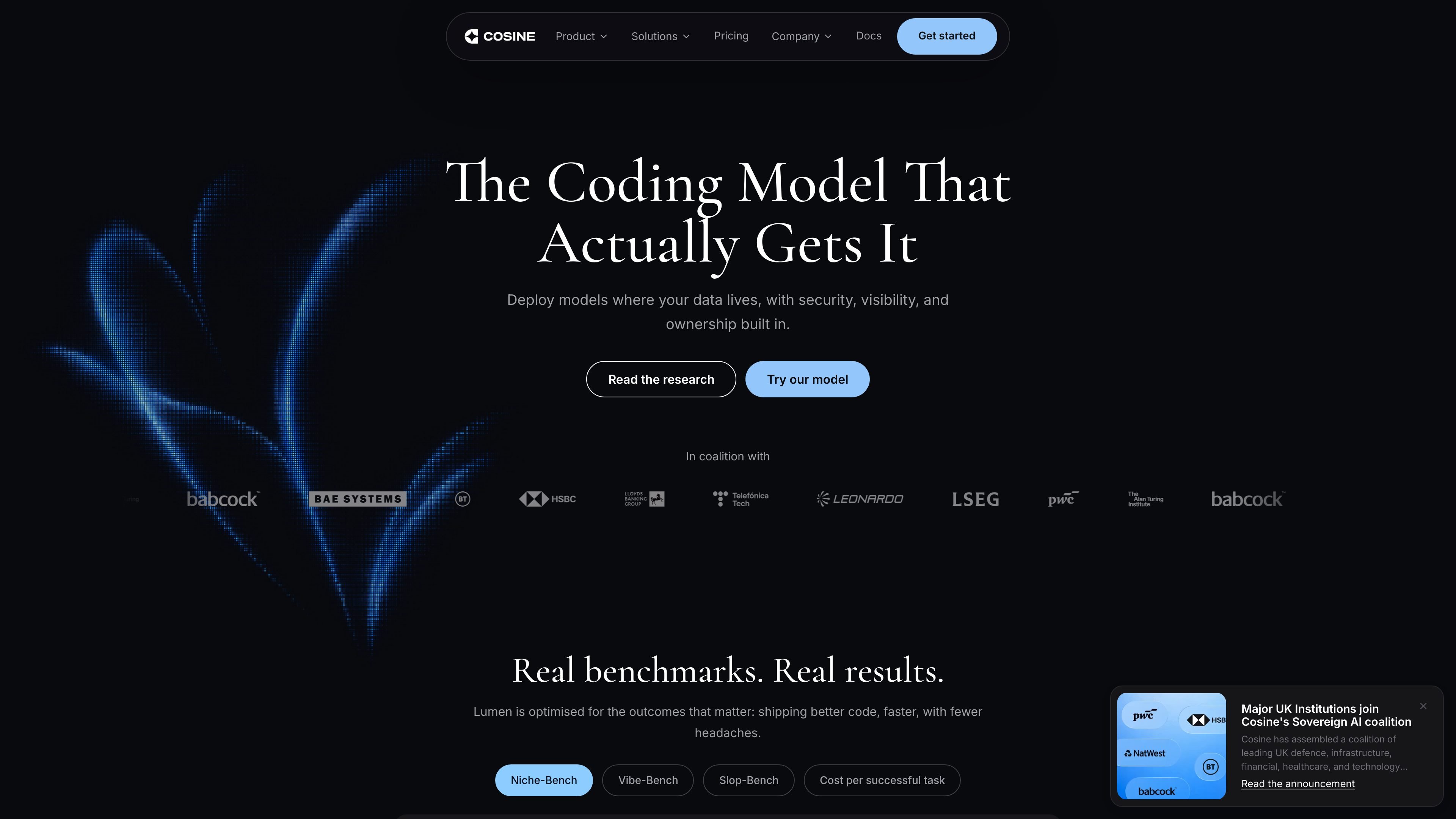
Cosine is an AI coding agent for production software teams. The product is centered on Lumen, a coding model positioned for maintainable code, real benchmarks, and real software engineering workflows.
The experience spans a terminal-native CLI, a cloud collaboration surface, and docs that frame Cosine as a system for planning, building, and coordinating engineering work across existing codebases. It is aimed at developers and teams that need help with fixes, migrations, long-lived systems, and multi-step changes without losing control of the review and execution flow.
Cosine is positioned as a coding model for maintainable code and production workflows, with the homepage emphasizing readability and production-quality outputs over bloated generation.
The homepage says Lumen is built to reason across complex architectures, legacy infrastructure, and long-lived codebases.
Cosine is post-trained for enterprise and niche languages including COBOL, Fortran, Verilog, Rust, and complex SQL.
The CLI supports checkpointing, todo tracking, memory, sub-agents, language intelligence, and remote agents for long-running work.
The cloud experience runs multiple agents in parallel on isolated worktrees, with approval-gated write actions and support for coordinated handoff across the platform.
The platform can work with external tools via MCP and supports a local-to-remote execution model described on the homepage.
Use Cosine for targeted fixes in an existing codebase when you want the agent to work within your current workflow and keep changes reviewable through checkpoints and diffs.
Use the cloud workflow for larger changes such as feature work across many files, migrations, or batches of issues, especially when parallel agents can split the work into isolated tasks.
Use the CLI when you want terminal-native control, language-server awareness, and the ability to keep long-running work in a remote Cosine workspace.
Use Cosine when you need to coordinate engineering work with a shared project view and multiple participants, including collaboration across engineers, PMs, and stakeholders.
Use the platform for work that can continue after the local session ends, including tasks that can run while you are away and be reviewed later as diffs or surfaced results.
Cosine is an AI coding agent for software engineering work across the CLI, cloud, and desktop. The source positions it for teams working in production codebases, with a focus on maintainable code and controlled workflows.
The docs say Cosine can be started by downloading one of the surfaces it operates in, such as the CLI or Desktop, or by getting started in the Cloud. The homepage also describes a terminal-native interface and a cloud workflow.
The cloud page says Cosine can run multiple coding tasks in parallel on isolated worktrees, while the CLI page describes checkpointing, todo tracking, memory, sub-agents, language intelligence, and remote agents.
Pricing is available in tiered plans, with a free trial that includes 2 million credits and paid tiers for individual developers, teams, and enterprise use. Enterprise and private deployment pricing are scoped with sales.