
Computer-using agent
The product positions itself as an AI computer operator that can use apps and websites rather than only generate text.

Compuser.ai is a browser-based AI computer operator that automates repetitive work on a private cloud PC. It is aimed at people and teams that want an agent to handle tasks such as browsing, data work, file handling, and basic app automation.
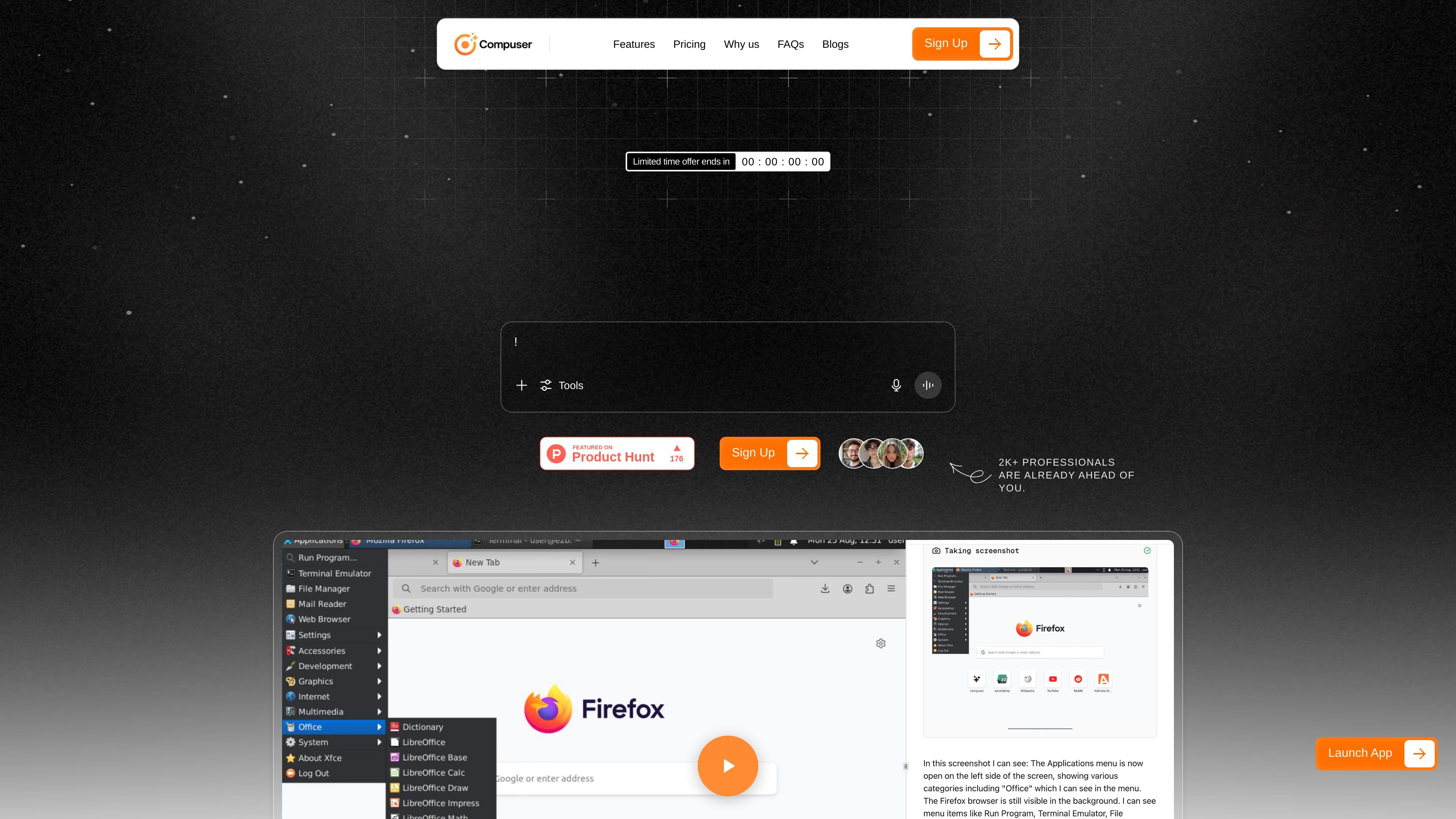
Compuser.ai presents itself as an AI computer operator that works in your browser and uses a virtual PC to carry out computer tasks. The product is framed around replacing repetitive clicking, copying, tab switching, and form handling with an agent that can act directly inside apps and websites.
The homepage says the system can automate tasks, browse, code, analyze data, and run workflows securely on the cloud. It also says there is no installation or setup required, and that the AI runs on a private cloud computer that remembers apps and files between sessions. The overall focus is on helping individuals and teams offload repetitive computer work without changing their existing tools.
The product positions itself as an AI computer operator that can use apps and websites rather than only generate text.
The homepage says it can automate tasks, browse, code, analyze data, and run workflows securely on the cloud.
The site says automation runs in the browser with no installations or setup required.
It says the AI runs on a private cloud computer that remembers apps and files between sessions.
The homepage groups supported work into lead generation, communications, data handling, app automation, prototyping, and reporting.
The site includes a 30-day money-back guarantee and business-facing support messaging.
Use the agent to scrape leads from Google Maps, LinkedIn, or websites, then collect the results into spreadsheets or CRMs for follow-up.
Draft outreach emails, proposals, reports, blog outlines, presentations, and job descriptions with an agent that can work across browser tools and documents.
Clean messy Excel sheets or databases, remove duplicates, organize files, rename items in bulk, and generate charts or reports from the cleaned data.
Download and install apps, launch tools such as Slack or Notion, and automate browser navigation or form filling when repetitive setup work is the bottleneck.
Generate boilerplate code, spin up prototypes, connect APIs, and test workflows when a team needs quick internal tools or early product experiments.
Compuser is presented as an AI computer operator that runs in your browser and automates tasks on a private cloud computer. The homepage emphasizes that it can automate workflows securely without local installation.
The source says there is no installation or setup required, and that automation runs directly in the browser.
The homepage lists tasks such as browsing, coding, analyzing data, running workflows, lead generation, content preparation, file handling, app automation, and reporting. Those examples suggest it is aimed at people who want a computer-using agent to take over repetitive work.
The website says the AI runs on a private cloud computer that remembers apps and files between sessions. It does not provide more technical deployment details in the captured text.
The captured pricing page shows pricing-related navigation and business-oriented messaging such as fast customer support, monthly feature updates, and bulk discounts for businesses, but it does not expose exact plan prices or limits in the collected text.