
Text to coloring pages
Create coloring pages from written prompts. The home page and text-to-coloring page both describe turning a text idea into a clean, printable line drawing.

ColoringBook AI is a web-based generator that turns prompts and images into printable coloring pages with PDF and PNG exports, plus multi-page books.
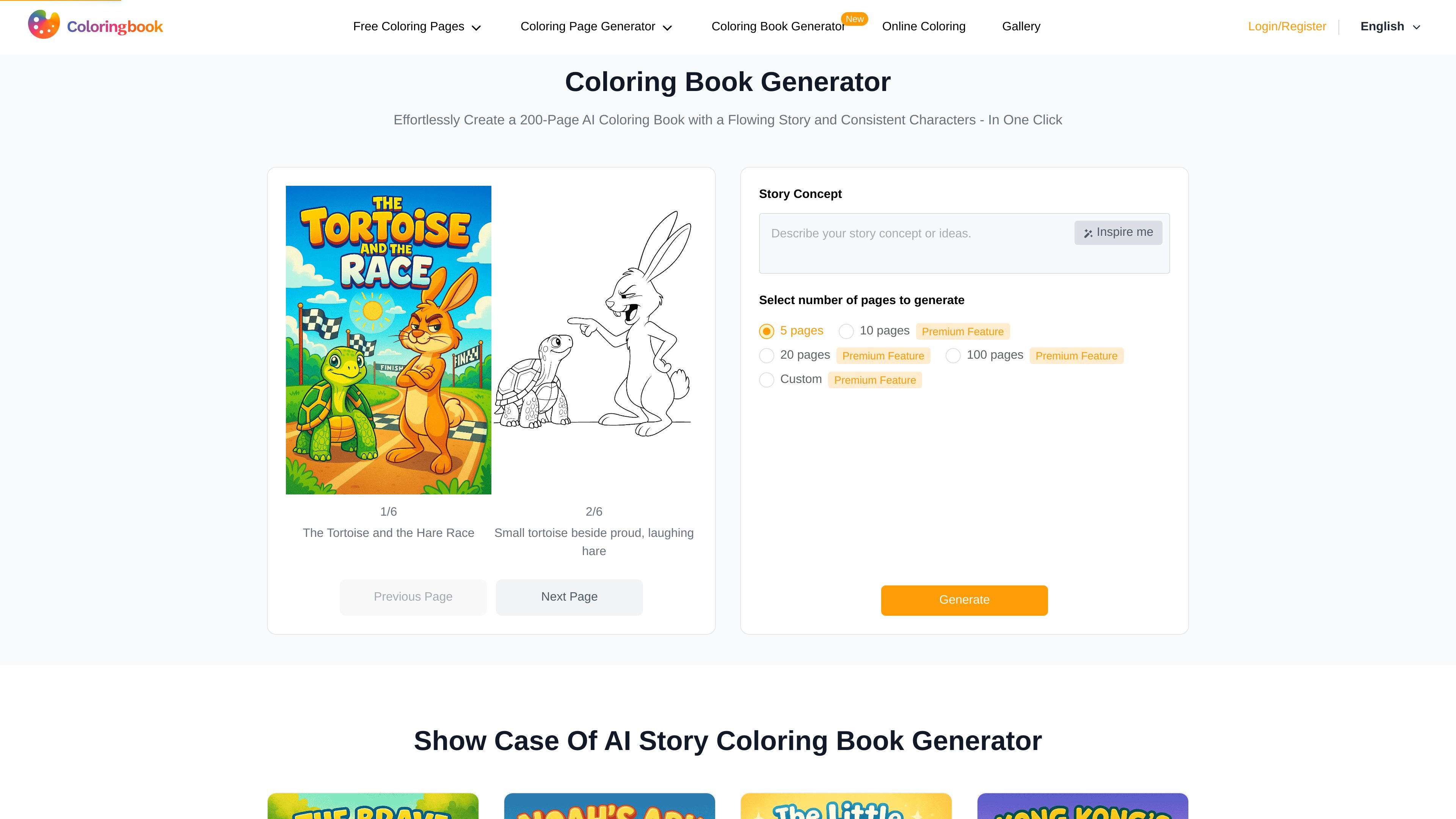
ColoringBook AI is an AI coloring page generator that turns text prompts and uploaded images into printable coloring pages. The site also includes tools for building multi-page coloring books and for colorizing black-and-white drawings into different styles.
The product is aimed at people who want to create original coloring content without drawing everything manually. The homepage positions it for parents, teachers, hobbyists, Amazon KDP sellers, Etsy creators, and other users who need quick, print-ready line art in PDF or PNG format.
Create coloring pages from written prompts. The home page and text-to-coloring page both describe turning a text idea into a clean, printable line drawing.
Upload a photo and turn it into a coloring page. The site says it can handle portraits, pets, objects, landscapes, cartoons, anime, and other image types.
Generate longer coloring books with consistent characters and a flowing story. The home page shows a multi-page book generator with support for up to 200 pages on selected plans.
Convert black-and-white line drawings into different color styles such as flat coloring, crayon, watercolor, impasto, marker, and colored pencils.
Export print-ready coloring pages in PDF or PNG. The site also states that output is optimized for printing on standard paper sizes such as A4 and Letter.
Remove borders or watermarks, upscale pages for print, and use batch mode to create multiple pages or books with less repetitive manual work.
Create a custom coloring page from a short prompt when you want a specific theme, character, or scene without sketching it yourself.
Upload family photos, pet portraits, or product images and convert them into line art that can be colored or used as a personalized gift.
Build longer themed books for publishing or classroom packs, using the multi-page generator and batch tools to produce pages faster.
Colorize sketches or line drawings into different visual styles when you want to experiment with presentation or create a finished look from an outline.
The source says new users get 4 monthly credits on the free plan to generate coloring pages and explore the generator. Paid plans increase monthly credits and add features such as batch generation, commercial usage rights, watermark removal, Upscale for Print, and the KDP Builder tool.
The plans are credit-based. Each coloring page generation uses a set number of credits depending on the quality and format selected, and higher-tier plans provide more credits per billing cycle.
Yes. The pricing page says you can upgrade, downgrade, or cancel at any time from account settings. Plan changes take effect at the start of the next billing cycle.
The site says credits refresh on the anniversary of your subscription start date, not on the first day of the calendar month. Unused monthly credits do not roll over when the plan renews.
The product is positioned for individual creators, parents, teachers, hobbyists, and sellers. The pricing page also distinguishes between personal-use and commercial-use plans, with higher tiers supporting commercial use.