
High-Quota Codex Access
The home page positions CodeProxy as a gateway and subscription layer for Codex-heavy workflows, with a focus on stable access and higher quotas for sustained use.
CodeProxy is a subscription and API gateway for Codex workflows, with compatible API routing, plan-based access, and usage visibility for teams.
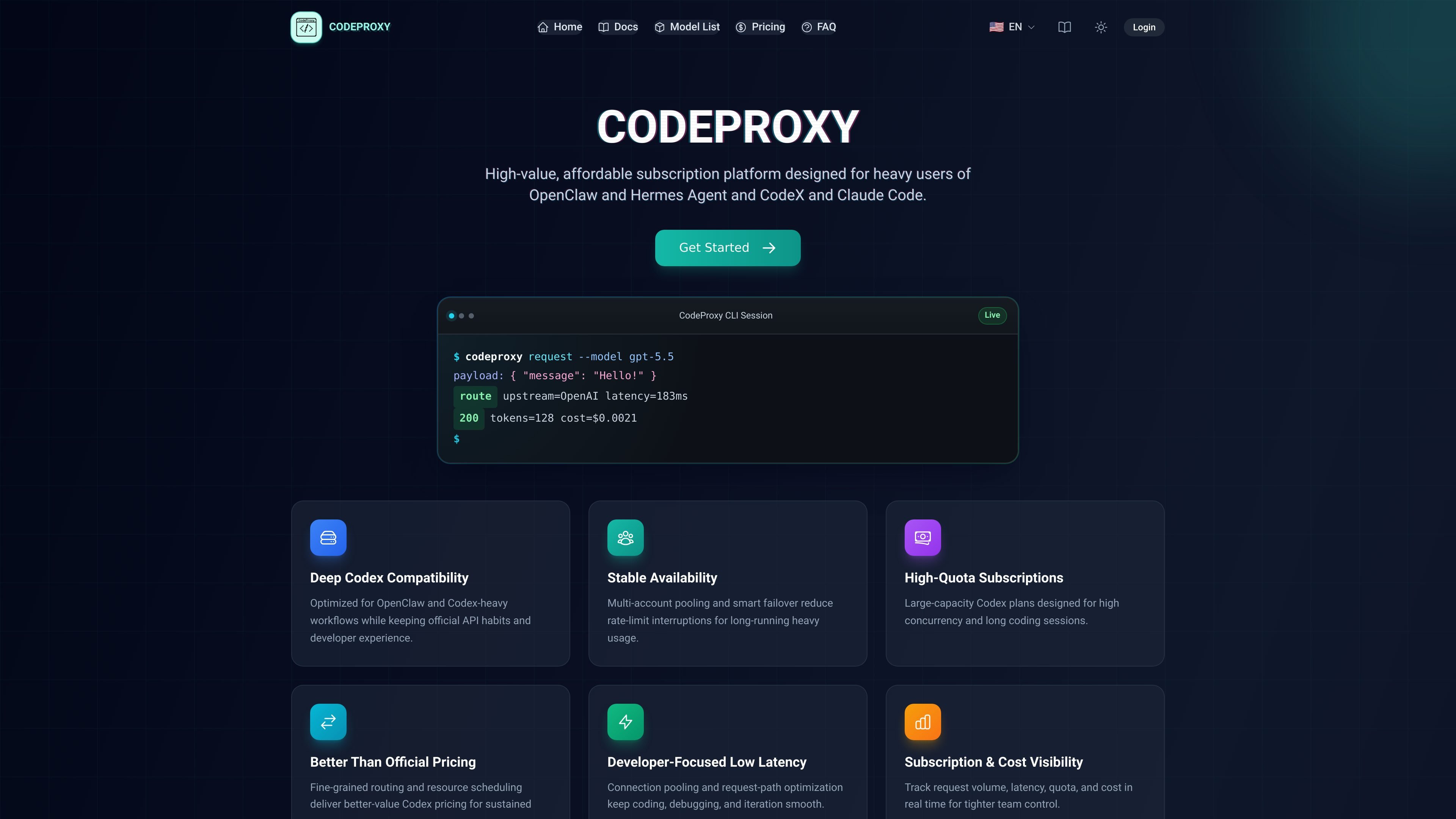
CodeProxy is a subscription and API gateway service for Codex-focused development workflows. The site describes it as a platform for heavy users of OpenClaw, Hermes Agent, Codex, and Claude Code, with a focus on stable access, higher quotas, and compatible API usage.
The product combines routing, account pooling, and plan-based access so developers can keep working through long sessions without constantly hitting rate limits. The docs show a Codex CLI setup that points to CodeProxy's API endpoint, while the pricing pages present Codex subscriptions, a Grok Search package, and pay-as-you-go model pricing.
The home page positions CodeProxy as a gateway and subscription layer for Codex-heavy workflows, with a focus on stable access and higher quotas for sustained use.
The service describes multi-account pooling and smart failover to reduce rate-limit interruptions during long sessions and heavy concurrency.
The home page and docs show an API-compatible setup that routes through `https://codeproxy.dev/v1` and can be configured in `~/.codex/config.toml`.
The home page surfaces request volume, latency, quota, and cost so teams can monitor usage in real time.
The docs include examples for editing files, analyzing code, generating commit messages, and refactoring, which points to support for day-to-day coding workflows.
The pricing page separates Codex, Claude Code, and Grok Search into different pricing structures, including subscriptions and a fixed-request package.
Use CodeProxy when you want a Codex CLI setup that routes through a compatible endpoint without changing your usual development workflow.
Teams can use the service to centralize usage, watch quota and cost in real time, and keep billing details easier to trace across teammates.
For long coding sessions or parallel work, the service is positioned to reduce interruptions with pooling and failover when one account reaches a limit.
Developers can use the docs' examples to handle everyday tasks such as editing files, analyzing code, generating commit messages, and refactoring.
Users comparing billing options can choose between monthly plans, a fixed-request package for Grok Search, or pay-as-you-go model pricing depending on workload shape.
CodeProxy documents setup through its dashboard and API key flow. The docs describe installing the Codex CLI, configuring a `~/.codex/config.toml` file to point at `https://codeproxy.dev/v1`, and creating an API key in the dashboard before using request examples from the docs.
The site says CodeProxy works with Codex CLI, Codex App, Codex plugins, Claude Code, OpenCode, and OpenClaw. The docs also show a Codex CLI configuration example that uses CodeProxy as the model provider.
The home page says CodeProxy supports monthly subscriptions and pay-as-you-go billing, with live usage details shown in billing pages. The pricing page also presents Codex plans and a fixed Grok Search package.
The pricing page and home page describe the service as supporting plan changes and flexible usage. The FAQ on the home page says users can upgrade, downgrade, or switch plans later with prorated settlement.
The docs show a standard Codex CLI setup that routes requests through CodeProxy's base URL and compatible API format. The home page emphasizes stable availability, multi-account pooling, and smart failover for heavy usage.
트래픽 데이터는 참고용으로만 확인하세요.
| 4월 | 0 |
|---|---|
| 5월 | 0 |
| 6월 | 0 |
아직 트래픽 분석 데이터가 없습니다.