
AI video creation
Create short-form video content with AI tools designed to speed up the production process for viral-style clips.

ClipMove is an AI video creation tool for faster viral videos, with Pro, Ultimate, and Enterprise plans, AI avatar output, and priority support.
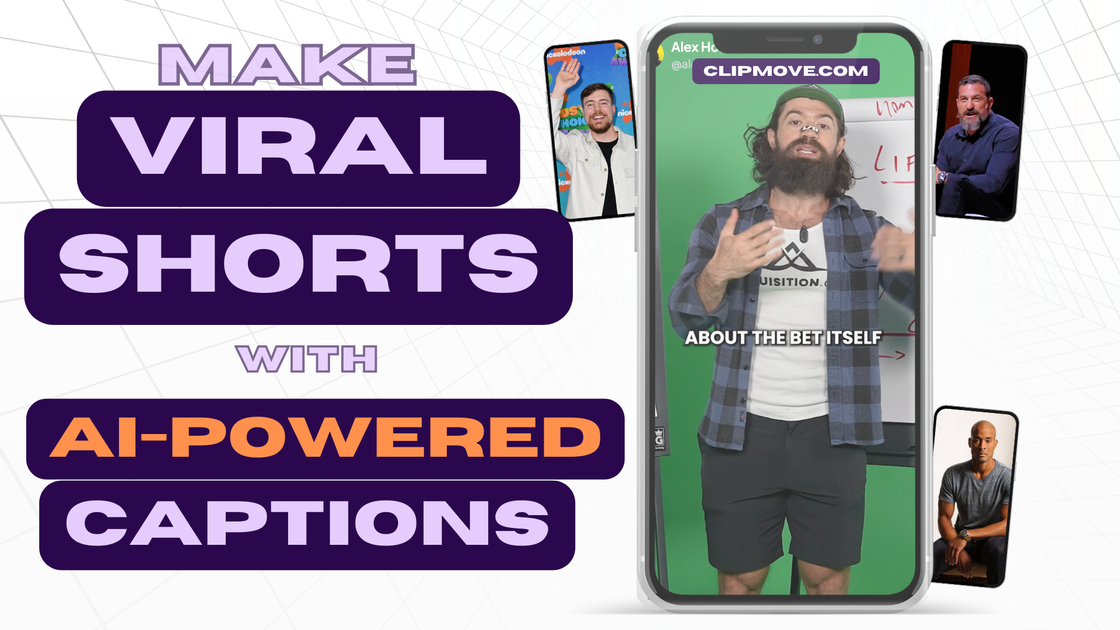
ClipMove is an AI video creation product focused on helping users make viral videos faster. The site positions it as part of a broader set of AI content creation tools for streamlining video production.
Its pricing is organized into Pro, Ultimate, and Enterprise plans. The published plan details suggest it is aimed at users who want to produce videos regularly, with higher tiers adding AI avatar videos, priority support, and broader access to AI video tools and models.
Create short-form video content with AI tools designed to speed up the production process for viral-style clips.
Choose from paid plans that scale from a basic monthly video allowance to higher-volume and enterprise access.
Generate AI avatar videos on the Ultimate and Enterprise plans, with different monthly limits depending on the tier.
Access unlimited use of all AI video tools and models on the Enterprise plan for heavier production workflows.
Get priority support on the higher tiers, which is useful when video production is time-sensitive.
Export at 60 FPS on Enterprise for higher-frame-rate delivery.
Use ClipMove to produce short videos quickly when the main goal is to turn ideas into shareable clips without a long editing process.
Use the higher tiers when you need more volume, since the plan structure adds larger monthly allowances and AI avatar video capacity.
Use the Enterprise plan when your team needs broad access to AI video tools and models plus priority support for ongoing production.
Choose Enterprise if export settings matter to your delivery process, since it includes 60 FPS export.
ClipMove is presented as an AI content creation tool for making viral videos faster. The pricing page shows three paid plans: Pro, Ultimate, and Enterprise.
The pricing page indicates monthly and yearly billing options, with yearly plans advertised as saving up to 70%.
ClipMove lists a Pro plan with 20 videos per month, an Ultimate plan with 50 videos per month and 10 AI avatar videos per month, and an Enterprise plan with unlimited access to all AI video tools and models plus 50 AI avatar videos per month.
The pricing page says there are no hidden fees and that you can cancel anytime.
The pricing page notes priority support on Ultimate and Enterprise, and 60 FPS export on Enterprise.