
Auto Generated Captions
Automatically generates captions for videos, with styling options that can be adjusted to match a brand or improve readability.

ClipGOAT is a browser-based AI video editor and publisher for turning YouTube videos, Reddit posts, and stories into short-form videos for TikTok, Instagram Reels, and YouTube Shorts.
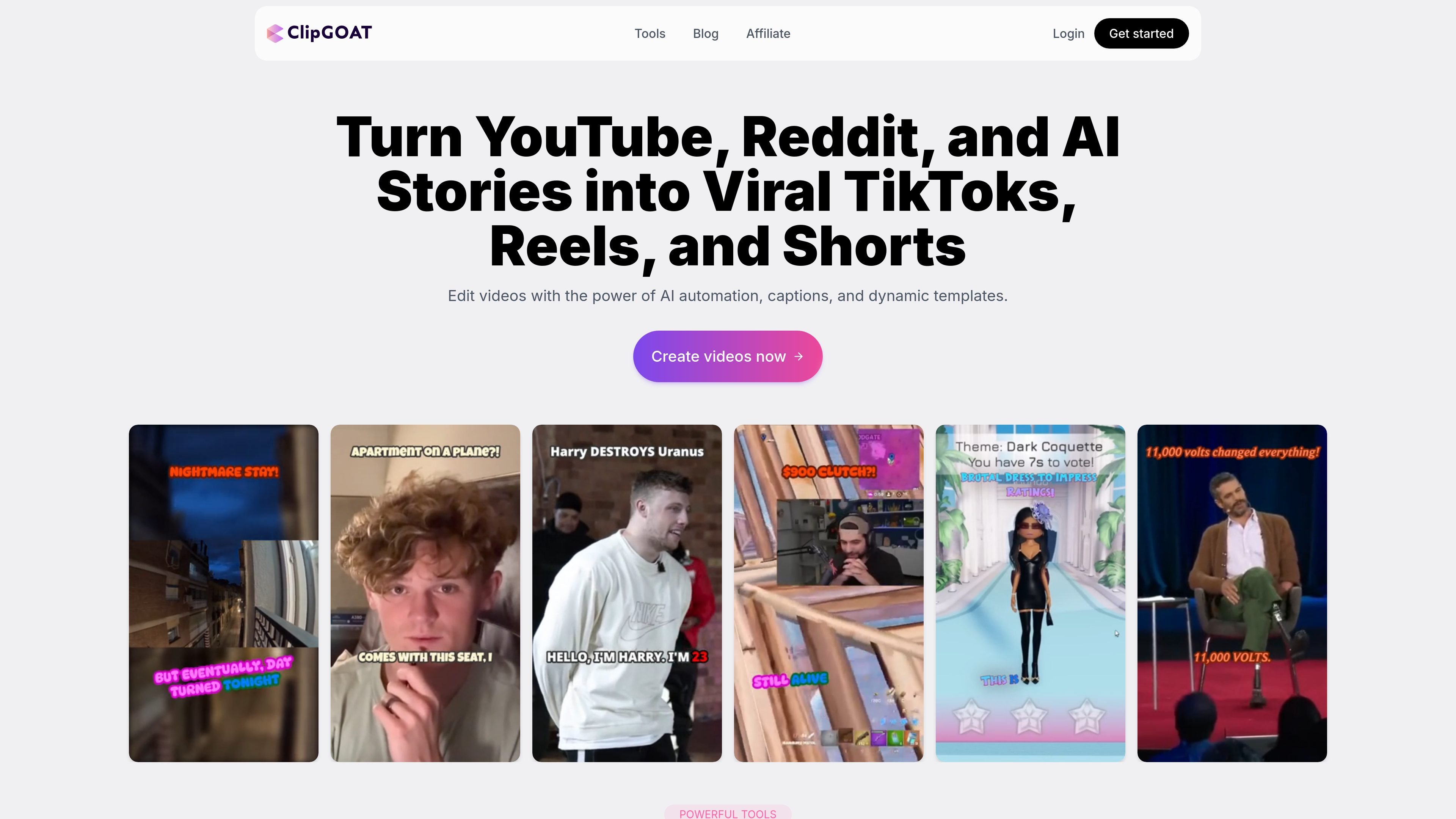
ClipGOAT is an AI-assisted video creation and publishing tool for short-form content. The site positions it around turning YouTube videos, Reddit threads, and written stories into TikToks, Reels, and Shorts with automated captions, clipping, templates, and scheduling.
Its workflow covers editing and publishing in one browser-based product. Users can generate clips, customize titles and descriptions, export video, and schedule posts to supported social platforms without relying on manual uploads or separate editing software.
Automatically generates captions for videos, with styling options that can be adjusted to match a brand or improve readability.
Uses AI to identify and crop video content for vertical formats instead of manual reframing.
Turns YouTube videos into multiple short clips; the homepage says it can generate up to 20 TikToks from a single video.
Creates videos from typed or pasted stories by pairing the text with a chosen voice and background.
Lets users edit captions, text, and sound directly in the browser without requiring desktop software.
Supports publishing workflows that can schedule posts for later or publish immediately to connected platforms.
A creator with a long YouTube video can use ClipGOAT to turn that source into multiple short clips, then refine captions and export them for short-form platforms.
Someone who writes or collects stories can paste text into the app, choose a voice and background, and generate a video without assembling each element manually.
A social media manager can prepare titles and descriptions, connect a platform, and schedule posts in advance instead of uploading each video one by one.
A user who wants in-browser editing can adjust captions, text, and sound directly in the editor rather than switching to separate desktop software.
A publisher working across TikTok, Instagram, and YouTube Shorts can keep a consistent posting workflow and use the same tool to publish immediately or schedule later.
ClipGOAT is a browser-based AI video editor and publisher for creating short-form videos from YouTube videos, Reddit posts, and written stories. It focuses on captions, clipping, templates, and scheduled posting to platforms such as TikTok, Instagram Reels, and YouTube Shorts.
The source says signing up is free and only requires an email address and password. It also states that no credit card is required to create an account.
The homepage says the Starter plan is free with 100 processing minutes one time and 720p exports. The Pro Creator plan includes the Starter plan features plus 600 processing minutes per month, 1080p exports, and priority support.
The Content Publisher workflow lets you connect platforms, choose a clip, customize the title and description, and then publish immediately or schedule for later. It supports YouTube Shorts, Instagram, and TikTok in the source text.
The site says users can get help through the chat icon in the bottom-right corner, and it also encourages joining its Discord for updates and announcements.