
Autonomous CRM syncing
Clarify keeps people, companies, meetings, and deals synchronized with email and calendar activity so records stay current without constant manual entry.

Clarify is an AI-native CRM for founder-led startups that automates updates, follow-ups, prospecting, and pipeline hygiene.
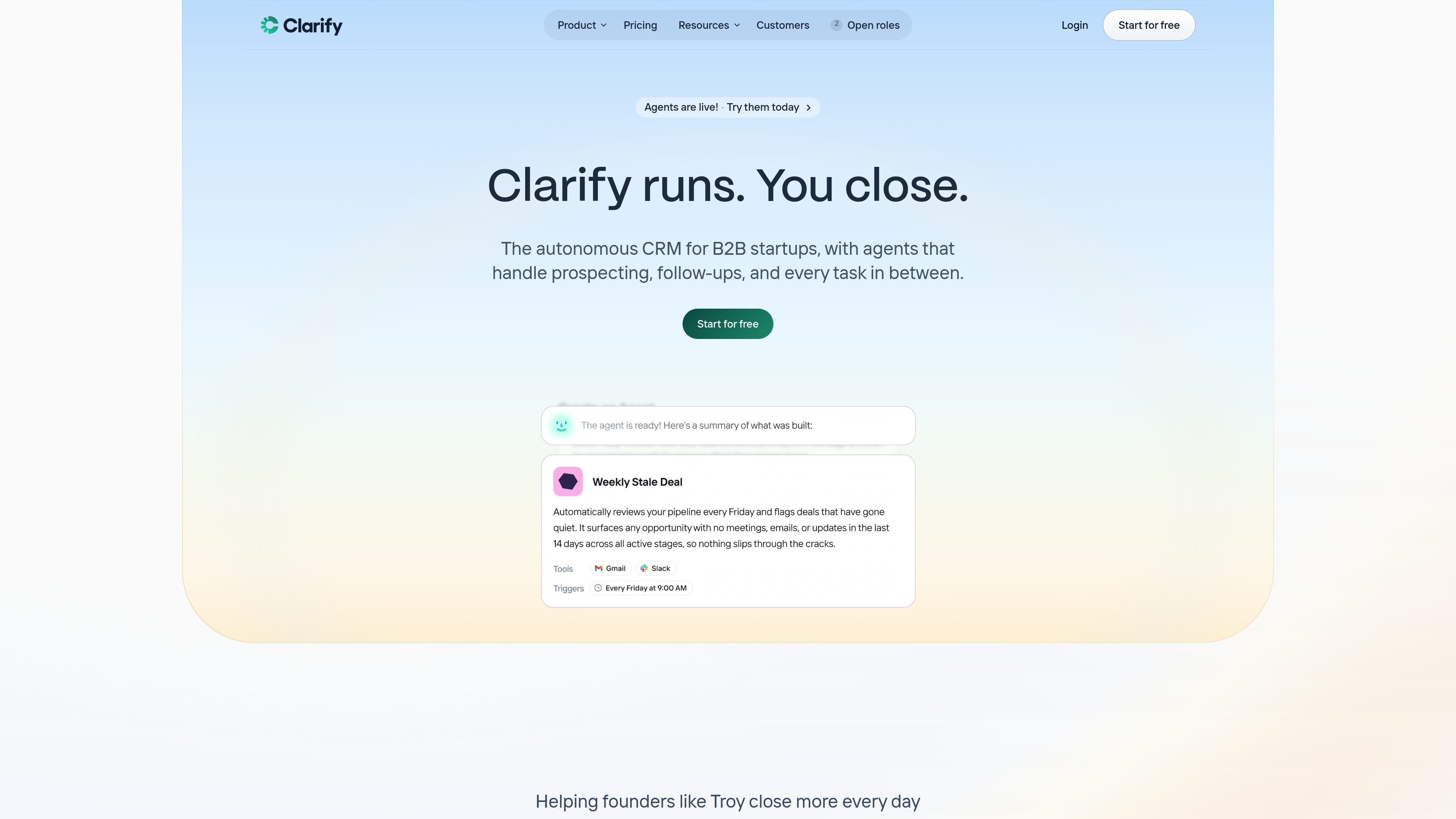
Clarify is an autonomous CRM for founder-led startups and early-stage revenue teams. It combines CRM records, prospecting, meeting prep, follow-up drafting, and data hygiene in one workspace so teams can spend less time updating fields and more time selling.
The product centers on AI agents that act on CRM events and connected tools. Rep briefs meetings, captures summaries and next steps, and helps with follow-up work, while other agents handle pipeline reviews, lead routing, enrichment, and outbound campaigns. Clarify also says it stays in sync with email and calendar activity and offers a free plan with unlimited seats.
Clarify keeps people, companies, meetings, and deals synchronized with email and calendar activity so records stay current without constant manual entry.
Rep acts as a personal sales agent that briefs meetings, summarizes calls, answers questions about deals, and drafts follow-up work from the current context.
Lead Finder builds targeted prospect lists from Clarify’s database of 100M+ enriched prospects, giving teams a place to source leads from inside the CRM.
Campaigns create personalized, multi-step outbound sequences from a prompt, then let the user edit and send them from the same workflow.
Agents can automate repeatable CRM work such as pipeline reviews, lead routing, data hygiene, meeting prep, and post-meeting updates.
Clarify supports templates and custom agents, with permissions that control what each agent can read, write, and reach in connected tools.
Use Clarify when you want a CRM that updates itself as meetings finish, emails arrive, and deal stages change, reducing the amount of manual cleanup after each interaction.
Use Rep before and after meetings to get briefs, answer deal questions, capture summaries, and turn next steps into follow-up drafts without starting from scratch.
Use Lead Finder and Campaigns to source leads, write outreach, and launch multi-step sequences without switching between a separate prospecting stack and your CRM.
Use agents to automate repetitive admin such as pipeline reviews, lead routing, data hygiene checks, and post-meeting CRM updates.
Use custom agents when you have a repeatable workflow that should trigger on CRM events, like flagging deal risks or drafting a context-aware reply to inbound email.
Yes. Clarify says you can start with a free plan that includes monthly credits, and you can upgrade to a paid plan later.
Clarify is built around autonomous CRM work for founders and early-stage revenue teams, including prospecting, follow-ups, pipeline hygiene, and meeting prep. The source material does not describe it as a fit for every CRM use case, so it appears best suited to teams that want to reduce manual CRM administration.
Agents can work inside Clarify and can connect to tools such as Gmail, Google Calendar, Slack, and anything available over MCP. The agents page also mentions Google/Microsoft email and calendar syncing, Zapier integration, a Chrome extension, LinkedIn integration, and HubSpot integration on the pricing page.
The source says agents have a trigger, instructions, and access to your Clarify data and connected tools. You can install ready-made templates or describe what you want in plain language, and Clarify builds the agent for you.
The pricing page uses a credit model: the free plan includes up to 1k credits per month, Starter includes 5k credits per month, and Growth uses custom credit packages. Some actions such as Lead Finder and enrichment are tied to credit usage, but the source does not provide a complete consumption chart.