
AI presentation generation
Start from a topic, uploaded file, pasted URL, or research source, and ChatSlide builds a first draft deck automatically.

ChatSlide AI turns documents, URLs, videos and research into editable slides and more, helping educators, teams and professionals create decks fast.
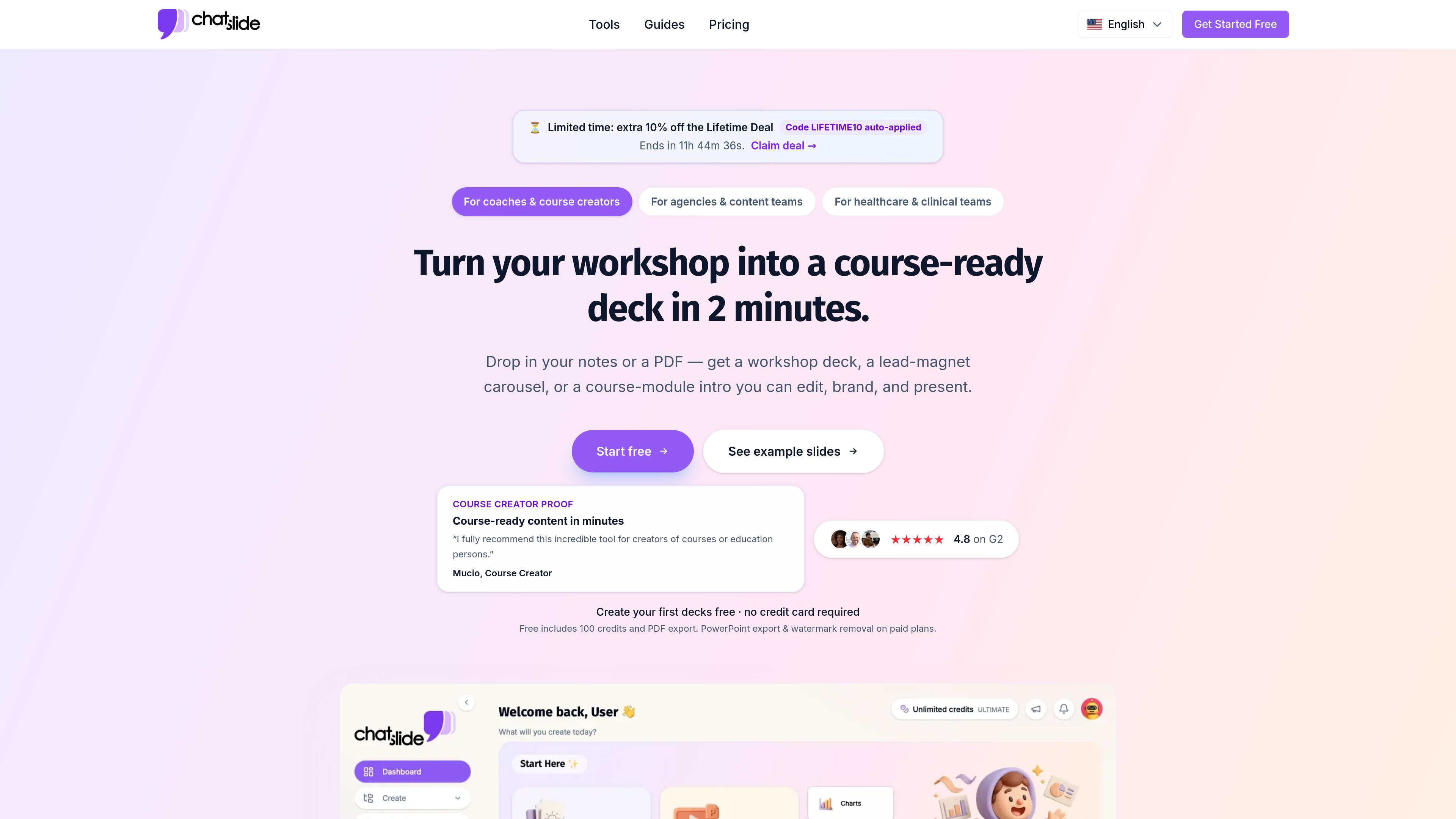
ChatSlide is an AI presentation maker that turns documents, web pages, videos, links, research sources, and plain ideas into editable slides, videos, avatars, posters, and charts. It is positioned for people who want to create a draft deck quickly and then refine it before exporting.
The product is built around a short workflow: provide source material, let the AI generate structure and content, then adjust the result in the editor. The site highlights use cases for educators, agencies, healthcare teams, consultants, researchers, and other groups that need presentation-ready output from existing material.
Start from a topic, uploaded file, pasted URL, or research source, and ChatSlide builds a first draft deck automatically.
Use the built-in editor to revise text, layouts, images, colors, and fonts before exporting the final deck.
Generate visual assets with a large set of AI image models, including options such as GPT Image, Imagen 4, DALL-E 3, Flux, and others.
Turn slide content into narrated videos using AI avatars and voice tools, with options for voice cloning on paid plans.
Export decks as PPTX or PDF, with Keynote export available on higher tiers, so finished work can move into common presentation apps.
Create slide-friendly charts, posters, and other content formats from the same source material to reuse work across formats.
Coaches and course creators can turn notes or PDFs into workshop decks, course-module intros, and lead-magnet carousels that stay editable and on brand.
Agencies and internal content teams can convert briefs, transcripts, or reports into client-ready decks and export them to PowerPoint for review or delivery.
Healthcare and clinical teams can build clinical lectures, CME materials, grand-round decks, or training presentations from guidelines, papers, and case notes.
Researchers and academics can turn papers, source documents, and research database material into conference talks, posters, and thesis-defense slides.
Teams can reuse a single source base to produce slides, videos, posters, and charts without rebuilding the same material in separate tools.
Yes. ChatSlide has a free tier. The FAQ says the free plan includes GPT-4o, AI slide generation, and PPTX export, and the pricing page says the free plan starts with credits on signup.
You can upload PDF, DOCX, PPTX, TXT, and image files. The product also accepts URLs, YouTube videos, and research sources such as PubMed, OpenAlex, and ClinicalTrials.gov.
ChatSlide generates PPTX files that work with Microsoft PowerPoint, Google Slides, Keynote, and LibreOffice Impress. It can also export to PDF, and some paid plans add Keynote export explicitly.
Yes. Generated slides are editable in ChatSlide’s built-in editor, and you can also download the PPTX file to refine it in presentation software.
Paid plans add features such as longer presentations, AI video generation, custom branding, more credits, and higher plan limits for resources and uploads. The pricing page also lists avatar, voice-cloning, and export differences by tier.