
Text-to-SQL and AI chat
Generate SQL from natural language prompts and use an AI chat workflow to refine queries.

Chat2DB is an AI-powered SQL client that turns natural language into SQL and supports database management from desktop and CLI workflows.
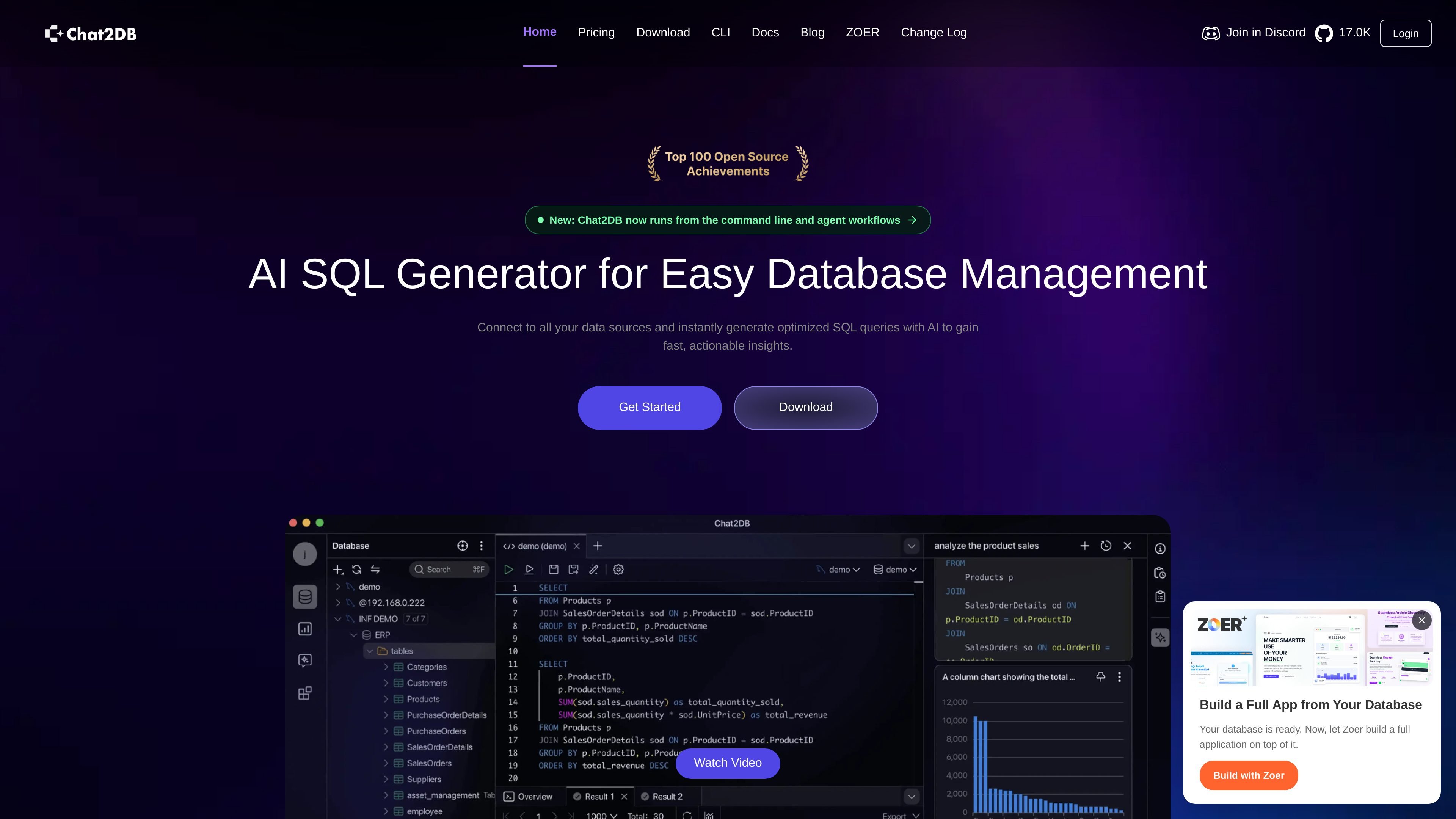
Chat2DB is an AI-powered SQL client for database management, query generation, and analysis. The product site describes it as a Text2SQL tool that converts natural language into SQL while also offering a GUI for browsing, editing, and organizing data.
The site also shows command-line workflows, including a Chat2DB CLI and a companion skill for Codex or Claude Code. Across the website and pricing page, Chat2DB is positioned as a desktop-first database tool with AI features, local data handling, and plan options that range from a Free tier to Professional, Team, and Local plans.
Generate SQL from natural language prompts and use an AI chat workflow to refine queries.
Work with SQL editing, code generation from schema, and one-click SQL error fixing in the editor.
Manage data visually with table browsing, editing, smart sorting, filtering, and ER diagrams.
Analyze data with AI-generated dashboards, charts, and chain-reasoning style analysis for business questions.
Connect to a wide range of relational and non-relational databases from one client, including MySQL, MongoDB, Redis, PostgreSQL, SQL Server, and more.
Use the CLI and skill workflow to inspect runtime status, read saved datasources, and run SQL automation from the terminal.
Turn business questions or rough requirements into SQL, then refine the output in the AI chat and editor before running it against a database.
Browse tables, edit rows, filter results, and inspect relationships when working directly in a GUI instead of a separate SQL and admin stack.
Create dashboards, charts, and AI-assisted summaries for reporting and exploratory analysis from database data.
Read saved datasources, inspect runtime status, and automate SQL tasks from the terminal with the Chat2DB CLI and skill workflow.
Connect to multiple database engines from one client when a team needs to work across relational and non-relational systems without switching tools.
Chat2DB is an AI-powered SQL client that turns natural language into SQL and supports database management from a single interface. The site also shows a CLI page, so the product includes command-line workflows in addition to the desktop experience.
The pricing page states that the Local plan supports offline use, but AI functions cannot be used in a network-free environment. The page also says the Professional plan includes AI-enhanced tools and unlimited database types.
The site says the product supports many database types, including MySQL, Redis, MongoDB, PostgreSQL, SQLite, SQL Server, Oracle, ClickHouse, Snowflake, BigQuery, and others.
The CLI page says you can install Chat2DB CLI on macOS with a shell installer and on Windows with PowerShell, then connect the CLI skill to Codex or Claude Code.
The pricing page says the Professional plan offers a free 30-day trial with no payment information required to start.