
Long-context AI chat
Have ongoing conversations with GPT-4o-based chat that can retain long context and read files or images. The homepage highlights a 1M+ token context window for extended work sessions.

Cewsco is a browser-based AI assistant for chat, image generation, voice conversations, live web search and planning. Free trial and paid plans for individuals and teams.
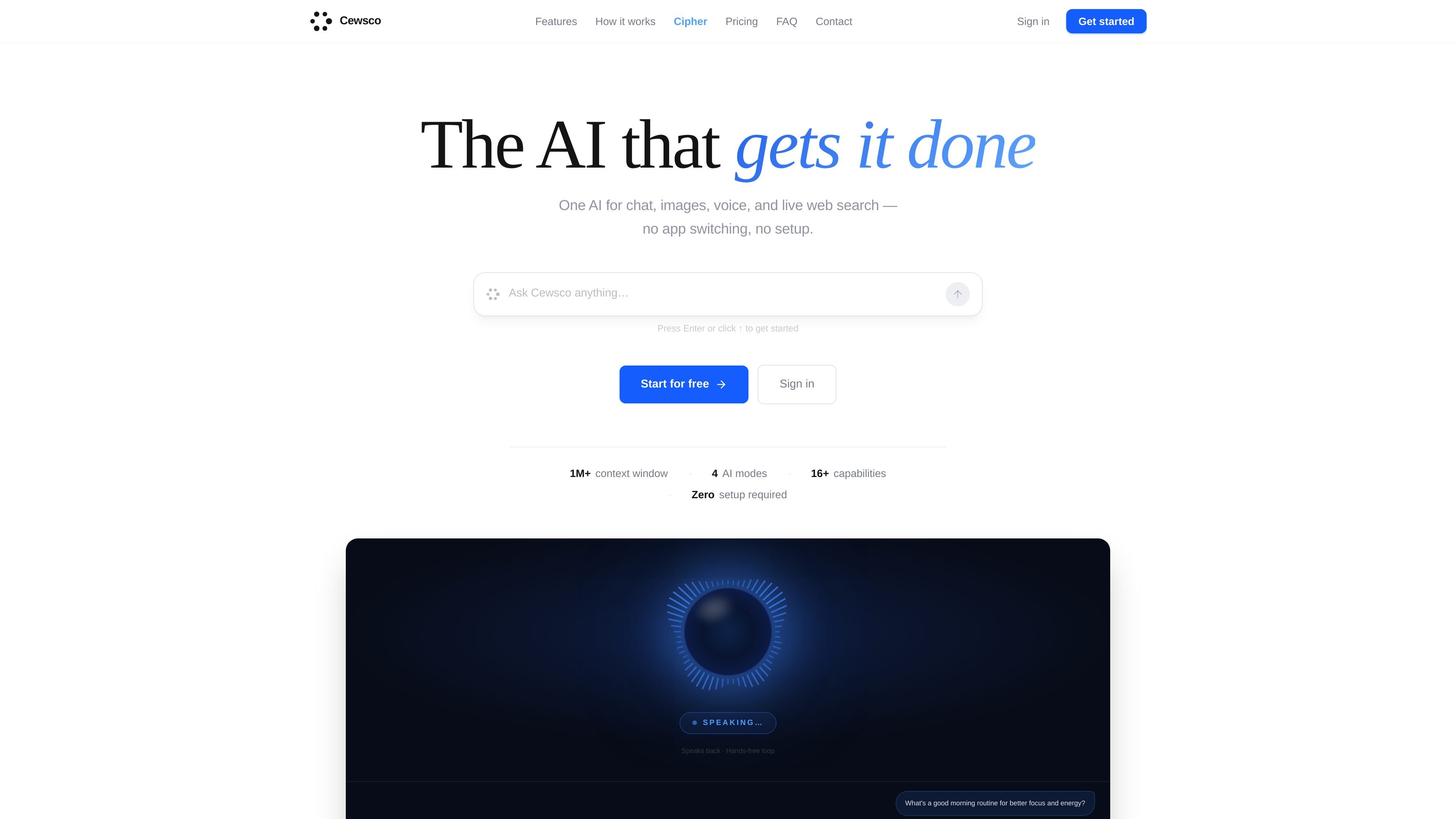
Cewsco is an AI assistant that combines chat, image generation, voice interaction, web search, and market-aware responses in one browser-based product. The homepage positions it as a single place for everyday AI tasks, with features for long conversations, vision, coding, scheduling, and planning.
The pricing page shows multiple usage tiers ranging from a free trial to paid individual plans, team plans, and an enterprise option. It also notes that Cewsco installs directly to the home screen, so users can access it without going through an app store.
Have ongoing conversations with GPT-4o-based chat that can retain long context and read files or images. The homepage highlights a 1M+ token context window for extended work sessions.
Generate square, portrait, or landscape images from prompts and download them in one click. The site also lists AI video generation as a separate capability.
Speak naturally and let Cewsco respond hands-free. The homepage says it listens automatically, detects when you finish speaking, and can navigate the app on request.
Search the live web when answers need current information, including news, sports, weather, stock prices, and market-moving updates. The site says it shows where the answer came from.
Use Cipher, the built-in coding studio, for code generation, debugging, refactoring, and file uploads. The source positions it as a dedicated coding environment rather than a general chat tool.
Manage appointments, contacts, reminders, and budgets inside the same product. The homepage also mentions a prompt library and location-aware responses for local context.
Use Cewsco for everyday questions that need current information, such as recent news, weather, sports scores, or market updates. The live web search feature is designed to keep answers current and cite where they came from.
Use Cipher when you need code written, debugged, or refactored in a more structured environment than a normal chat. The source highlights file uploads, screenshot debugging, and complete code output.
Use the image and voice features when you want to talk through a request or generate visual content without switching apps. The product supports hands-free speaking and image creation from prompts.
Use the built-in calendar, contacts, reminders, and budget planning tools to manage recurring personal or work tasks in conversation. The site presents these as native parts of the assistant rather than separate apps.
Use the team plans when multiple people need shared access, usage tracking, or support features. The pricing page specifically calls out seats, usage dashboards, SLA, and account support for higher tiers.
Cewsco is a browser-based AI assistant that installs to the home screen, so you can use it without an app store download. The source does not describe a separate desktop or mobile app.
The pricing page shows a free trial, paid individual plans, and team-oriented Business and Enterprise plans. It also mentions that some capabilities, such as Cipher, are available on higher tiers.
The source says Cewsco supports chat, image generation, voice conversations, live web search, image and document understanding, AI video generation, a calendar, contacts, markets, and budget planning. Exact feature availability varies by plan.
Cewsco says it stores full conversation history and can handle long context. The source does not provide a detailed collaboration model for multiple users working inside the same workspace beyond the team plans listed on pricing.
The pricing page includes a monthly subscription model and a Pro Week Pass that provides seven days of Pro access without a subscription. All prices shown are billed monthly in USD.