
Unlimited event types and bookings
Create unlimited booking templates and offer unlimited meetings on the free plan, with event types that can be tailored to different scheduling needs.

Cal.com is a customizable scheduling platform for individuals, teams, organizations, and developers who need to manage online bookings and meeting coordination. It supports calendar-based booking flows, team scheduling, embeds, payments, and developer integrations.
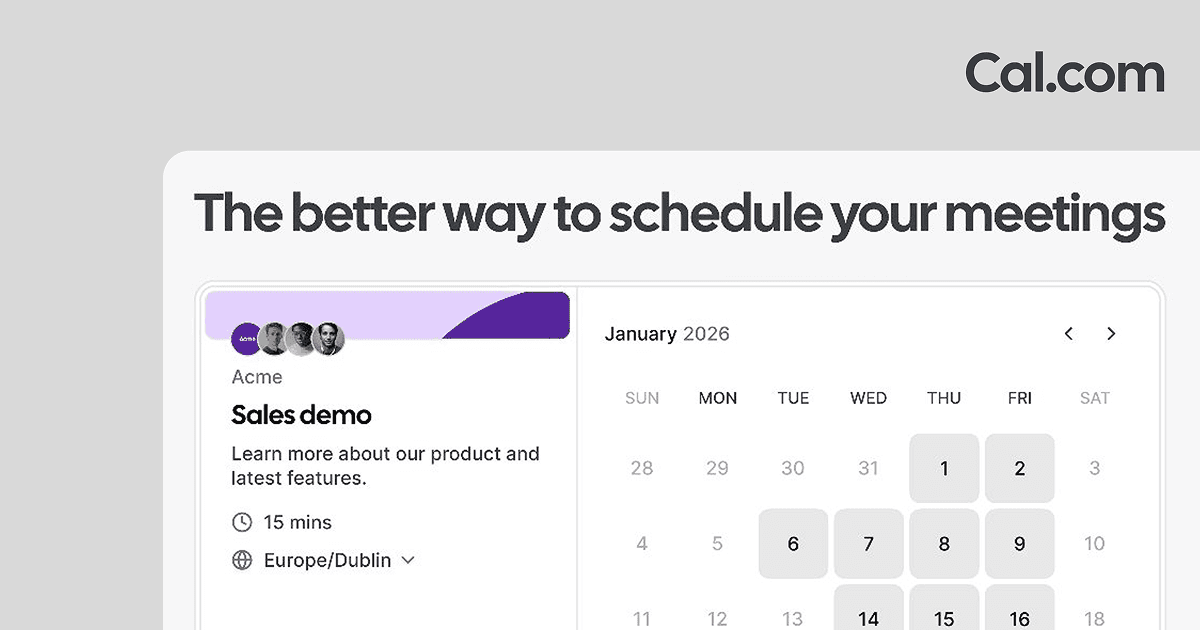
Cal.com is a scheduling platform for individuals, teams, organizations, and developers who need to coordinate meetings and bookings. The product is positioned as fully customizable and is described on the site as software for online bookings and for building scheduling platforms where users meet users.
The product center on calendar-based booking flows: users connect calendars, set availability, choose how meetings should happen, and let Cal.com handle availability matching, confirmations, reminders, and related scheduling automation. The site also highlights collaborative features for team scheduling and developer-facing tools for extending the platform or embedding it into other products.
Create unlimited booking templates and offer unlimited meetings on the free plan, with event types that can be tailored to different scheduling needs.
Connect multiple calendars so availability is cross-checked before a booking is confirmed, helping prevent double bookings.
Set working hours, buffer time, notice periods, daily or weekly limits, and time-slot intervals for each event type.
Use collective events, round-robin scheduling, routing forms, and custom variables to support team-based booking workflows.
Accept payments through Stripe and PayPal, with a dedicated payments feature page and monetized booking flows.
Embed booking pages, use a mobile app and browser extension, and connect through the app store, APIs, OAuth, and webhooks for integrations.
Individuals can publish booking links, connect calendars, and let people schedule calls without back-and-forth email coordination.
Teams can use round-robin, collective events, routing forms, and custom booking rules to distribute meetings and coordinate across coworkers.
Businesses that take calls can add reminders, follow-ups, payments, and branded booking pages to reduce no-shows and manage bookings more consistently.
Developers can build scheduling experiences into their own products using APIs, OAuth, webhooks, and scheduling components.
Organizations and enterprises can use company subdomains, SAML SSO, SCIM, role-based permissions, and dedicated support options for larger deployments.
Cal.com is designed to support both individual scheduling and team-based booking workflows. The pricing page distinguishes between a free individual plan, a Teams plan, an Organizations plan, and an Enterprise plan.
The home page describes Cal.com as a scheduling product for individuals, businesses taking calls, and developers building scheduling platforms. The pricing page also points to developer tools such as APIs, scheduling components, OAuth, and webhooks.
The home page shows core scheduling steps such as connecting a calendar, setting availability, choosing how to meet, and reducing no-shows with reminders and follow-ups. It also highlights options like custom booking links, embeds, payments, and built-in video conferencing.
The pricing page shows a free plan for individuals, annual pricing for Teams and Organizations, and a custom-priced Enterprise plan with talk-to-sales contact.
The source pages mention Cal Video as the in-house video conferencing option, along with meeting locations such as Zoom, Google Meet, phone, or in person on the pricing feature breakdown.