
Template-led creation
Generate design suggestions from a business name and browse template libraries tailored to the search.

BrandCrowd is a web-based design platform for making logos, business cards, social graphics, and other branded assets from templates. It helps users create and customize designs quickly, then download them instantly or print them when supported.
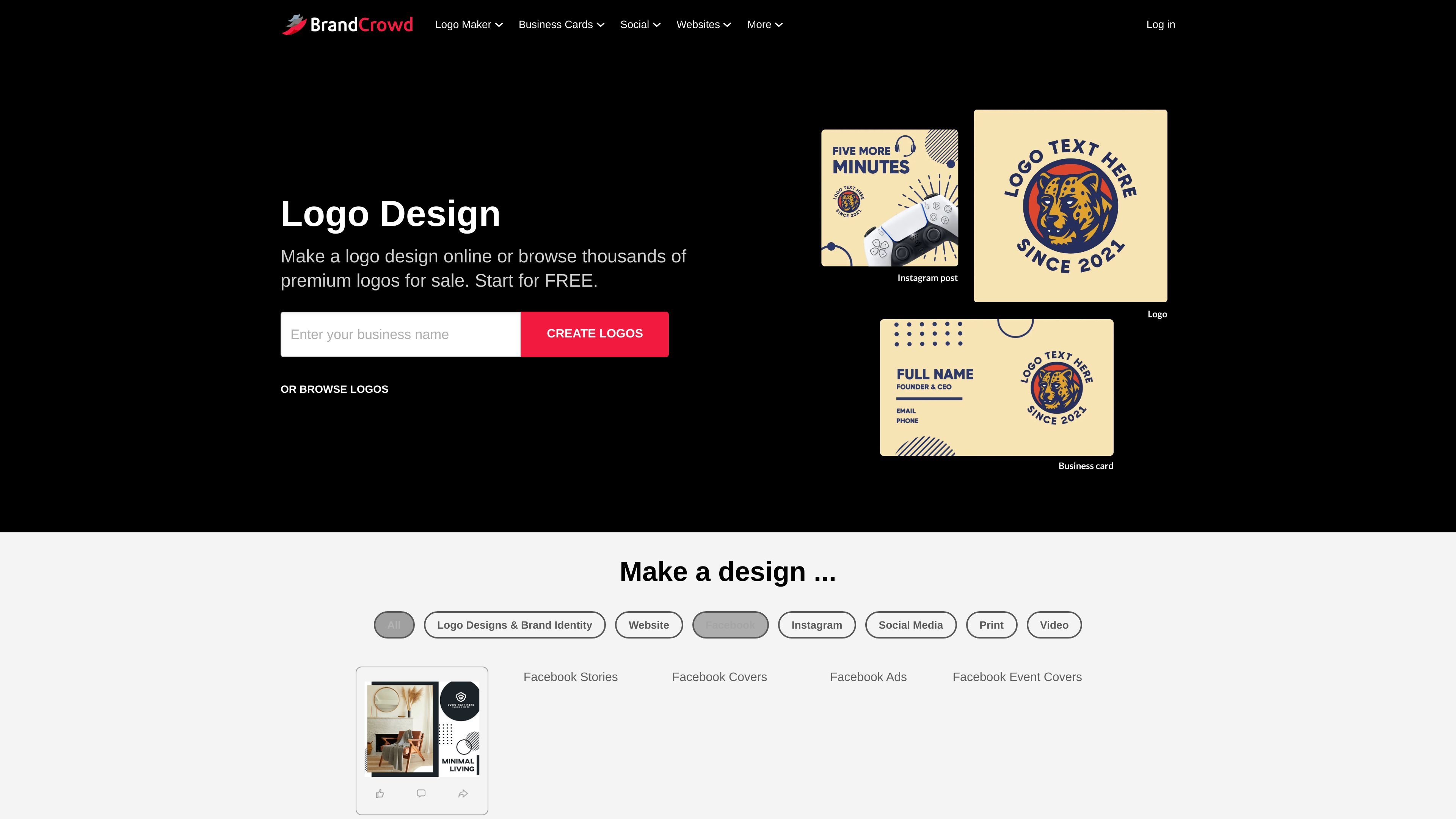
BrandCrowd is an online design platform for creating branded assets such as logos, business cards, social media graphics, email signatures, letterheads, and websites. The home page positions it as a place to make designs in seconds from a large template library, then download them instantly.
The product centers on template-based editing: users enter a business name, browse generated design options, and customize colors, fonts, layouts, and other elements. The site presents it as a way to build a consistent identity across web, social, and print without starting from a blank canvas.
Generate design suggestions from a business name and browse template libraries tailored to the search.
Edit colors, fonts, layouts, icon placement, shapes, and text to adapt a template to a brand.
Download designs instantly, with business card pages calling out high-resolution and vector file outputs for print and web use.
Create a range of branded assets beyond logos, including business cards, social posts, stories, banners, email signatures, and letterheads.
Use the website builder page to create a website and the brand pages to keep visuals consistent across assets.
Access 24/7 support from the team for help with customization, downloads, and print questions.
Create a logo from a large set of generated options, then refine colors, fonts, and layout until the mark fits a brand’s identity.
Design business cards for a new or existing business by starting from a template, adjusting the layout, and downloading print-ready files.
Produce social media graphics such as Facebook posts, stories, Instagram posts, and banners that match existing brand colors and typography.
Build supporting brand materials such as email signatures and letterheads to keep day-to-day communications visually consistent.
Use the website builder to create a simple site and extend the same visual style across online and offline assets.
BrandCrowd lets you start from a business name and browse related templates, then customize colors, fonts, layouts, and other design elements before downloading or printing the result.
The source pages show support for logos, business cards, social media graphics, website building, email signatures, letterheads, flyers, posters, and other branded assets.
For business cards, BrandCrowd says downloads are instant and include high-resolution PNG and JPG files plus vector SVG, EPS, and PDF files for print.
The business card page says the maker is free to try, while the logo page also describes free logo options. The source set does not provide full pricing or plan details.