
AI post generation
Draft LinkedIn content with AI, or start from templates and repurpose high-performing posts into new drafts.

Blabigo is a LinkedIn personal branding platform for creating, scheduling, and analyzing posts. Supports personal profiles, company pages, and employee advocacy workflows.
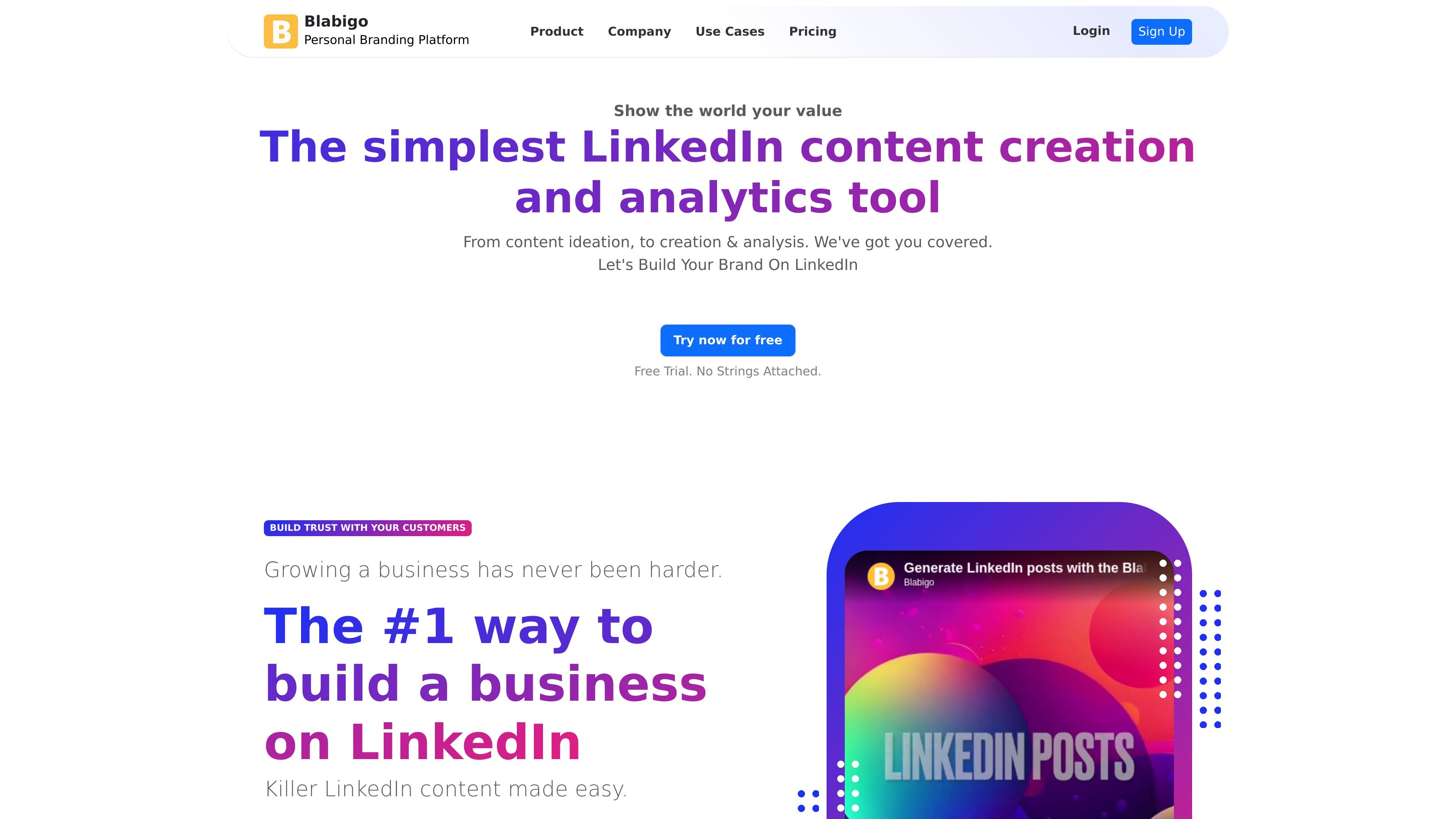
Blabigo is a LinkedIn-focused personal branding platform that combines content creation, formatting, scheduling, analytics, and employee advocacy features in one workspace. The site positions it as a tool for creators, solopreneurs, and businesses that want to manage LinkedIn content more consistently.
On the home page, Blabigo highlights an AI post generator, a rich LinkedIn editor, a preview tool, publishing and scheduling, analytics, and a video downloader. The pricing page adds plan details for personal accounts and company pages, while a separate professional branding page explains the broader goal of building a visible professional brand through content and consistent messaging.
Draft LinkedIn content with AI, or start from templates and repurpose high-performing posts into new drafts.
Format LinkedIn posts with rich text controls such as bold, italics, bullet points, and other text styling options, then copy or publish the result.
Preview posts before publishing so you can check how the content will appear and avoid hooks being cut off.
Plan publishing with an editorial calendar and scheduling tools for personal accounts and company pages, including suggested posting times.
Review LinkedIn post and page analytics to understand which formats perform better with your audience.
Support employee advocacy and multi-profile workflows through a business scale option that aggregates data across multiple LinkedIn profiles.
Use the AI draft generator, editor, and preview tools to create LinkedIn posts for a personal profile and keep a consistent publishing cadence.
Manage a LinkedIn Company Page, review page analytics, and schedule content in advance from one dashboard on the Business plan.
Repurpose existing high-performing posts, apply formatting, and use hooks or ending templates to create new content faster.
Use the business scale flow to connect colleagues or clients, aggregate data across profiles, and support employee advocacy programs.
Plan posts with the editorial calendar and scheduling tools when you want to map out content ahead of time instead of publishing manually.
Blabigo is designed for LinkedIn content creation, scheduling, analytics, and branding workflows. The source pages describe it as a personal branding platform for creators, solopreneurs, and teams working on LinkedIn.
The source shows a Growth plan for managing a personal LinkedIn account and a Business plan that adds company page management, page analytics, and priority support. A Business Scale option is also described for connecting clients or colleagues and aggregating data across multiple LinkedIn profiles.
The pricing page lists AI content draft generation, a rich post editor, LinkedIn post preview, an editorial calendar, scheduling, analytics, and repurposing features. The home page also mentions an AI post generator, video downloading, and employee advocacy.
The source does not show third-party integrations beyond LinkedIn-oriented workflows, and no external platform integrations are described in the provided pages.
The pricing page shows a Growth plan and a Business plan with monthly pricing, and the home page repeatedly offers users to start for free. The source also includes a contact flow for the Business Scale offering.