
Income and expense entry
Add sources of income and spending, then use the tool to see how your cash balance changes over time.

Best Budgeting Tool is a web app for entering income and expenses, visualizing cash flow, and estimating when financial goals become affordable. Includes free planning templates.
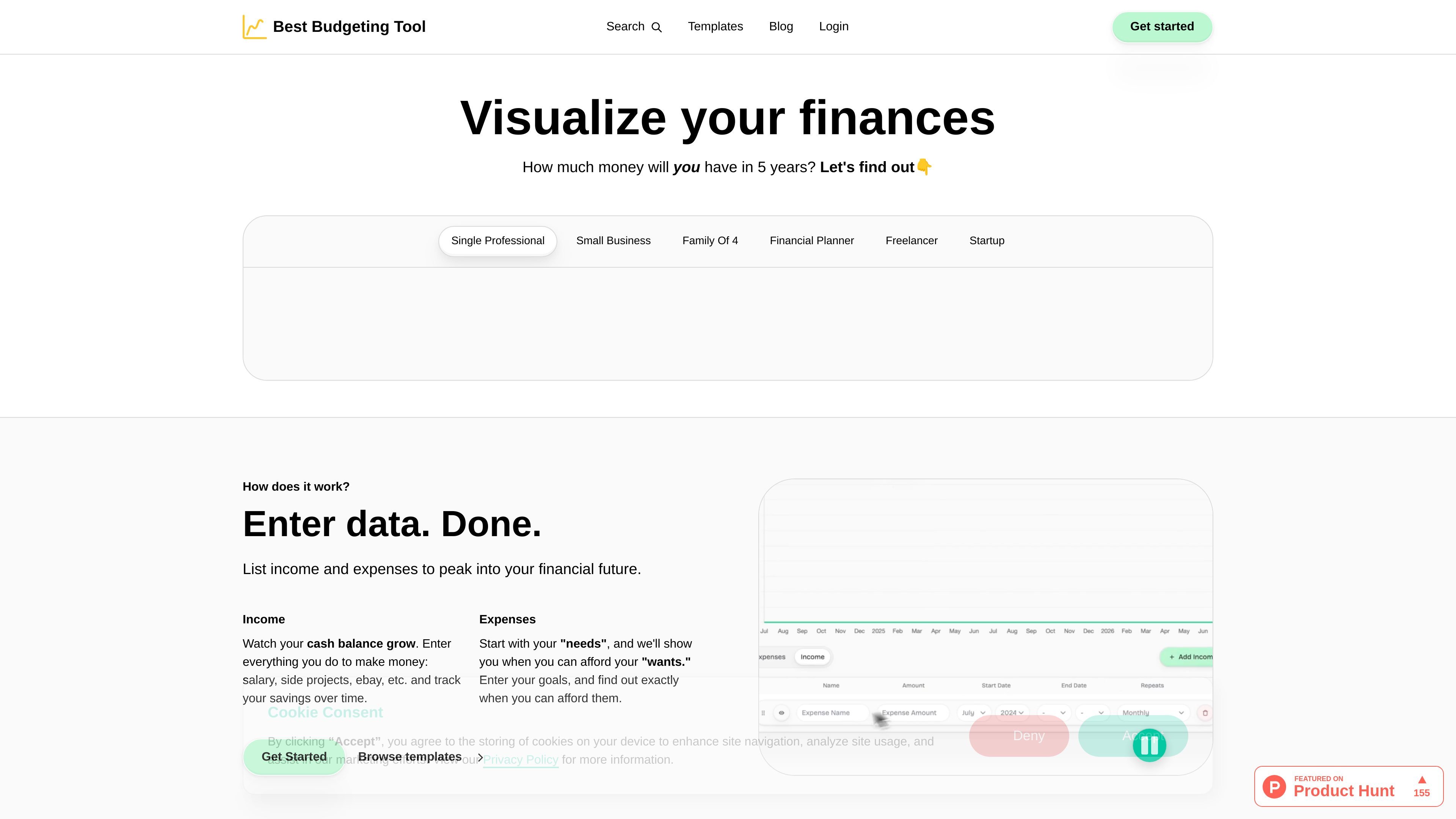
Best Budgeting Tool is a web-based personal finance planning tool that helps users enter income and expenses, then visualize their current and future financial situation. The homepage frames it as a simple way to understand money flow and make decisions without having to build everything in a spreadsheet.
The core workflow is straightforward: enter income and expenses, review cash balance over time, and estimate when a future goal can be afforded. The site also includes a template gallery with budgeting and planning examples for different situations, including personal budgets, debt repayment, retirement savings, household expenses, and startup planning.
Add sources of income and spending, then use the tool to see how your cash balance changes over time.
Review monthly inflows, outflows, and projected cash balance in one place so you can understand your current financial position.
Enter goals such as a car, retirement, or debt repayment and see when they become affordable based on your data.
Create more than one plan for different time horizons, including personal budgeting, startup planning, or other scenarios.
Browse plug-and-play templates to start from common budgeting and planning setups instead of building a plan from scratch.
Use a simple workflow that the site presents as an alternative to spreadsheet setup and chart building.
Track salary, side income, and recurring spending to understand monthly cash flow and savings over time.
Plan for a purchase, debt payoff, or retirement goal and estimate when it becomes affordable based on current inputs.
Use one of the existing templates to start a budget or savings plan without creating a structure from scratch.
Create a separate plan for a short-term or long-term scenario, such as a startup or a household budget.
Work through a budgeting process that avoids spreadsheet setup and chart-building complexity.
Yes. The homepage says Best Budgeting Tool is currently 100% free for normal users and that the team intends to keep it free.
The product positions itself as a simpler alternative to spreadsheets. It is meant to help users enter income and expenses, then view cash balance and future affordability without building charts or formulas themselves.
Your data is saved to your member object and the site says it is encrypted by default. The homepage also states that only someone with access to your account can access your information.
Yes. The homepage says you can make multiple plans, ranging from long-term personal goals to short-term startup planning.
No. The current feature set is described as simple, and the homepage says investment tracking is not supported yet. The team says net worth and portfolio views are planned, but not available at the moment.