
Issue-to-PR workflow
Ara starts from a GitHub issue, comment, or trigger, then scopes the work into a run that can reproduce, implement, verify, summarize, and hand off for review.

Ara is an autonomous software engineer for GitHub-centric teams. It turns issues and repo signals into evidence-backed pull requests, with isolated runs, transcripts, logs, and Mac, Linux, and Windows support.
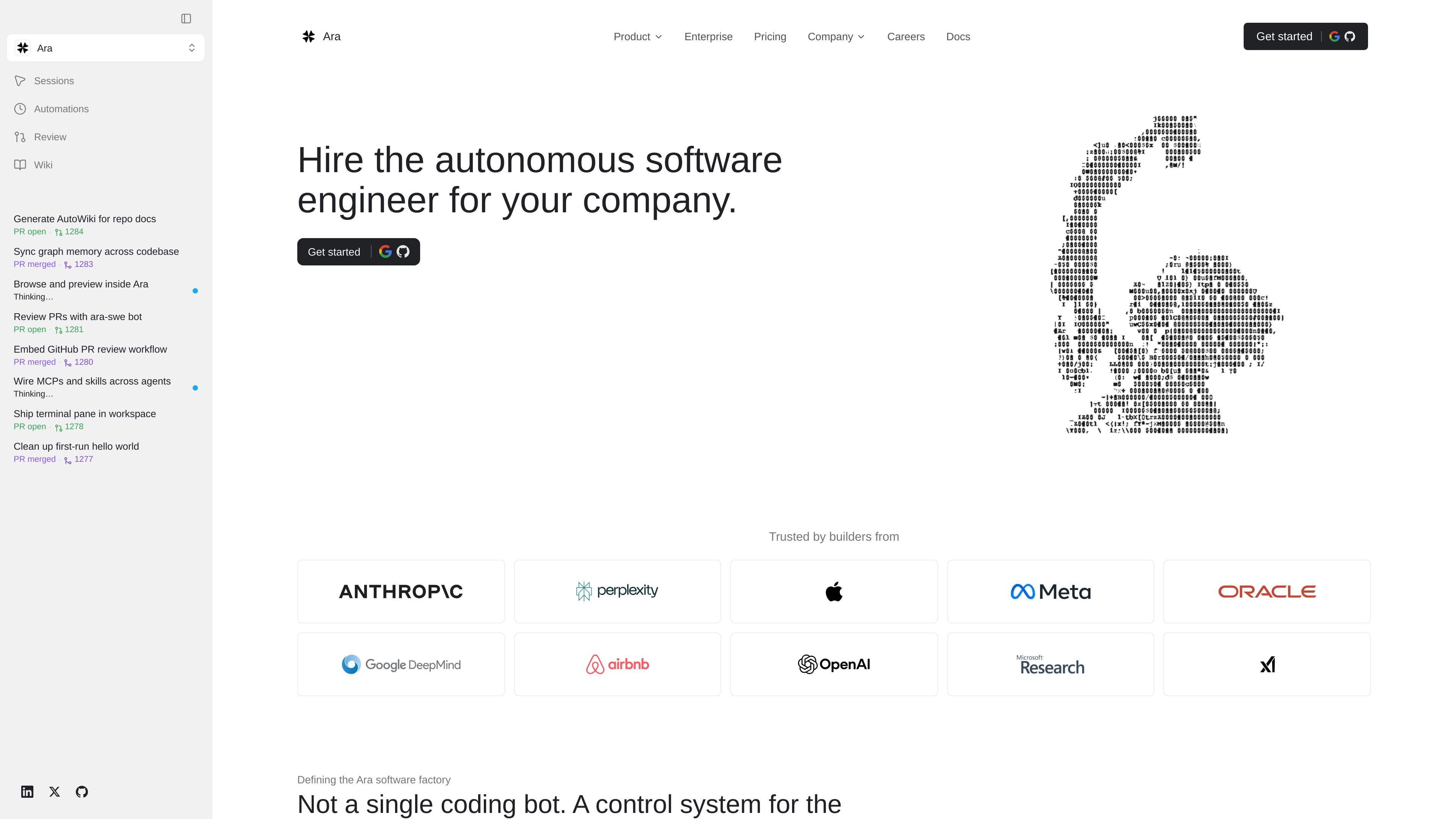
Ara is an autonomous software engineer for companies that connects to GitHub and turns repo signals into scoped work, pull requests, and evidence-backed handoff material. The product is positioned as a control system for the engineering loop rather than a single coding bot.
Runs begin in isolated cloud workspaces and can move to Mac, Windows, or Linux when the task needs a real operating system or native toolchain. Ara keeps durable transcripts, artifacts, logs, recordings, and diffs so teams can review what happened after the machine is torn down.
Ara starts from a GitHub issue, comment, or trigger, then scopes the work into a run that can reproduce, implement, verify, summarize, and hand off for review.
Runs begin in isolated cloud workspaces and can escalate to Mac, Windows, or Linux when the task needs a native toolchain or real OS behavior.
The product records transcripts, logs, diffs, build artifacts, screenshots, and replayable command history so the run can be inspected after the workspace is destroyed.
Docs call out review gates that let teams set approval points before risky actions, pull requests, and merges.
Ara supports model policy choices by workspace, task, and risk level, and the homepage says you can bring API keys for Codex, Claude, local models, or your own stack.
The repo wiki and memory features are used to keep changelog context, durable rules, and other run context current for future work.
Teams can assign a GitHub issue or repo signal and have Ara reproduce the problem, implement a fix, verify the change, and open a pull request with evidence attached.
When a task requires a real OS or native tooling, Ara can run in Mac, Windows, or Linux environments instead of staying inside a generic container.
Reviewers can inspect transcripts, diffs, logs, and recordings before trusting a pull request, which fits teams that want proof alongside code changes.
Operations and engineering teams can use review gates, secrets, and workspace controls to manage higher-risk actions across a shared workflow.
Repo docs, durable rules, changelog context, and memory can be updated after a run so the next task starts with better context.
Ara connects to GitHub, and the docs describe choosing an organization and repositories where it can open pull requests. The workflow starts from an issue, comment, or trigger and ends with a reviewed pull request.
The pricing page shows a free Hobby plan, then paid Developer and Team plans with per-seat billing, plus a custom Enterprise plan. Some workspace types and API workspaces are billed differently depending on the plan.
Ara can produce transcripts, logs, diffs, build artifacts, screenshots, and replayable run records. The homepage also mentions recordings and review-ready changes as part of the pull-request evidence.
The docs describe review gates, repo wiki updates, model policy, secrets handling, and team settings. The source does not spell out a full setup checklist, so the product page only supports that these controls exist.
The product pages describe cloud workspaces and also Mac, Windows, and Linux execution when a task needs a real operating system. Ara provisions isolated, ephemeral workspaces per run and tears them down after completion.
트래픽 데이터는 참고용으로만 확인하세요.
| 3월 | 4050 |
|---|---|
| 4월 | 19746 |
| 5월 | 13703 |